QR code generator for Twitter/X profiles and content sharing

Bridge the gap between offline interactions and online engagement by creating scannable codes that instantly connect people to your Twitter presence.
How Twitter/X QR codes connect offline moments to online engagement
What if you could turn every business card, conference badge, or printed material into an instant pathway to your Twitter/X community? Twitter/X QR codes make this connection possible by encoding your profile URL, specific tweets, or Twitter/X content into a scannable format that works with any smartphone camera, similar to how QR code business cards create instant networking connections.

A Twitter/X QR code contains your Twitter/X profile link or specific tweet URL, allowing people to follow you or view your content with a simple scan. Instead of asking someone to search for your handle or manually type a complex tweet URL, they can access your Twitter/X page immediately through their phone's camera.
Throughout this guide, I'll show you how to create effective Twitter/X QR codes using QR Code Developer and share strategies I've seen work well for building Twitter/X engagement. You'll also learn how Twitter/X QR codes compare to other social media QR code approaches and discover placement tactics that actually drive scans.
Smart ways to share your Twitter presence with QR codes
Twitter/X QR codes can solve the problem of connecting offline interactions with online engagement. Whether you're networking at events or promoting your content in print, these codes create instant access to your Twitter/X world. Similar to QR code business cards, they transform static materials into interactive experiences.
Conference and networking events
Add Twitter/X QR codes to name badges, business cards, or presentation slides to help attendees connect with you instantly during or after conversations. For larger gatherings, consider creating event QR codes that link to Twitter/X hashtags or event-specific content.
Print marketing and flyers
Include QR codes on brochures, posters, or advertisements that link directly to relevant Twitter/X threads or your profile for continued engagement. When designing marketing materials, learn how to add QR codes to flyers for maximum visual impact.
Retail and customer service
Display Twitter/X QR codes at checkout counters or on receipts to encourage customers to follow your brand for updates, support, or community discussions.
Content creator promotion
Use QR codes in video descriptions, podcast show notes, or blog posts to drive traffic to specific Twitter/X threads or your main profile for real-time updates.
Building your Twitter QR code in minutes
Creating a Twitter QR code takes just a few steps and opens up new ways to grow your Twitter following from offline touchpoints.
Access the QR code generator
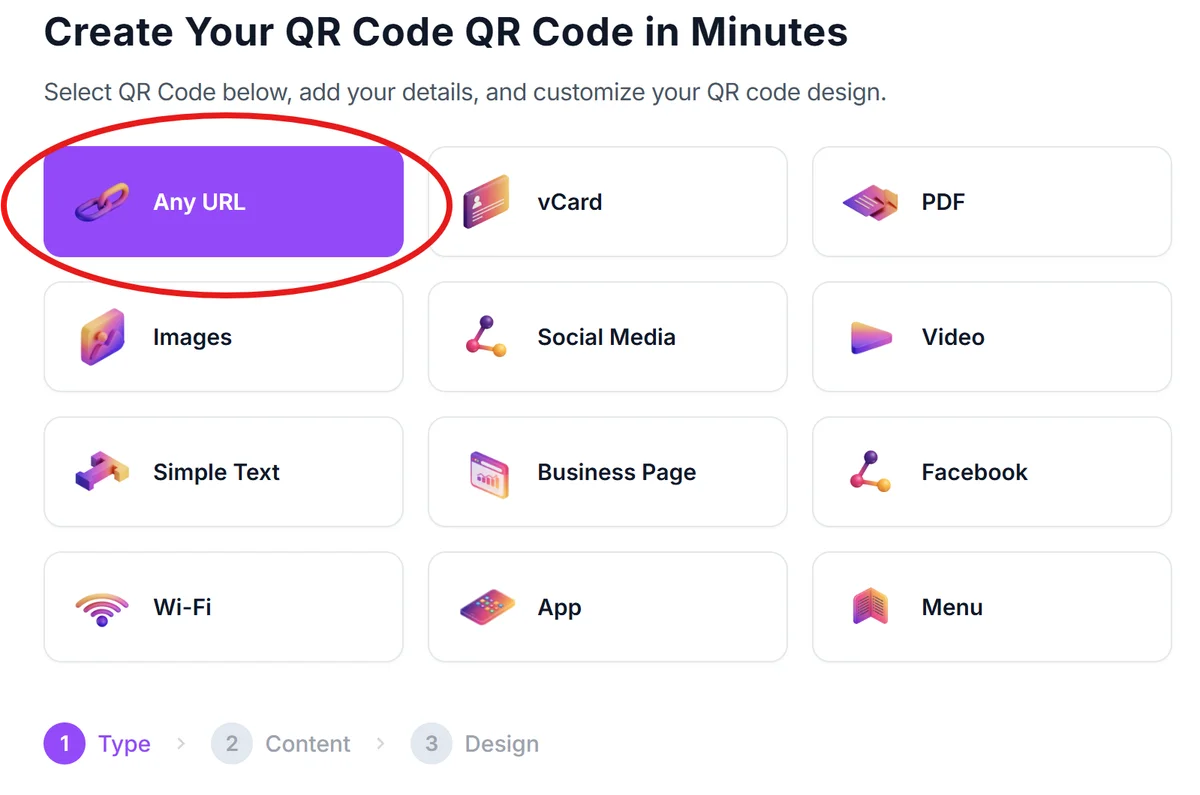
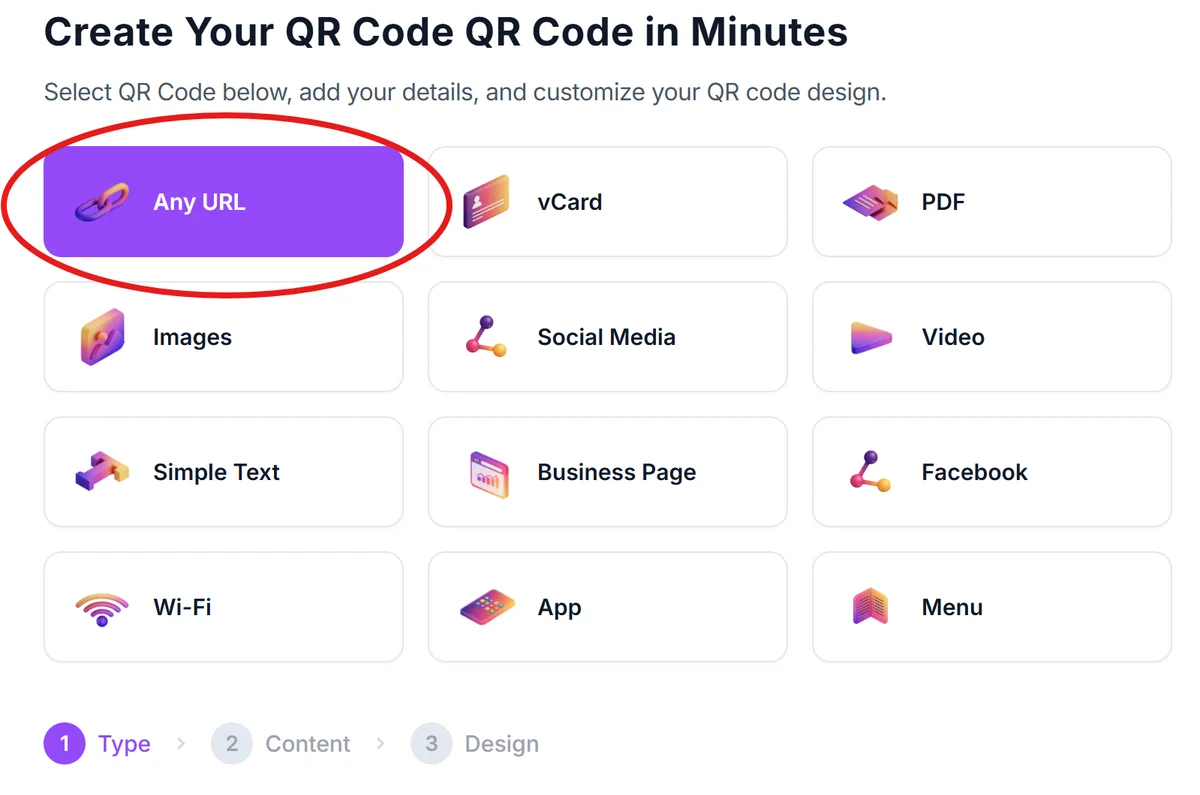
Visit qrcodeveloper.com and select the URL option since Twitter profiles and tweets use web links.
Copy your Twitter URL
Navigate to your Twitter profile or the specific tweet you want to share. Copy the complete URL from your browser's address bar - for profiles, it's typically twitter.com/yourusername.
Customize for Twitter branding
Paste your Twitter URL into the generator and customize the QR code colors to match Twitter's blue theme or your brand colors. Consider adding your Twitter handle as text below the code. For best results, follow proven QR code design tips to ensure scannability while maintaining visual appeal.

Test across different devices
Download your QR code and test it with multiple smartphones to ensure it opens correctly in various Twitter apps and mobile browsers. If you're concerned about security, check out our guide on how to verify QR code safety before sharing widely.
Add clear context for scanners
Include text like 'Scan to follow us on Twitter' or 'Get live updates' near your QR code so people understand what they'll access when scanning.
Best practices for Twitter/X QR code success
Strategic placement and clear communication make the difference between QR codes that get scanned and ones that get ignored.
Include your Twitter/X handle (@username) as visible text near the QR code so people know exactly which account they're connecting with before scanning.
Link to your Twitter/X profile rather than individual tweets for networking situations, but use specific tweet URLs when promoting particular content or conversations.
Test your QR codes with both the native camera app and Twitter's built-in QR scanner to ensure compatibility across different user preferences.
Place QR codes where people have time to scan and follow through - avoid high-traffic areas where people are rushing past your materials.
Frequently Asked Questions
Can I create QR codes for specific tweets or just my profile?
You can create QR codes for both your Twitter profile and individual tweets. Use your profile URL for general networking, and specific tweet URLs when promoting particular content or conversations.
Do Twitter QR codes work with all smartphone cameras?
Yes, Twitter QR codes work with any smartphone camera that can scan QR codes. The codes contain standard URLs that open in mobile browsers or the Twitter app if installed.
Should I use Twitter's built-in QR code feature or a custom generator?
Twitter's built-in QR codes work well for basic sharing, but custom generators offer more design flexibility, analytics tracking, and the ability to match your brand colors.
How can I track how many people scan my Twitter QR codes?
Use URL shorteners with analytics before creating your QR code, or choose QR code generators that provide scan tracking. This helps you measure the effectiveness of different placements.
What's the best size for printing Twitter QR codes?
Print QR codes at least 1 inch (2.5 cm) square for reliable scanning. Larger sizes work better for distant viewing, while smaller codes are fine for business cards and close-up materials.
Related Guides
Ready to create your QR code?
Generate custom QR codes in seconds - free and easy to use.
Create Free QR Code →