SoundCloud QR code generator for music sharing

Transform any SoundCloud track or playlist into an instant-access QR code for seamless music discovery and sharing.
How musicians share SoundCloud content with QR codes
Over 320 million people use SoundCloud monthly to discover new music, making it one of the world's largest audio platforms. However, musicians, podcasters, and audio creators constantly face the challenge of getting their content heard in this crowded space. QR codes can help to solve this common issue!
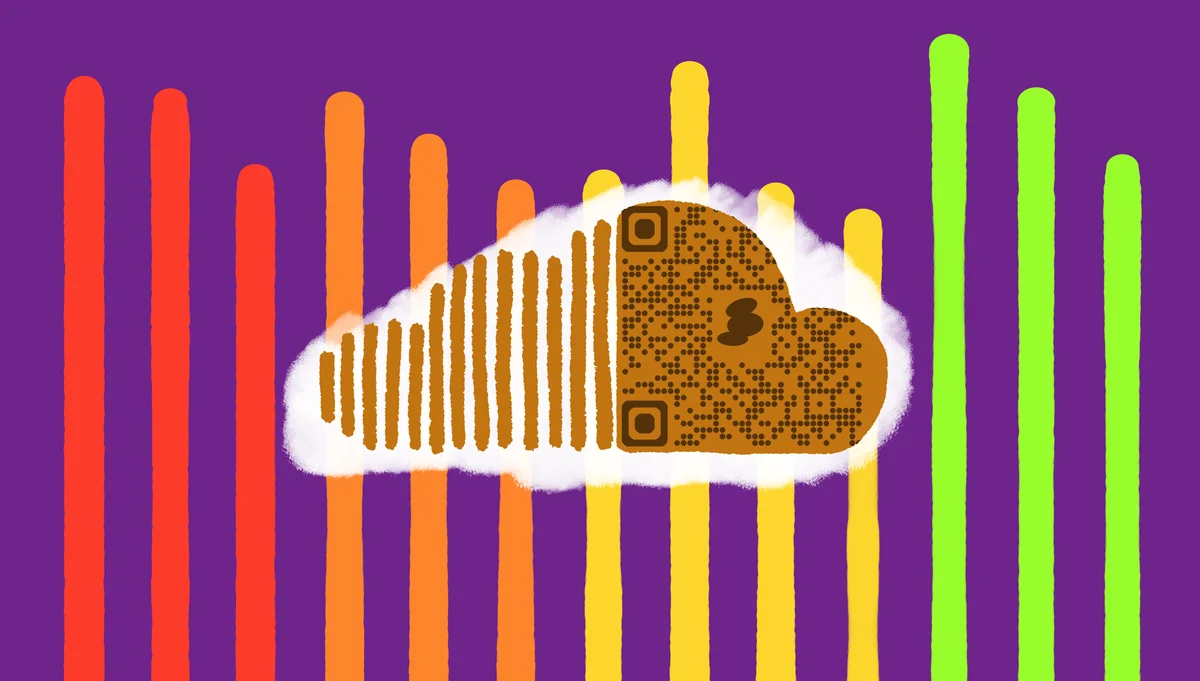
A SoundCloud QR code bridges the gap between physical and digital promotion by encoding your track, playlist, or profile URL into a scannable code. When someone scans it with their phone, they'll be taken directly to your SoundCloud content without typing lengthy URLs or searching through the platform. This works similarly to other types of QR codes that connect physical and digital experiences.
Musicians are using these codes everywhere from concert flyers to merchandise, while podcasters include them in printed materials and business cards. In this guide I'll show you how to create effective SoundCloud QR codes using QR Code Developer and share strategies that actually drive listens. So let's dive right in!
Creative applications for SoundCloud QR codes
SoundCloud QR codes solve the friction problem that kills music discovery - the gap between hearing about a track and actually listening to it. Musicians and content creators use them to create instant connections with their audience, similar to how Spotify QR codes work for that platform.
Live performance promotion
Musicians print QR codes on setlists, posters, and merchandise so concert-goers can instantly access their music catalog during or after shows. Many artists also add QR codes to their flyers for maximum promotional impact.
Podcast episode sharing
Podcasters include QR codes in email signatures, business cards, and promotional materials to drive traffic to their latest episodes or full series.
Music collaboration networking
Producers and artists exchange QR codes at industry events, making it easy for potential collaborators to check out their work immediately.
Educational and workshop materials
Music teachers and workshop leaders use QR codes in handouts to share example tracks, backing tracks, or supplementary audio content with students.
Building your SoundCloud QR code in minutes
Creating a SoundCloud QR code takes just a few steps and works for any public SoundCloud content.
Access the QR generator
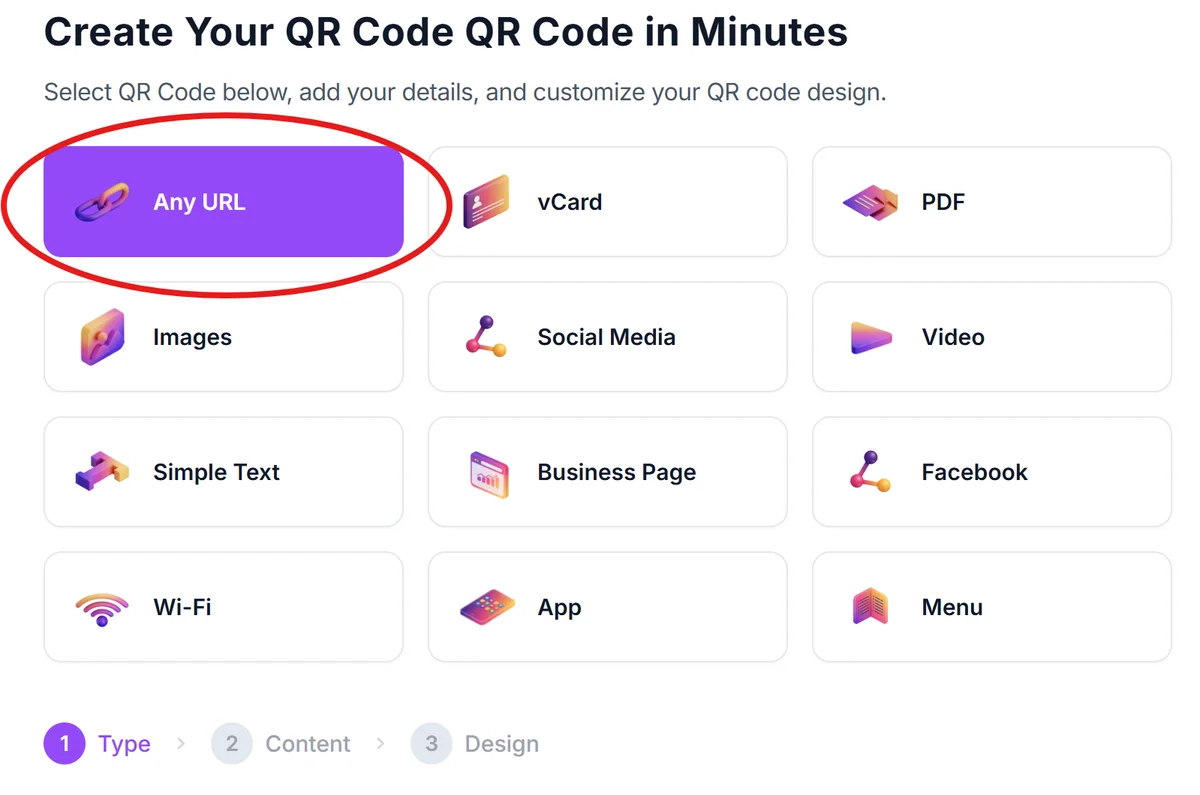
Navigate to qrcodeveloper.com and select 'URL' as your QR code type since SoundCloud content uses web links.
Copy your SoundCloud link
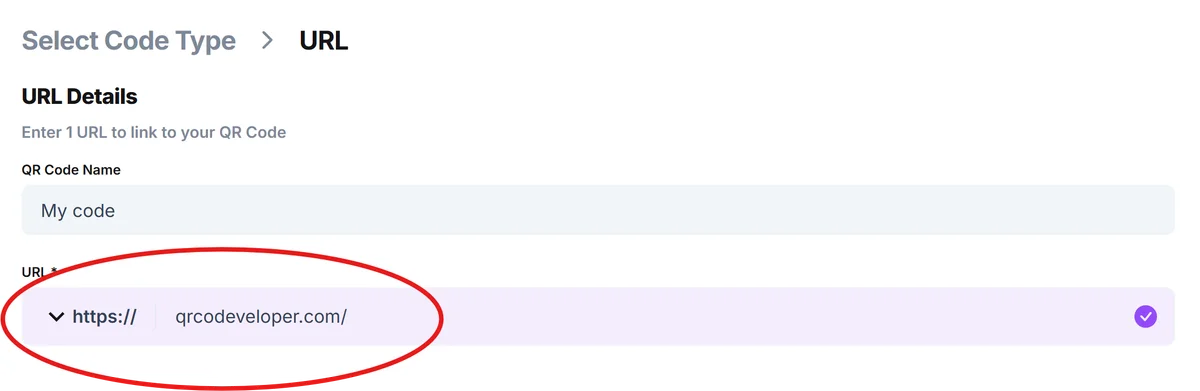
Go to your SoundCloud track, playlist, or profile and click the 'Share' button. Copy the full URL that appears - it should start with 'soundcloud.com'.
Customize the design
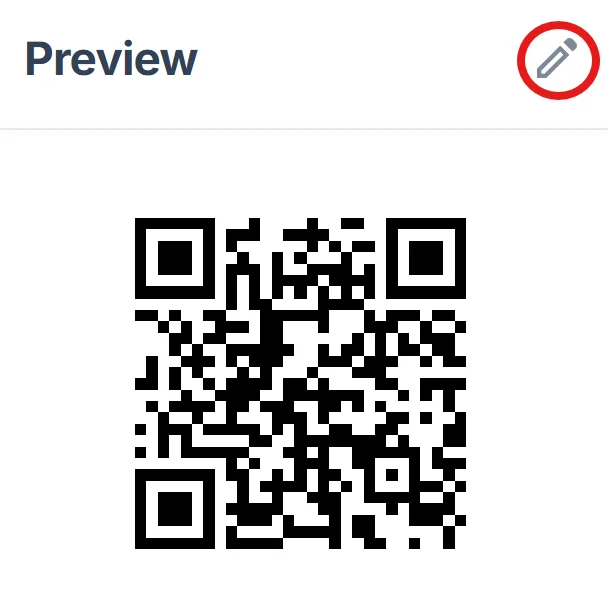
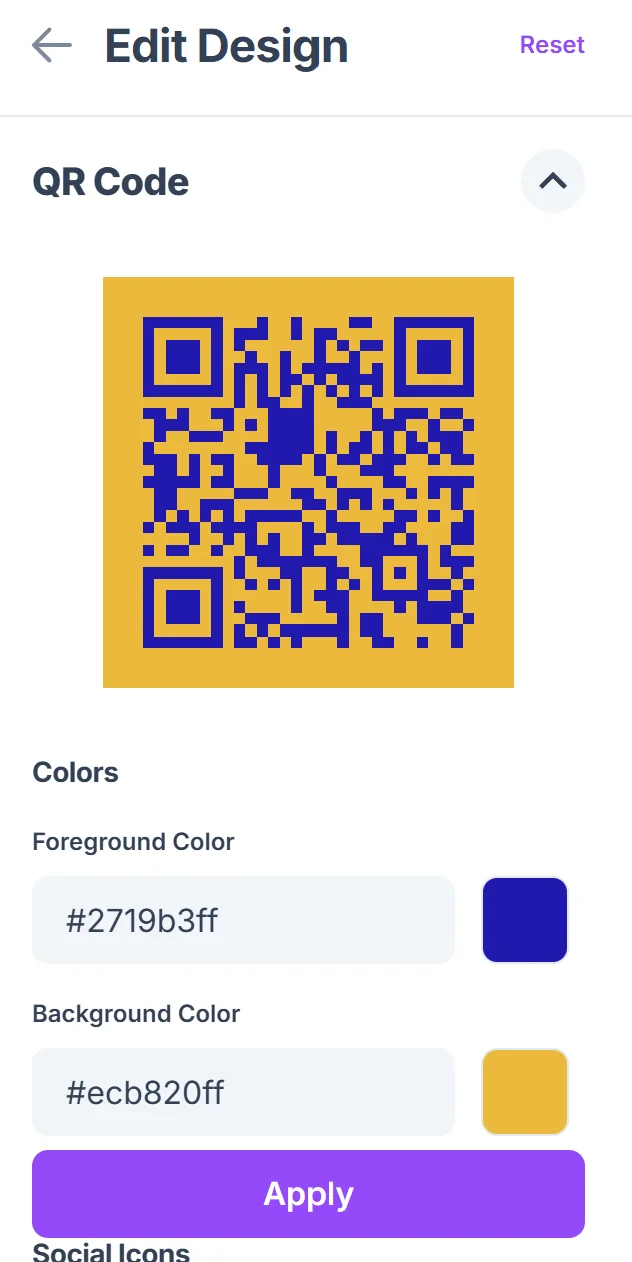
Click on the pencil icon in the Preview window to further customize your code. After you paste your SoundCloud URL into the generator, then customize colors and add your logo if desired. Consider using SoundCloud's orange color (#FF5500) to maintain brand consistency. For best results, follow proven QR code design tips to ensure scannability.
Test the scanning experience
Download your QR code and test it with multiple devices to ensure it opens SoundCloud correctly. Check that it works with both the SoundCloud app and web browsers.
Prepare for distribution
Save your QR code in multiple formats (PNG for digital use, SVG for print materials) and add clear instructions like 'Scan to listen' near the code.
Maximizing engagement with smart QR code placement
The success of your SoundCloud QR code depends heavily on where and how you use it. These strategies help ensure people actually scan your codes.
Place QR codes at moments when people are already thinking about music - on instrument cases, near sound equipment, or on music-related merchandise where the context makes scanning feel natural. You can even create custom QR code stickers for easy application to various surfaces.
Include compelling preview text like 'New single out now' or 'Behind-the-scenes studio footage' to give people a reason to scan beyond just accessing your general profile
Size your QR codes appropriately for the scanning distance - codes on business cards need to be at least 1 inch square, while stage banners should be much larger for audience members to scan from their seats
Track your QR code performance through SoundCloud's analytics to see which placements drive the most plays, then focus your efforts on the most effective locations and materials
Frequently Asked Questions
Can I create QR codes for private SoundCloud tracks?
QR codes work with any SoundCloud URL, but private tracks require listeners to have access permissions. The QR code will take them to the track page, but they'll need to be logged in with appropriate access to actually listen.
Do SoundCloud QR codes work if someone doesn't have the app?
Yes, SoundCloud QR codes open in web browsers if the app isn't installed. Users can listen directly through their phone's browser or choose to download the app from that page.
Can I track how many people scan my SoundCloud QR codes?
While basic QR generators don't provide scan analytics, you can track the results through SoundCloud's own analytics by monitoring play counts and traffic sources after deploying your QR codes.
What's the best format for printing SoundCloud QR codes?
Use PNG format for most printing needs, or SVG for professional printing where you need scalability. Ensure high contrast and avoid placing codes on busy backgrounds that might interfere with scanning.
Are SoundCloud QR codes free to create?
Yes, you can create basic SoundCloud QR codes for free. Premium features like custom designs, analytics, and bulk generation may require paid plans depending on your needs.
Related Guides
Ready to create your QR code?
Generate custom QR codes in seconds - free and easy to use.
Create Free QR Code →