QR codes for real estate listings and property marketing

Connect yard signs and flyers directly to property details, virtual tours, and your contact info with scannable codes.
How real estate professionals connect buyers with property information
Spotting an interesting property used to mean scribbling down a phone number from the yard sign, then searching listings later at home. Now buyers simply scan a QR code and instantly access high-resolution photos, property details, pricing, and can schedule a showing on the spot - no phone calls or website searches required.
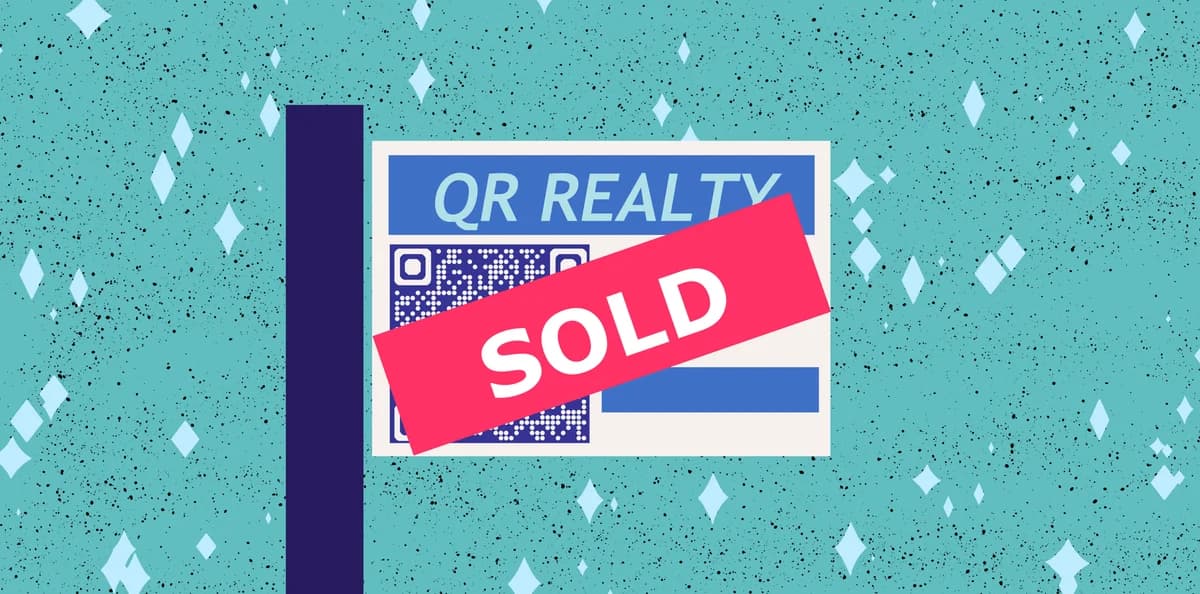
Real estate QR codes bridge the gap between physical property marketing and digital information. When someone scans the code, they can access comprehensive listing details, virtual tours, neighborhood information, mortgage calculators, or direct contact with the listing agent. This immediate access removes friction from the buyer's journey and helps agents capture leads at the moment of highest interest, similar to how check-in QR codes streamline the hotel booking experience.
Modern real estate marketing relies on connecting interested buyers with detailed property information instantly. QR Code Developer makes it simple to create these connections, whether you're linking to MLS listings, virtual tour platforms, or custom property websites that showcase everything a potential buyer needs to know.
Essential applications for property marketing QR codes
Real estate professionals use QR codes to eliminate barriers between interested buyers and property information. These codes work particularly well when placed strategically where potential buyers naturally encounter properties. Learn more about creating effective QR code business cards to complement your property marketing efforts.
Yard sign instant access
Place QR codes on property signs to give drive-by prospects immediate access to photos, pricing, and showing schedules without requiring them to remember phone numbers or website addresses.
Open house registration
Use QR codes at open houses to collect visitor information, provide digital brochures, or direct guests to neighborhood amenities and school district information while they tour the property.
Print advertisement enhancement
Add QR codes to newspaper ads, magazine listings, and direct mail pieces to connect print marketing with comprehensive online property details and virtual tours. This approach works similarly to adding QR codes to promotional flyers for seamless print-to-digital transitions.
Agent contact and scheduling
Create QR codes that link directly to agent contact information, calendar scheduling systems, or pre-filled contact forms to make it effortless for interested buyers to connect. Consider using contact information QR codes to share your complete professional details instantly.
Building QR codes for property listings
Creating property listing QR codes takes just a few minutes and can significantly increase buyer engagement with your listings.
Access the QR code generator
Visit qrcodeveloper.com and select the URL option to create a code that directs to your property listing or virtual tour.
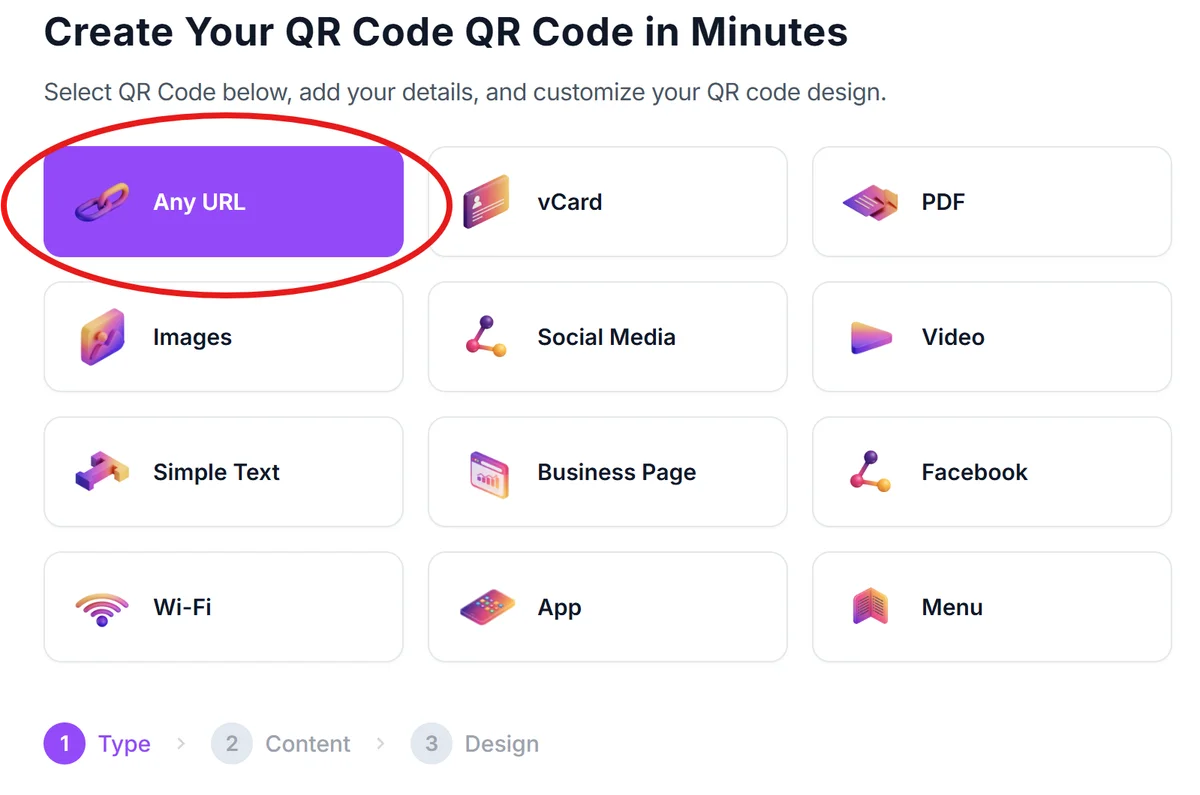
Enter your property listing URL
Paste the link to your MLS listing, virtual tour platform, custom property website, or dedicated landing page that contains all relevant property information and contact details.
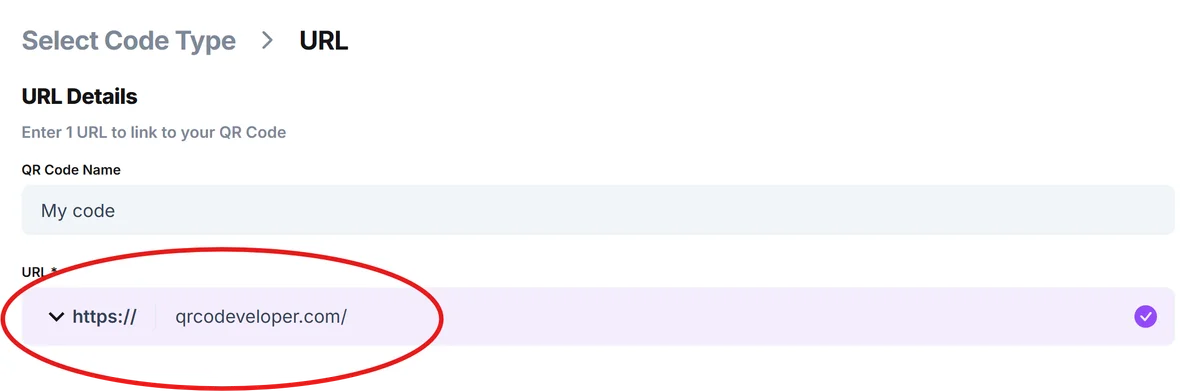
Customize for professional branding
Add your real estate agency colors, logo, or property address to the QR code design. Choose colors that contrast well with your yard signs and marketing materials for optimal scanning.

Test scanning functionality
Scan your QR code with multiple devices to ensure it loads quickly and displays properly on both smartphones and tablets. Test from various distances to confirm readability.
Deploy across marketing materials
Add the QR code to yard signs, flyers, business cards, and online listings. Include a brief instruction like 'Scan for virtual tour' to encourage engagement. For professional networking, explore QR code business cards to complement your property marketing strategy.
Professional QR code strategies for real estate
These best practices help ensure your real estate QR codes generate maximum buyer engagement and lead conversion.
Size QR codes appropriately for scanning distance - use larger codes on yard signs viewed from cars, and ensure they remain scannable even in poor weather conditions or low light.
Create mobile-optimized landing pages that load quickly and display property information clearly on smartphone screens, including high-quality photos and easy-to-read contact details.
Track QR code scans to measure which properties generate the most interest and adjust your marketing strategy based on engagement data from different neighborhoods or price points.
Include clear scanning instructions near your QR codes, such as 'Scan for photos & pricing' or 'Get instant property details,' to encourage interaction from buyers who may be unfamiliar with QR technology.
Frequently Asked Questions
What information should real estate QR codes link to?
Link to comprehensive property details including photos, pricing, square footage, neighborhood information, virtual tours, and agent contact information. The goal is providing everything a buyer needs to make an informed decision about scheduling a showing.
Where should I place QR codes for maximum effectiveness?
Place codes on yard signs at eye level for people in cars, on printed flyers and brochures, in newspaper advertisements, and on business cards. Ensure codes are large enough to scan from a reasonable distance and protected from weather damage.
Can I track how many people scan my property QR codes?
Yes, most QR code generators provide analytics showing scan counts, locations, and device types. This data helps you understand which properties generate the most interest and optimize your marketing efforts accordingly.
Do QR codes work for all potential home buyers?
Most smartphone users can scan QR codes using their built-in camera apps. While older buyers may be less familiar with the technology, including simple scanning instructions increases adoption across all age groups.
Should I use different QR codes for different marketing materials?
Consider using unique QR codes for different marketing channels to track which sources generate the most leads. You might use one code for yard signs, another for print ads, and a third for online listings to measure effectiveness.
Related Guides
Ready to create your QR code?
Generate custom QR codes in seconds - free and easy to use.
Create Free QR Code →