How to design a QR event ticket (print + digital)

Event organizers waste hours managing entry lines and lost tickets while guests fumble with paper stubs and confirmation emails.
Key Takeaways
- QR codes must contain unique identifiers that link to your event database for instant verification
- Print tickets need higher contrast and larger QR codes than digital versions for reliable scanning
- Include both human-readable backup information and QR codes for redundancy
- Test your QR codes with multiple devices and lighting conditions before finalizing your design
Event entry can often mean long lines, paper tickets, and staff manually checking each guest against printed lists. But it doesn't have to. Event organizers can now create QR code tickets that guests scan at entry points, instantly verifying attendance while capturing real-time data about arrivals and capacity.
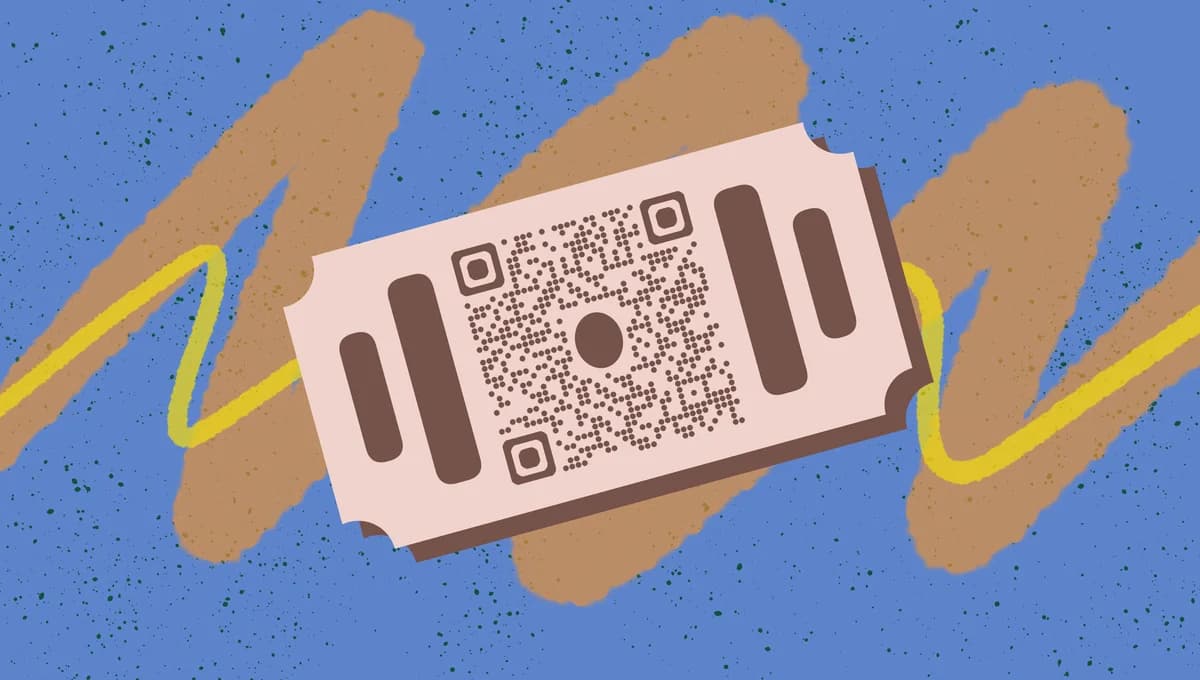
QR event tickets work for both print and digital formats, giving you flexibility in how guests receive and present their tickets. Whether someone prints their ticket at home or shows it on their phone, the scanning process remains identical for your entry staff.
In this guide I will go over the complete process from planning your ticket layout to generating QR codes that connect to your event management system. I'll also cover event QR code strategies that go beyond basic entry verification. So let's get the party started!
Planning your ticket structure
Start by determining what information your QR code needs to contain and what should appear as readable text on the ticket itself. The QR code typically links to a verification URL or contains encoded ticket data, while the visible text provides backup information for manual verification.
Consider your event's specific needs when planning the layout. Corporate events might require formal designs with company branding, while music festivals can use more creative approaches with bold graphics and colors.
Essential ticket information
Include the event name, date, time, venue address, and ticket holder's name on every ticket. Add a unique ticket ID number that staff can reference if QR scanning fails. For seated events, include section, row, and seat numbers prominently.
QR code data structure
Your QR code should contain a unique ticket identifier that links to your event management system. This might be a URL like 'eventname.com/verify/ABC123' or encoded JSON data with ticket details. Avoid putting personal information directly in the QR code - instead, use it as a key to retrieve data from your secure database.
Print vs digital considerations
Print tickets need larger QR codes (minimum 1 inch square) and higher contrast ratios for reliable scanning under various lighting conditions. Digital tickets can use smaller QR codes since phone screens provide consistent backlighting, but ensure they remain scannable when viewed on older devices with lower resolution screens. For more design considerations, check out our QR code design tips.
Creating functional QR codes
Generate your QR codes using a reliable service that allows customization and tracking. You'll need to create individual codes for each ticket, either through batch generation or API integration with your ticketing system.
The QR code generation process varies depending on whether you're linking to URLs or encoding data directly. URL-based codes offer more flexibility since you can update the destination without reprinting tickets.
Batch QR code generation
Use QR Code Developer or similar tools to generate multiple codes at once. Create a spreadsheet with unique ticket IDs, then generate corresponding QR codes that link to verification URLs containing each ID. Export the codes as high-resolution images for use in your ticket design software.
Error correction levels
Set your QR codes to 'High' error correction (Level H) for print tickets, which allows up to 30% of the code to be damaged while remaining scannable. Digital tickets can use 'Medium' correction (Level M) since they're less likely to be physically damaged. Higher error correction creates more complex codes, so balance reliability with scanning speed.
Testing and validation
Test every QR code before finalizing your ticket design. Scan codes with different devices, apps, and lighting conditions to ensure consistent performance. For security considerations, review our guide on how to check if a QR code is safe. Verify that each code links to the correct ticket information in your system and that your entry staff can quickly process scans during peak arrival times.
Executing your ticket design
Design your tickets using professional software like Adobe InDesign, Canva, or specialized ticketing platforms. Focus on creating clear visual hierarchy that guides the eye from essential information to the QR code, ensuring smooth entry experiences.
Balance aesthetic appeal with functional requirements. Your design should reflect your event's brand while maintaining the technical specifications needed for reliable QR code scanning. Consider using QR codes in Canva for streamlined design workflows.
Layout and typography
Place the most important information - event name, date, and venue - at the top of the ticket using large, bold fonts. Position the QR code prominently but not so large that it overwhelms other essential details. Use consistent font families and maintain adequate white space around all elements to prevent visual clutter.
QR code placement and sizing
Position QR codes in the lower right or center-right area of the ticket where they're easily accessible for scanning. For print tickets, make codes at least 1 inch (2.5 cm) square with a white border of at least 4 modules (the small squares that make up the code). Digital tickets can use smaller codes but should remain at least 0.75 inches when displayed at actual size.
Color and contrast optimization
Use high contrast combinations for QR codes - black on white provides the best scanning reliability. If you must use brand colors, ensure the contrast ratio exceeds 7:1 for accessibility. Avoid placing QR codes over background images or patterns that could interfere with scanning. Consider how your color choices will reproduce when guests print tickets on home printers.
Security and anti-counterfeiting features
Add subtle security features to prevent ticket duplication. Include fine background patterns, special fonts, or watermarks that are difficult to reproduce accurately. For high-value events, consider using unique design elements for each ticket tier or adding holographic effects to physical tickets. Remember that your QR code verification system is your primary security measure.
Professional design techniques
These advanced strategies will help you create tickets that work flawlessly while maintaining professional appearance standards.
Create templates for different ticket types (general admission, VIP, press) using consistent branding but distinct visual cues for easy staff identification
Include a backup barcode or ticket number that staff can manually enter if QR scanning fails due to technical issues
Design tickets with perforated stub sections that guests can keep as souvenirs while maintaining the functional QR portion for entry
Test your ticket design with the actual paper stock and printers your guests will use - home inkjet printers often produce different results than professional printing
Build in version control by including design dates or revision numbers in small print, helping you track different ticket batches during event planning changes
Frequently Asked Questions
What size should QR codes be on printed tickets?
QR codes on printed tickets should be at least 1 inch (2.5 cm) square to ensure reliable scanning under various lighting conditions. Include a white border of at least 4 modules around the code to prevent scanning interference from surrounding design elements.
Can I use colored QR codes on my event tickets?
Yes, but maintain high contrast ratios for reliable scanning. Dark colors on light backgrounds work best - if using brand colors, ensure the contrast ratio exceeds 7:1. Test colored codes thoroughly with different scanning apps and devices before finalizing your design.
How do I prevent ticket fraud with QR codes?
Use unique QR codes that link to your secure event database rather than containing ticket information directly. Implement real-time verification that marks tickets as 'used' upon first scan, preventing duplicate entries. Add visual security features to make physical counterfeiting more difficult.
What happens if someone's phone battery dies and they have a digital ticket?
Always include human-readable backup information on digital tickets, such as the ticket holder's name and a unique ticket ID number. Train your entry staff to manually verify these details against your guest list when QR scanning isn't possible.
Should I use different QR code designs for different ticket types?
Keep QR codes consistent across all ticket types for operational simplicity, but vary the surrounding ticket design elements. Use different colors, borders, or text styles to help staff quickly identify ticket types (VIP, general admission, press) without needing to scan first.
Related Guides
Ready to create your QR code?
Generate custom QR codes in seconds - free and easy to use.
Create Free QR Code →