What are QR code generators and how do they work?

QR code generators bridge the gap between digital information and physical spaces, creating scannable codes that connect any content to smartphone users instantly.
Understanding QR code creation tools
What if you could instantly connect any physical object to digital content with just a smartphone scan? Well, with QR codes, you can! QR code generators make this possible by converting text, URLs, contact information, and other data into scannable square patterns that smartphones recognize automatically.
These digital tools have become essential for businesses, educators, and individuals who need to bridge offline and online experiences. From restaurant menus to event tickets, QR codes generated by these platforms appear everywhere in modern life.
This comprehensive overview explores how QR code generators function, what features matter most, and how to choose the right tool for your specific needs. Whether you need basic URL encoding or advanced tracking capabilities, understanding generator options helps you make informed decisions about connecting your physical materials to digital destinations like our various QR code types. So let's get started!
How QR code generation actually works
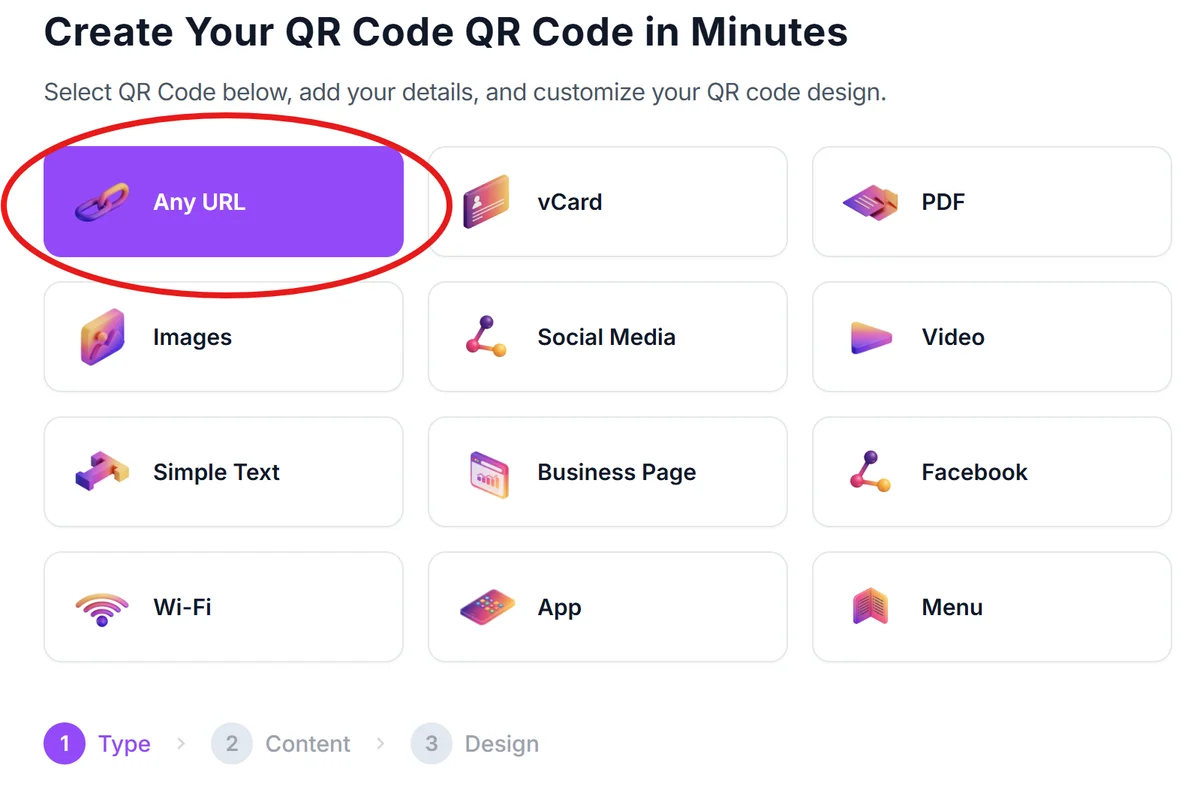
Free vs premium generator features
Understanding QR code generators in context:
Basic vs advanced customization
Free generators typically offer standard black and white codes with basic logo insertion, while premium versions provide full color customization, professional templates, and brand-consistent styling options.
Static vs dynamic code capabilities
Free tools usually create static codes with permanent content, whereas paid platforms offer dynamic codes that allow content updates, destination changes, and detailed scan analytics without reprinting.
Download limits and formats
Basic generators may restrict download quantities or file formats, while professional tools provide unlimited high-resolution downloads in multiple formats including vector files for large-scale printing.
Essential QR generator facts
Here's what you should know:
Instant code creation
Modern QR generators create scannable codes in seconds, converting any text or URL into a functional QR pattern without technical knowledge required.
Multiple data format support
Quality generators handle URLs, plain text, contact cards (vCard), WiFi credentials, calendar events, and location coordinates in a single platform.
Customization capabilities
Advanced generators offer logo embedding, color customization, and frame options while maintaining scan reliability across different smartphone cameras.
Download format variety
Professional tools provide multiple file formats including PNG, JPG, SVG, and PDF to match different printing and digital display requirements.
Static vs dynamic options
Generators create both static codes (permanent, unchangeable) and dynamic codes (editable content, analytics tracking) depending on user needs.
Practical Applications
Here's how this information applies in practice:
- Small businesses use free generators for basic menu links and contact information sharing, saving costs while maintaining professional appearance
- Marketing teams choose premium generators for campaign tracking, A/B testing different destinations, and measuring engagement across multiple touchpoints
- Event organizers rely on dynamic generators to update schedules, venue information, and safety protocols without reprinting tickets or signage
- Educators select generators with bulk creation features to produce classroom materials, assignment links, and resource collections efficiently
Frequently Asked Questions
What's the difference between free and paid QR code generators?
How do QR code generators ensure scan reliability?
Can I edit QR codes after creating them?
What file formats do QR generators typically provide?
How do I choose the right QR code generator?
Related Guides
Ready to create your QR code?
Generate custom QR codes in seconds - free and easy to use.
Create Free QR Code →