Patreon QR codes for creators and supporters

Share your Patreon page instantly with scannable codes that connect supporters to your creator content in seconds.
How QR codes connect supporters to Patreon creators
Content creators Often struggle when trying to share their Patreon pages during in-person events. Luckily, there is a solution. Creators can make a QR code that takes supporters directly to their Patreon page with one quick scan, similar to how QR code business cards revolutionize networking.
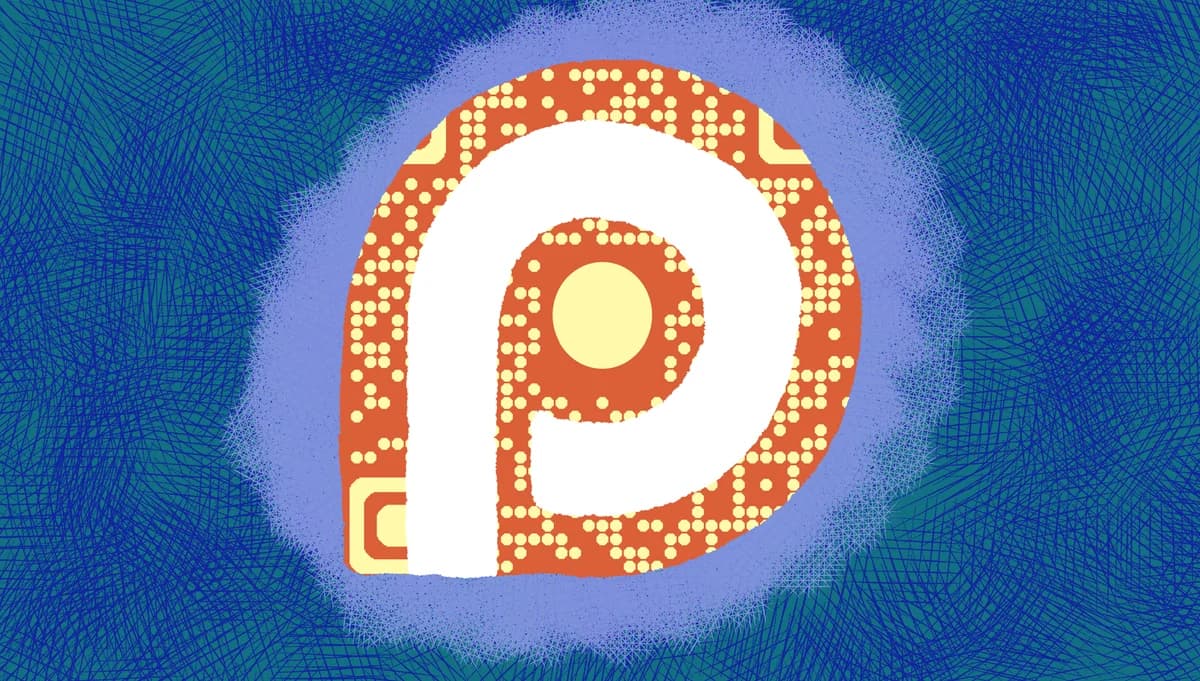
A Patreon QR code contains your creator page URL and instantly opens it when scanned. Supporters can browse your tiers, read your content previews, and become patrons without typing long URLs or searching through Patreon's directory. The code works on any smartphone camera or QR scanner app.
Whether you're at conventions, creating content, or networking with other creators, these QR codes remove the friction between meeting potential supporters and converting them into patrons. I'll show you how to create effective Patreon QR codes and share them strategically using QR Code Developer. So let's get started!
Smart ways creators use Patreon QR codes
Creators across different industries use Patreon QR codes to bridge the gap between their content and financial support. These codes work particularly well when you need to connect with supporters quickly or share your Patreon link in physical spaces. For creators who also use other platforms, combining this with YouTube QR codes creates a comprehensive supporter funnel.
Convention and event booths
Display QR codes on banners, table tents, or business cards so convention attendees can quickly access your Patreon page while browsing your booth or after meeting you. You can also add QR codes to flyers for additional promotional materials.
End-of-video calls to action
Content creators display QR codes in their videos, livestreams, or social media posts, making it easy for viewers to support them without leaving the platform they're watching on.
Physical merchandise and prints
Artists and creators include QR codes on prints, stickers, or merchandise packaging, turning every sale into an opportunity for ongoing Patreon support. QR code stickers are particularly effective for this purpose.
Networking and collaboration meetups
Creators share QR codes during industry meetups, workshops, or collaboration sessions, making it simple for other creators and potential supporters to find their Patreon page later.
Building your Patreon QR code step by step
Creating a Patreon QR code takes just a few minutes and gives you a powerful tool for connecting with supporters anywhere.
Access the QR code generator
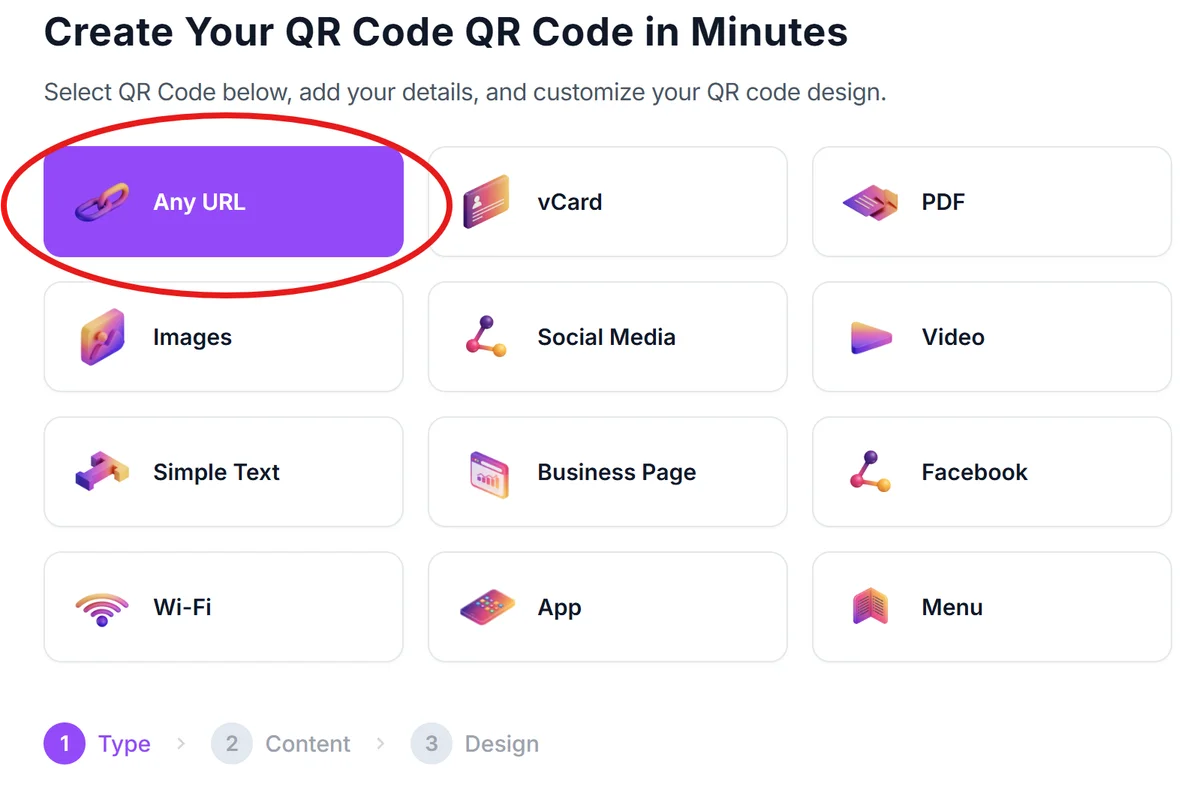
Go to qrcodeveloper.com and select 'URL' as your QR code type since you'll be linking directly to your Patreon creator page.
Enter your Patreon creator URL
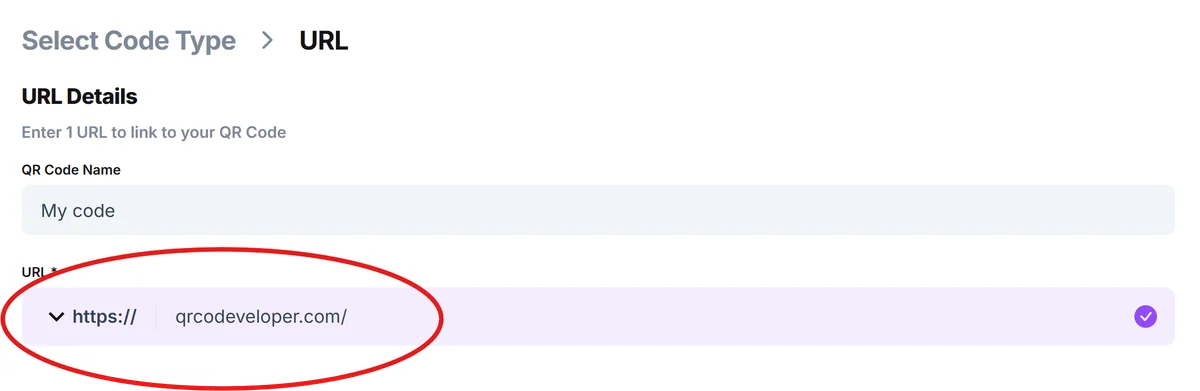
Copy your complete Patreon page URL (like patreon.com/yourcreatorname) and paste it into the URL field. Make sure to include the full link so supporters land directly on your page.
Customize with your creator branding
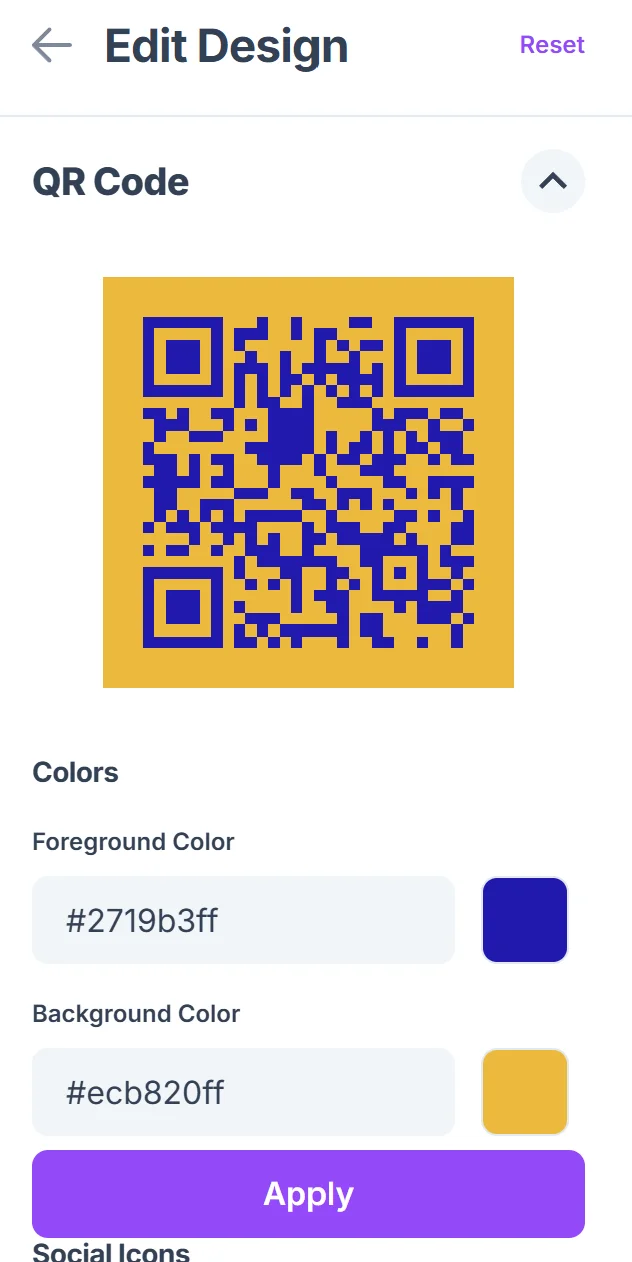
Click on the pencil icon in the Preview window to further customize your code. Choose colors that match your creator brand or content theme. Many creators use their signature colors or match their Patreon page design to create visual consistency. Learn more about effective QR code design tips to maximize visual appeal.

Test the code with your devices
Scan your QR code with different smartphones to ensure it opens your Patreon page correctly and loads quickly on various devices and internet connections.
Download and prepare for sharing
Save your QR code in high resolution for printing on merchandise, business cards, or convention materials, and keep a digital copy for social media and online content.
Making your Patreon QR codes more effective
Strategic placement and clear messaging help your Patreon QR codes convert more scans into actual supporters and patrons.
Add a brief call-to-action near your QR code like 'Scan to support my work' or 'Become a patron' so people understand what they're scanning and why. This approach works well across different types of QR codes for various creator needs.
Place QR codes where potential supporters have time to scan and browse - avoid high-traffic areas where people are rushing past your booth or content
Include your creator name and a preview of your content benefits near the QR code so supporters know what type of content they'll be supporting
Track which locations or content pieces generate the most scans by creating separate QR codes for different campaigns, helping you focus your supporter outreach efforts
Frequently Asked Questions
Do I need a special QR code for Patreon or can I use a regular URL code?
You can use a standard URL QR code that links to your Patreon page. There's no special Patreon QR code format - just use your creator page URL.
Can I track how many people scan my Patreon QR code?
Yes, by using dynamic QR codes you can track scan statistics including location, time, and device type, helping you understand which marketing efforts work best.
Should I link to my main Patreon page or a specific tier?
Link to your main creator page so supporters can see all your tiers and content previews. This gives them the full picture of what you offer rather than limiting them to one tier.
What size should I make my Patreon QR code for printing?
For business cards, make it at least 1 inch square. For posters or banners, 2-3 inches works well. Always test scanning from the distance people will typically be when they see your code.
Can I use the same QR code across different platforms and events?
Absolutely. One QR code linking to your Patreon page works everywhere - social media, print materials, merchandise, and events. You can create multiple codes to track different campaigns if needed.
Related Guides
Ready to create your QR code?
Generate custom QR codes in seconds - free and easy to use.
Create Free QR Code →