QR codes for nutritional tracking and meal logging

Generate QR codes that instantly connect people to nutritional databases, calorie counters, and personalized meal tracking systems.
How QR codes simplify nutritional tracking
While everyone obsesses over finding the perfect diet app or nutrition tracker, they're missing the real problem: the friction between discovering a meal and actually logging it. Most nutritional tracking fails not because people lack motivation, but because there's too much delay between eating and recording, turning what should be a quick habit into a memory exercise that nobody wants to do.
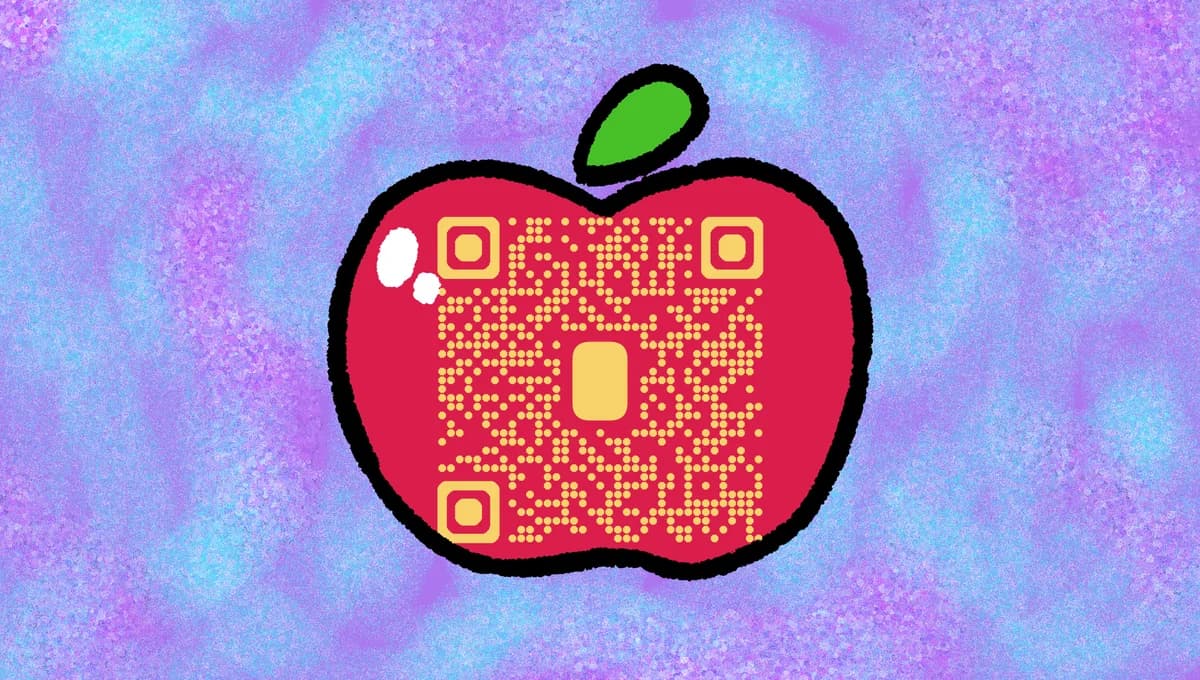
Nutritional tracking QR codes can simplify the process between eating and logging by connecting users directly to pre-populated nutritional information, meal databases, or personalized tracking apps. When someone scans the code, they can instantly access calorie counts, macro breakdowns, ingredient lists, or add items to their food diary without typing or searching.
Whether you're a nutritionist working with clients, a restaurant providing transparency, or someone managing your own dietary goals, these QR codes bridge the gap between intention and action. In this guide I'll show you how to create codes that make nutritional awareness as simple as pointing and scanning, plus share strategies that work in both personal and professional settings. You can also explore our guide on restaurant menu QR codes for related food service applications. So let's get this journey started!
Practical applications for nutrition QR codes
These QR codes work in any situation where people need quick access to nutritional information or want to track their food intake. From personal meal prep to professional dietary counseling, they eliminate the barriers that typically derail nutrition goals. Learn more about creating effective different types of QR codes for various tracking purposes.
Meal prep container labeling
Home cooks and meal prep enthusiasts attach QR codes to containers that link to complete nutritional breakdowns, making it easy to log pre-made meals without guessing portions or ingredients.
Nutritionist client tracking
Registered dietitians provide clients with QR codes that connect to personalized food diaries, meal plans, or progress tracking dashboards, improving compliance and communication between appointments.
Restaurant transparency initiatives
Food establishments place QR codes on menu items or table tents that link to detailed nutritional information, allergen warnings, and ingredient sourcing details for health-conscious diners. Consider using QR code stickers for easy placement on existing menu items.
Corporate wellness programs
Companies integrate QR codes into cafeteria displays, vending machines, or catered events that connect employees to nutritional data and wellness tracking platforms as part of workplace health initiatives.
Building your nutritional tracking QR code
Creating these codes takes just a few minutes, but the setup depends on what kind of nutritional information you want to share and how people will interact with it.
Visit the QR code generator
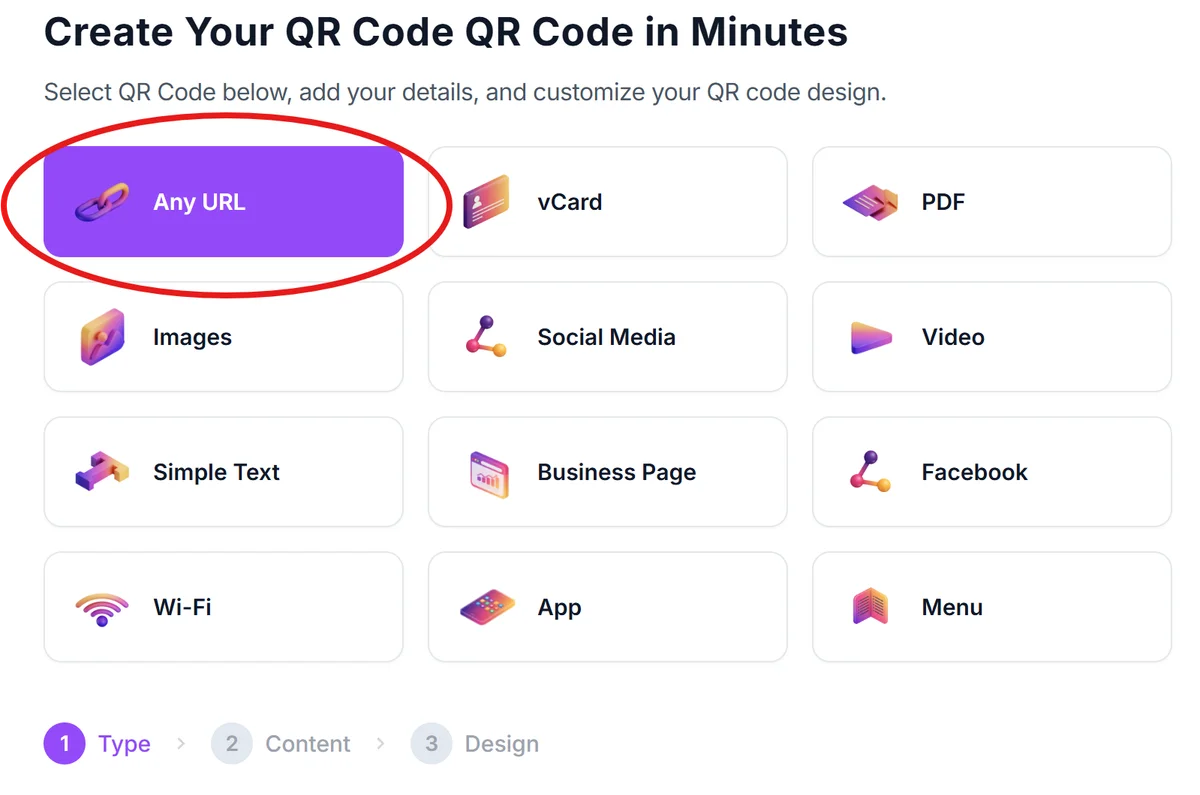
Go to qrcodeveloper.com and select the URL option since you'll be linking to web-based nutritional resources or tracking platforms.
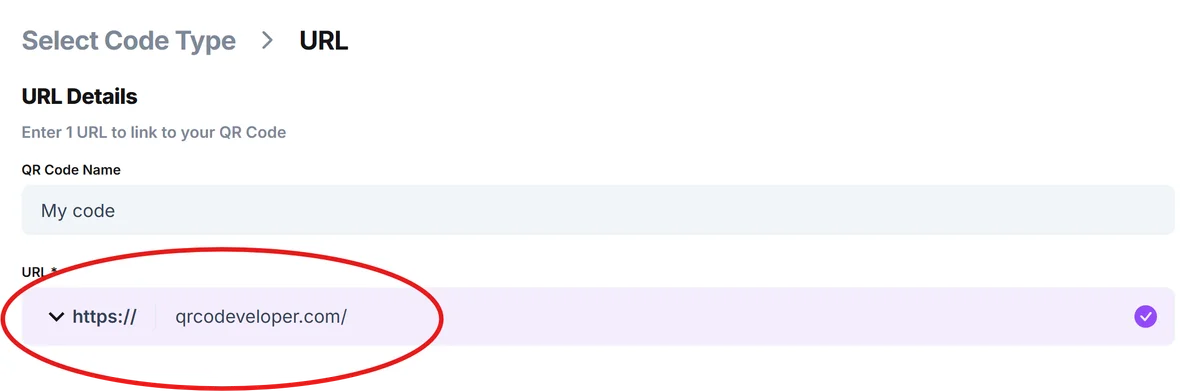
Enter your nutritional resource link
Paste the URL of your chosen destination: a MyFitnessPal food entry, a custom nutritional database page, a Google Sheet with meal data, or a dedicated nutrition tracking app.
Customize for food contexts
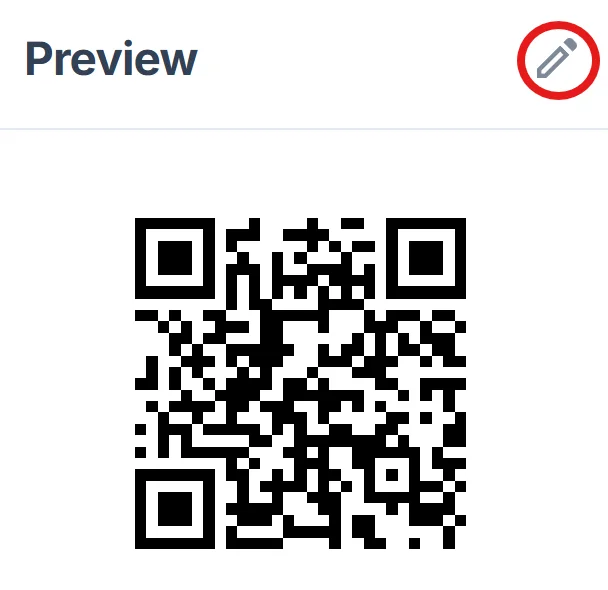
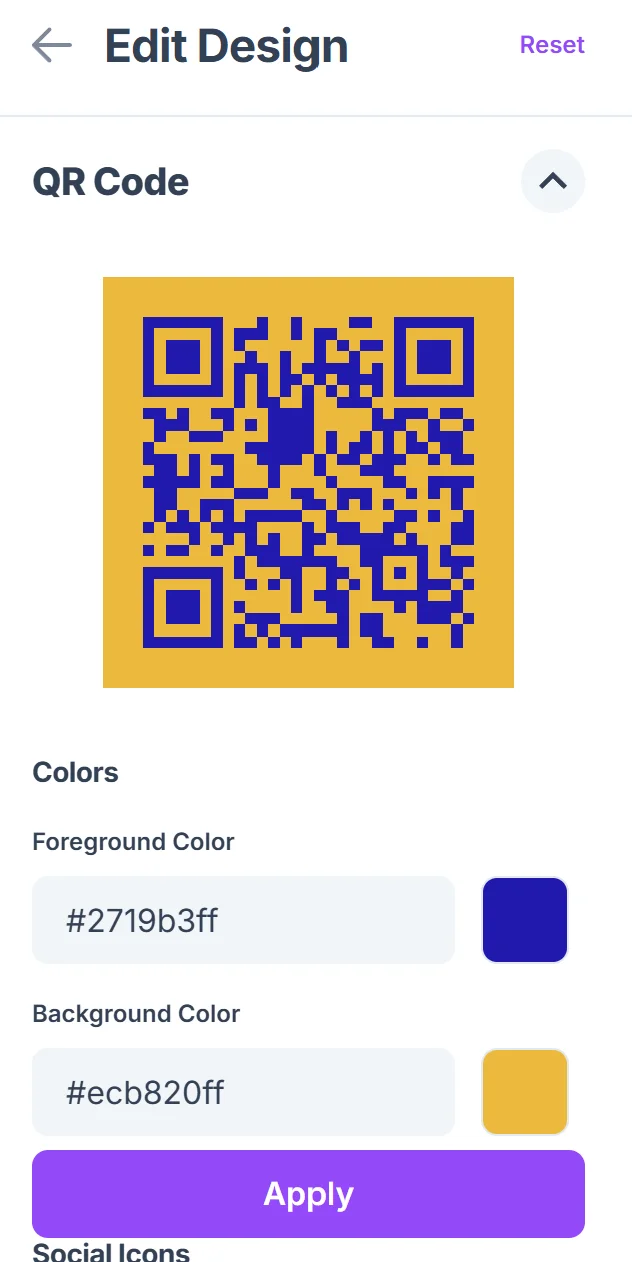
Click on the pencil icon in the Preview window to further customize your code. Choose colors that work well in kitchen environments and food packaging. Green and blue tones often work better than red or orange, which can clash with food imagery. Learn more about effective QR code design principles to ensure optimal scanning performance.
Size for scanning distance
Make your QR code large enough to scan from arm's length if it's going on food containers, or table-distance if it's for restaurant use. Test scanning from the actual distance people will use it.
Test with real meal scenarios
Before finalizing, test your QR code while actually eating or preparing food to ensure the scanning experience feels natural and the destination loads quickly on mobile devices.
Best practices for nutrition-focused QR codes
These strategies help ensure your nutritional QR codes actually get used and provide value to people trying to maintain healthy eating habits.
Link to mobile-friendly pages since people typically scan these codes with their phones while eating or shopping. Avoid destinations that require desktop navigation or complex login processes. If you need to share detailed nutritional data, consider creating a PDF QR code for comprehensive information that's easy to view on mobile devices.
Include portion size information prominently on your destination page, as this is the most common source of confusion in nutritional tracking and the hardest data for people to estimate accurately.
Place codes where people naturally pause during eating - on placemats, food packaging, or recipe cards rather than in locations where people are rushing or focused on other tasks.
Keep your nutritional data current and verify links regularly, especially if you're linking to third-party tracking apps that might change their URL structure or require updated authentication.
Frequently Asked Questions
Can I create QR codes that add food directly to popular tracking apps like MyFitnessPal?
While you can't directly add items to someone's personal tracking app, you can link to pre-populated food entries or create shareable meal templates that users can easily import into their preferred tracking platform.
What's the best way to share nutritional information for homemade meals?
Create a simple Google Sheet or use a recipe calculator website to break down your homemade meals, then link your QR code to that page. This gives people access to ingredients, portions, and calculated nutritional values.
How do I make QR codes that work for people with different dietary restrictions?
Link to comprehensive pages that include allergen information, ingredient lists, and alternative options. Consider creating separate QR codes for common dietary needs like gluten-free, vegan, or low-sodium versions of meals.
Will these QR codes work if people don't have internet access?
QR codes require internet access to reach online nutritional databases. For offline scenarios, consider including basic nutritional information as text near the QR code as a backup.
Is there a cost to create nutritional tracking QR codes?
Basic QR code generation is free, but you may need paid subscriptions for advanced nutritional databases or tracking platforms that you link to. Many popular food tracking apps offer free tiers that work well with QR codes.
Related Guides
Ready to create your QR code?
Generate custom QR codes in seconds - free and easy to use.
Create Free QR Code →