QR codes for Netlify deployments and site sharing

Share Netlify deploy previews and production sites instantly with scannable QR codes for faster development workflows.
How QR codes simplify Netlify deployment sharing
Copying and pasting URL links for Netlify content can be particularly frustrating. Typos are common and you could end up making a link that just doesn't work. Plus you have to bank on the recipient knowing what do do with the link. However, QR codes can solve this problem!
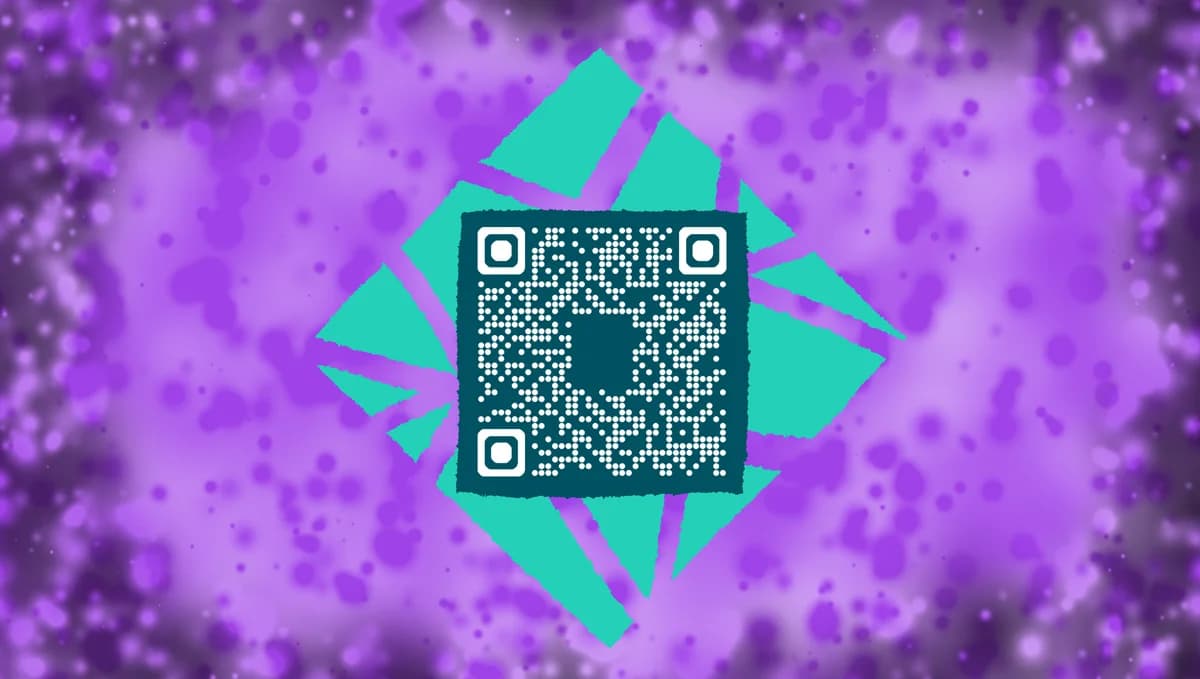
A Netlify QR code connects your deployment URLs to mobile-friendly scanning experiences. Whether you're sharing a deploy preview for client feedback, distributing a production site for testing, or giving stakeholders quick access to staging environments, these codes eliminate the friction of typing or copying complex URLs.
In this guide I will cover everything from generating QR codes for your Netlify deployments to implementing them in your development workflow. You'll also learn about integrating these codes with QR code business cards for networking events where you want to showcase your latest projects. So let's dive right in!
Practical applications for Netlify QR codes
Netlify QR codes solve real collaboration challenges in modern web development. From client presentations to team testing sessions, these scannable links bridge the gap between desktop development and mobile review processes. Consider how QR codes for landing pages can complement your deployment sharing strategy.
Client review sessions
Display QR codes during presentations so clients can instantly access deploy previews on their phones while you walk through features and changes.
Conference demos
Include QR codes on slides or handouts at developer conferences, allowing attendees to explore your Netlify-hosted projects in real-time. Consider creating QR code stickers for easy distribution at networking events.
Team testing workflows
Share QR codes in pull request comments or team chat channels so developers can quickly test branches on mobile devices without URL juggling.
Portfolio presentations
Add QR codes to printed portfolios or resume materials that link directly to live Netlify sites, giving potential employers immediate access to your work.
Creating QR codes for your Netlify sites
Converting your Netlify deployment URLs into QR codes takes just a few minutes and works with any deployment type.
Access your deployment URL
Navigate to your Netlify dashboard and copy the URL from your deployment. This could be a production domain, deploy preview, or branch deploy URL. Visit qrcodeveloper.com to start creating your QR code.
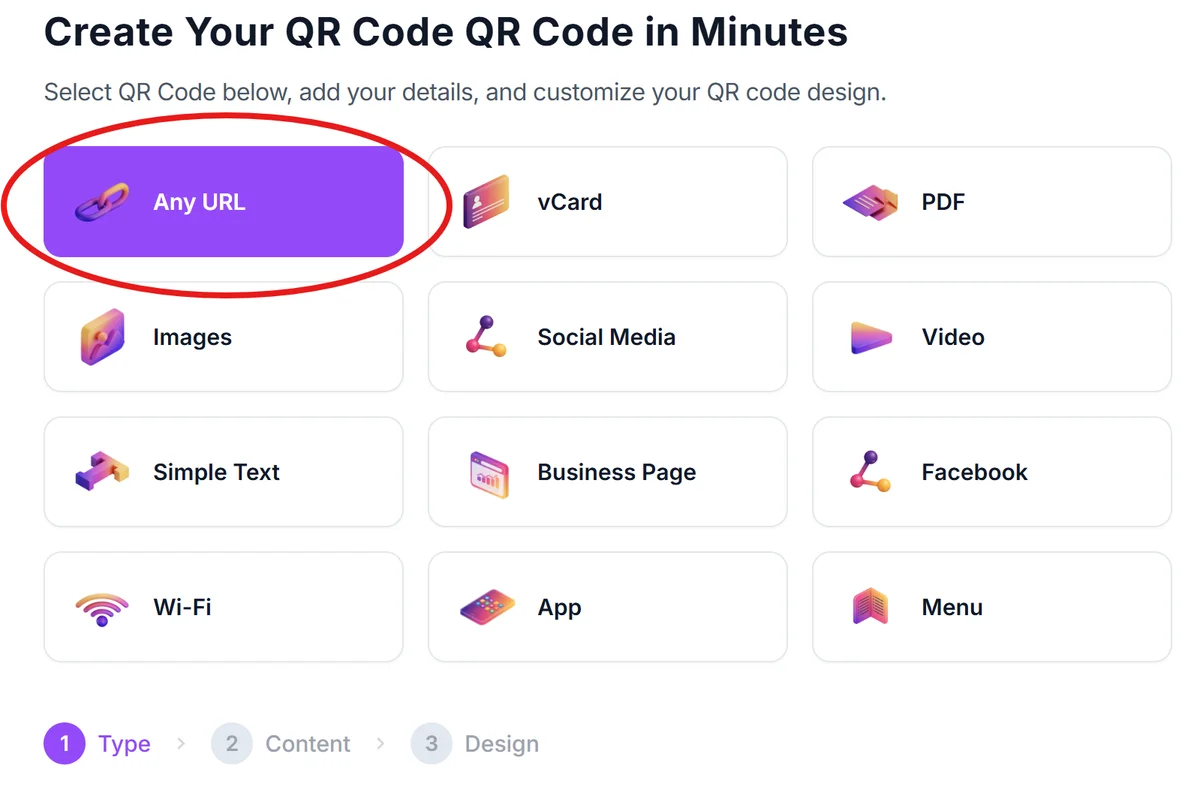
Paste your Netlify URL
Enter your complete Netlify deployment URL into the generator. Make sure to include the full path including any subdirectories or specific pages you want users to land on.
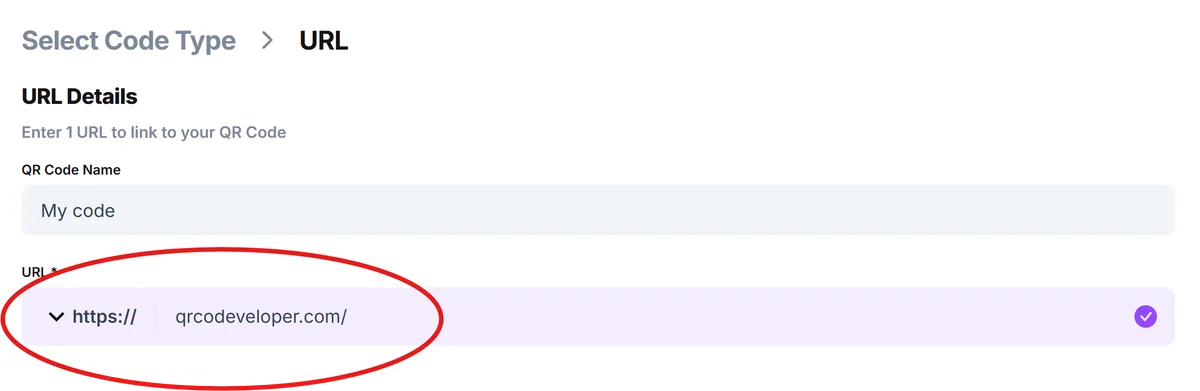
Customize for your brand
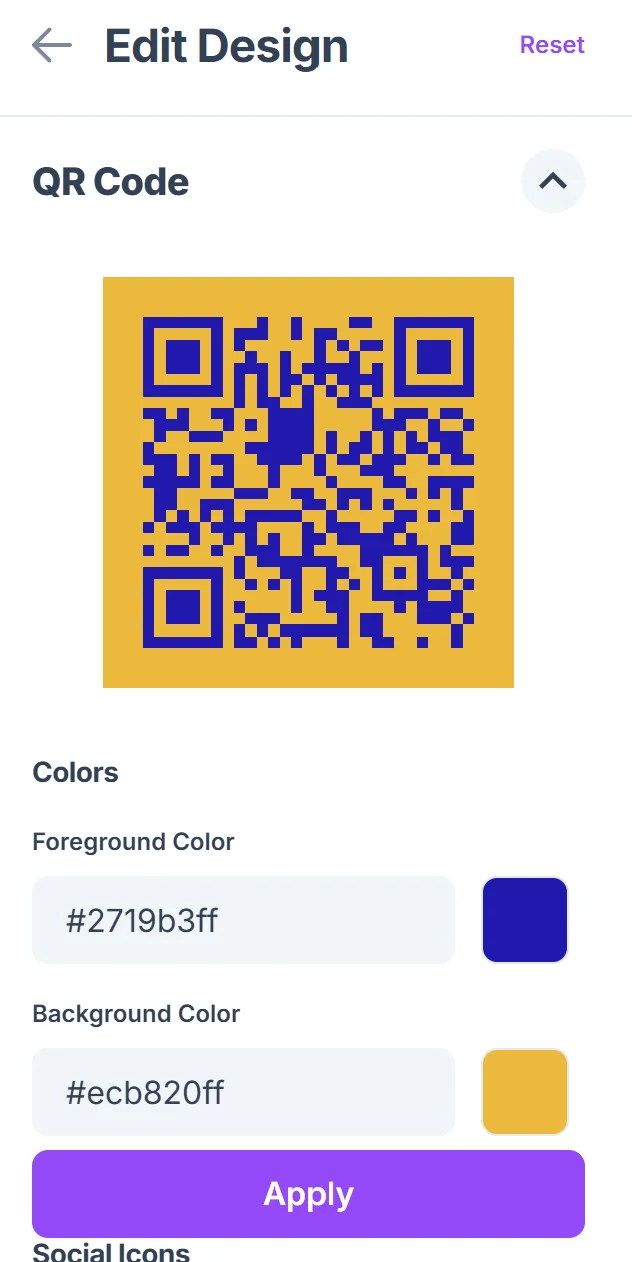
Click on the pencil icon in the Preview window to further customize your code. Add your project colors, logo, or team branding to make the QR code recognizable. Consider using colors that match your site's design system for consistency, following QR code design best practices.
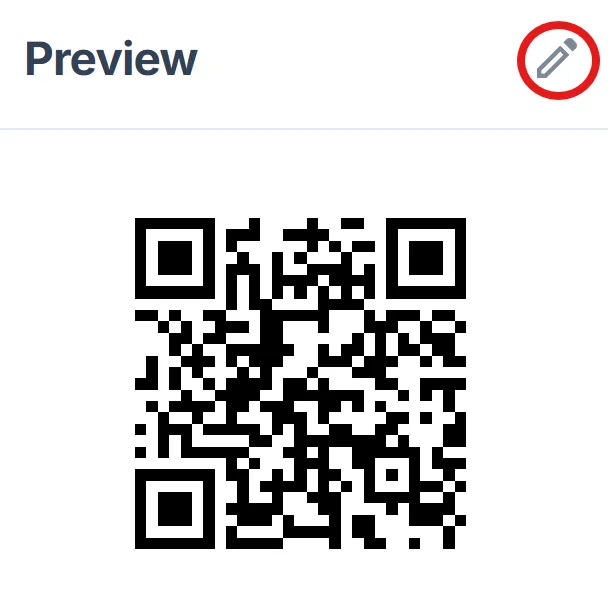
Test across devices
Scan the generated QR code with multiple devices to ensure your Netlify site loads correctly on different screen sizes and browsers. Learn how to scan QR codes from photos if you need to test from screenshots or printed materials.
Integrate into workflows
Save the QR code image to your project assets or documentation folder, making it easy to include in presentations, pull requests, or client communications.
Best practices for deployment QR codes
Smart implementation of Netlify QR codes can significantly improve your development and client communication processes.
Generate separate QR codes for production and staging environments, using different colors or labels to prevent confusion during reviews
Include QR codes in your pull request templates so team members can quickly test changes on mobile devices without copying URLs
Create a QR code library for different project milestones, making it easy to reference previous versions during client meetings
Test QR codes on various devices before client presentations, ensuring your Netlify sites load properly across different mobile browsers and screen sizes
Frequently Asked Questions
Can I create QR codes for Netlify deploy previews?
Yes, QR codes work perfectly with Netlify deploy preview URLs. Just copy the preview URL from your deployment and generate a QR code for instant mobile access.
Do QR codes work with custom Netlify domains?
Absolutely. QR codes work with any Netlify URL, whether it's a netlify.app subdomain or your custom domain. The QR code will direct users to whatever URL you specify.
How do I share QR codes with my development team?
Save QR code images to your project repository, include them in pull request descriptions, or add them to team documentation. Many developers also share them directly in Slack or team chat channels.
Can QR codes handle password-protected Netlify sites?
QR codes will take users to password-protected sites, but users will still need to enter the password after scanning. Consider this when sharing codes for staging environments.
Are there any costs for generating Netlify QR codes?
Basic QR code generation is free and includes customization options. You only pay for your existing Netlify hosting costs - the QR codes themselves don't add any additional charges.
Related Guides
Ready to create your QR code?
Generate custom QR codes in seconds - free and easy to use.
Create Free QR Code →