Live stream QR code generator for instant viewer access

Connect audiences to your live streams instantly with scannable codes that eliminate typing and boost attendance.
How QR codes transform live stream access
Getting viewers to join a live stream can often mean sharing long, complex URLs and hoping that potential viewers would know what to do with them. Viewers would fumble with links, miss the beginning of presentations, or give up entirely when faced with typing 'https://meet.google.com/abc-defg-hij' into their phone. Now streamers simply display a QR code that takes viewers directly to their broadcast with one quick scan.
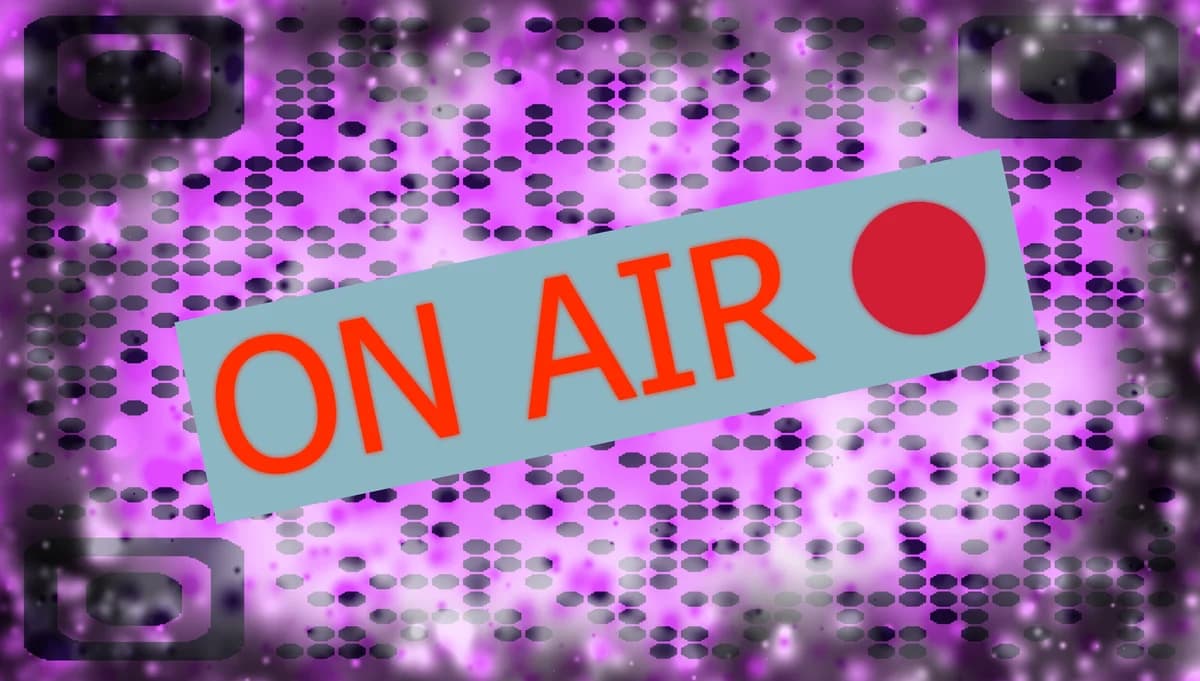
A live stream QR code contains your streaming platform URL - whether it's YouTube Live, Zoom, Facebook Live, Twitch, or any other platform. When someone scans the code with their smartphone camera, they'll be immediately taken to your stream without any typing or searching required. This works across all major streaming platforms and automatically opens the appropriate app if it's installed on their device.
In this guide I will cover everything you need to know about creating effective live stream QR codes. I'll also show you how to generate codes for different platforms, share placement strategies that maximize scans, and explain tracking options to measure your reach. You can also explore our YouTube QR code guide for platform-specific tips. So let's get the show on the road!
When to use live stream QR codes
Live stream QR codes solve the biggest barrier to viewer participation: complicated access. They work particularly well when you need to get people from offline spaces into your online broadcast quickly. Learn more about different types of QR codes to choose the right format for your streaming needs.
Conference and event presentations
Display QR codes on stage slides or printed materials so attendees can join your live stream from their seats, perfect for hybrid events mixing in-person and remote audiences.
Educational webinars and classes
Teachers and trainers include QR codes in course materials, emails, or physical handouts so students can quickly access live lessons without navigating learning management systems.
Business meetings and demos
Sales teams and consultants use QR codes on business cards or presentation materials to let prospects join product demos or consultation calls instantly.
Social media promotion
Content creators and influencers share QR codes in Instagram stories, printed flyers, or merchandise to drive followers to exclusive live streams and interactive sessions.
Creating your live stream QR code
Building a live stream QR code takes just a few minutes once you have your streaming URL ready. The process works the same whether you're streaming on YouTube, Zoom, Facebook, or any other platform.
Access the QR code generator
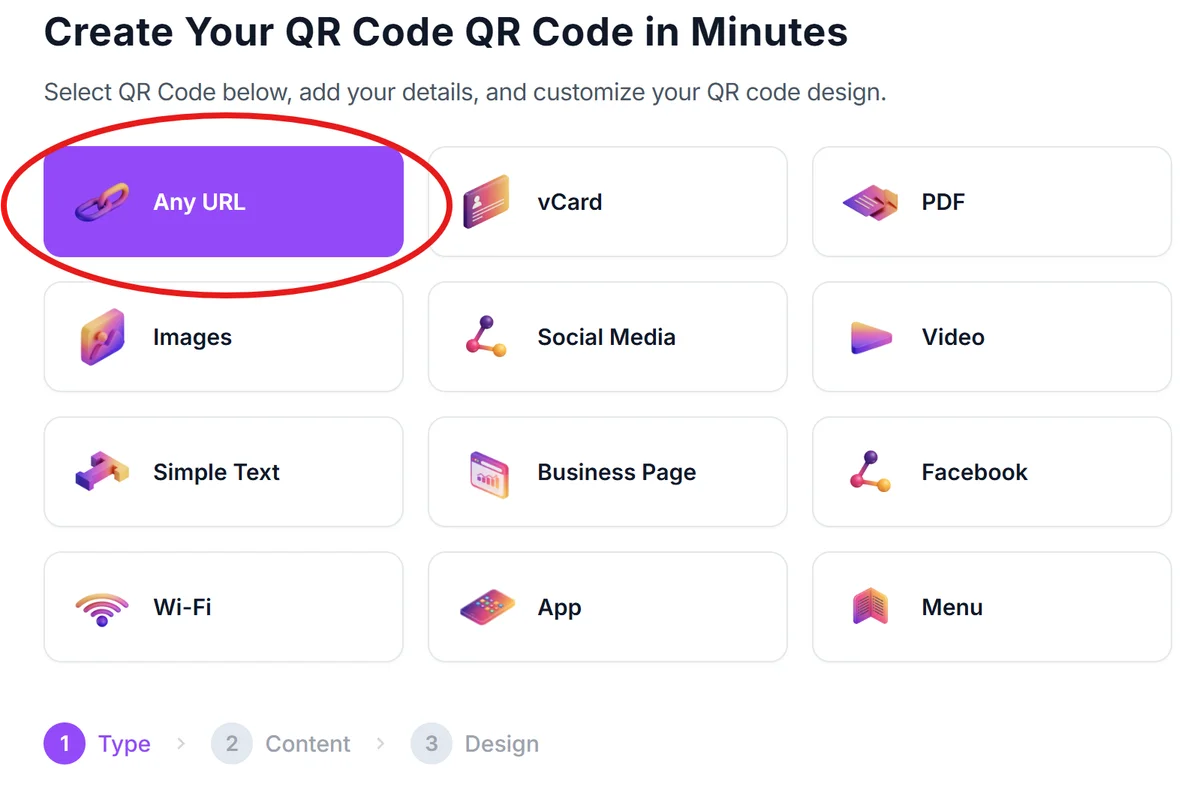
Visit qrcodeveloper.com and select the URL QR code option since live stream links are web addresses that direct viewers to your broadcast.
Enter your streaming URL
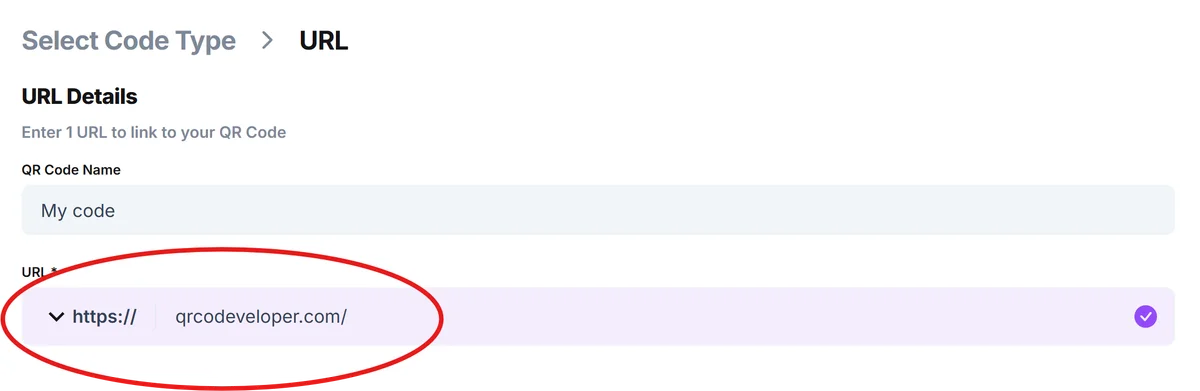
Copy the complete link to your live stream from your chosen platform. This might be a YouTube Live URL, Zoom meeting link, Facebook Live page, or Twitch channel - make sure it's the exact URL viewers need to access your stream.
Customize for your brand
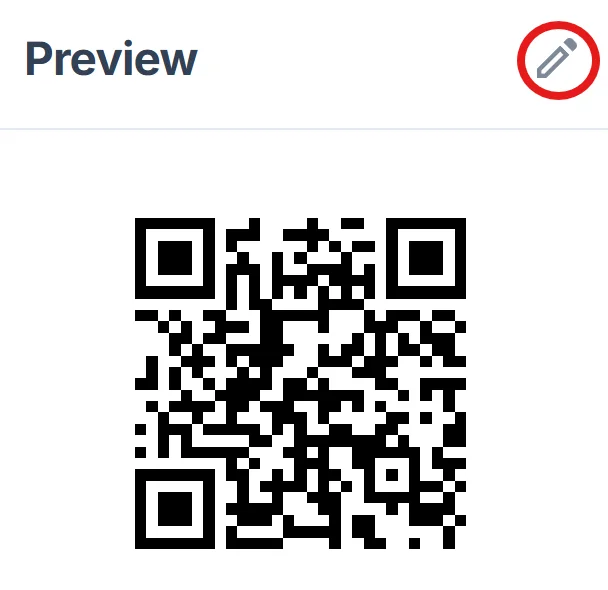
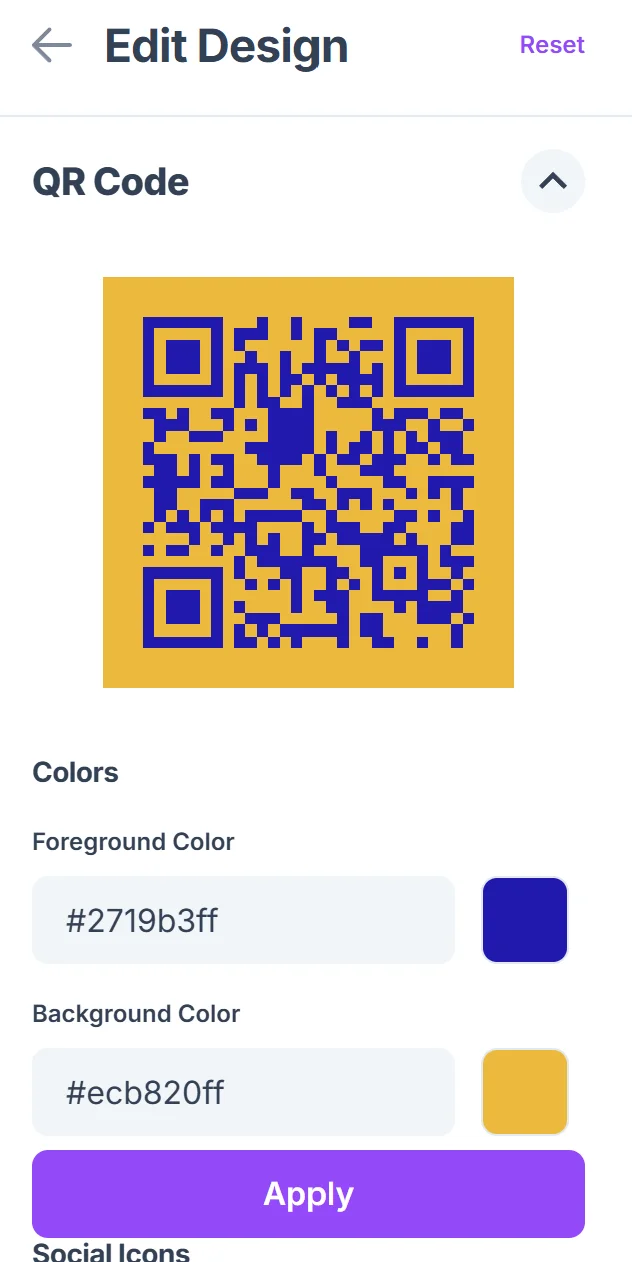
Click on the pencil icon in the Preview window to further customize your code. Add your logo, choose colors that match your brand or event theme, and select a design style that fits your presentation materials. High contrast colors work best for quick scanning in various lighting conditions. Learn more about effective QR code design tips for optimal scanning performance.
Test the connection
Download your QR code and test it with multiple devices to ensure it opens your stream correctly. Check that it works on both iOS and Android devices, and verify it opens the right app or browser window.
Distribute across channels
Add your QR code to slides, print it on handouts, include it in social media posts, or display it on screens where your audience will see it. Size it appropriately for the viewing distance - larger codes for projection screens, smaller ones for printed materials.
Best practices for streaming QR codes
Strategic placement and clear instructions help maximize the number of people who successfully join your live stream through QR codes.
Display QR codes prominently in your pre-stream countdown or waiting room so early arrivals can share the link with others who might want to join
Include simple instructions like 'Scan to join the live stream' especially when your audience might not be familiar with QR code scanning
Test your streaming link before the event starts - broken links lead to frustrated viewers and missed opportunities for engagement
Consider the scanning environment when sizing your code - codes displayed on projection screens need to be large enough to scan from the back of the room, while printed materials can use smaller codes
Frequently Asked Questions
Can I use the same QR code for multiple live streams?
You can reuse the same QR code if you always stream to the same URL (like a consistent YouTube channel or Zoom room). For different streaming URLs, you'll need to generate new QR codes for each stream.
What happens if someone scans the code when I'm not live?
The behavior depends on your streaming platform. YouTube might show your channel page, Zoom might show a waiting room, and Facebook might display your page. Consider using a landing page that explains your streaming schedule.
How can I track how many people joined through my QR code?
Most streaming platforms provide viewer analytics, but they don't specifically track QR code scans. You can use URL shorteners with analytics or create dedicated landing pages to measure QR code effectiveness.
Do QR codes work with all streaming platforms?
Yes, QR codes work with any platform that provides a web URL for your stream. This includes YouTube Live, Facebook Live, Twitch, Zoom, Microsoft Teams, and most other streaming services.
Is there a cost to create live stream QR codes?
Basic QR code generation is free and includes standard customization options. You can create, download, and use your live stream QR codes without any charges.
Related Guides
Ready to create your QR code?
Generate custom QR codes in seconds - free and easy to use.
Create Free QR Code →