QR code generator for job posts - Connect candidates instantly

Bridge the gap between offline recruiting and online applications with scannable codes that take candidates straight to your job postings.
How QR codes transform job posting accessibility
Have you ever watched potential candidates at a career fair struggle to type long URLs from business cards or flyers into their phones? It's pretty common, and costs recruiters valuable connections and leaves interested candidates empty-handed when they can't access job applications on the spot. Luckily, there's a better way!
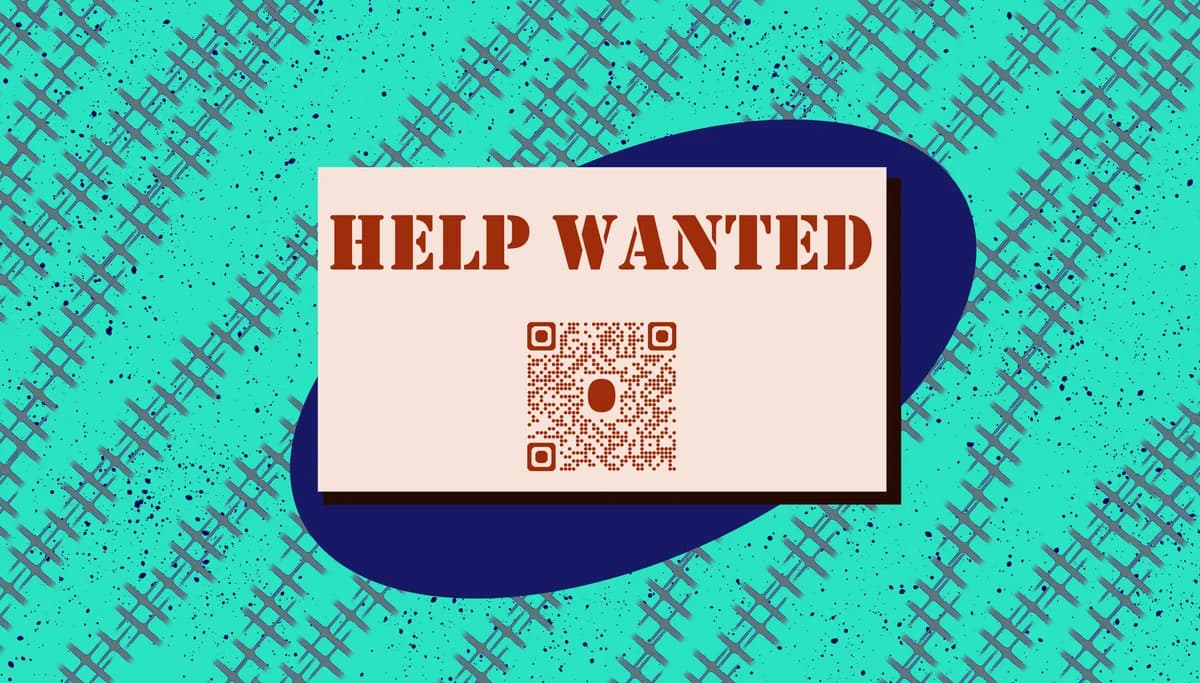
Job posting QR codes can link directly to your online applications, career pages, or specific job listings. When candidates scan your code, they instantly access the full job description, application form, and company information without typing anything into their browser.
From career fairs to campus recruiting events, these scannable codes work anywhere you need to connect offline interactions with online applications. In this guide I'll walk you through creating effective job posting QR codes using QR Code Developer and share strategies that actually get candidates to scan and apply. So let's get started!
Smart recruiting scenarios for QR code job posts
Job posting QR codes work best when candidates need quick access to detailed information or application processes. They're particularly effective in situations where typing URLs is impractical or when you want to track engagement from specific recruiting channels. Consider creating QR code business cards for your recruiting team to hand out at networking events.
Career fair booth displays
Large QR codes on banners and table displays let candidates instantly access your job portal while talking with recruiters, keeping the conversation flowing.
Campus recruiting flyers
Students can scan codes on bulletin boards or handouts to apply immediately, even when rushing between classes. Similar to how event QR codes work for campus activities.
Networking event materials
Business cards, brochures, and name tags with QR codes help professionals connect with your opportunities during brief conversations.
Job fair takeaway materials
Branded swag, folders, or information packets with QR codes ensure candidates can find your postings later when they're ready to apply seriously.
Creating job posting QR codes step by step
Setting up job posting QR codes takes just a few minutes, but the right approach ensures candidates land exactly where they need to be.
Visit the QR code generator
Go to qrcodeveloper.com and select 'URL' as your QR code type since you'll be linking to your job posting or careers page.
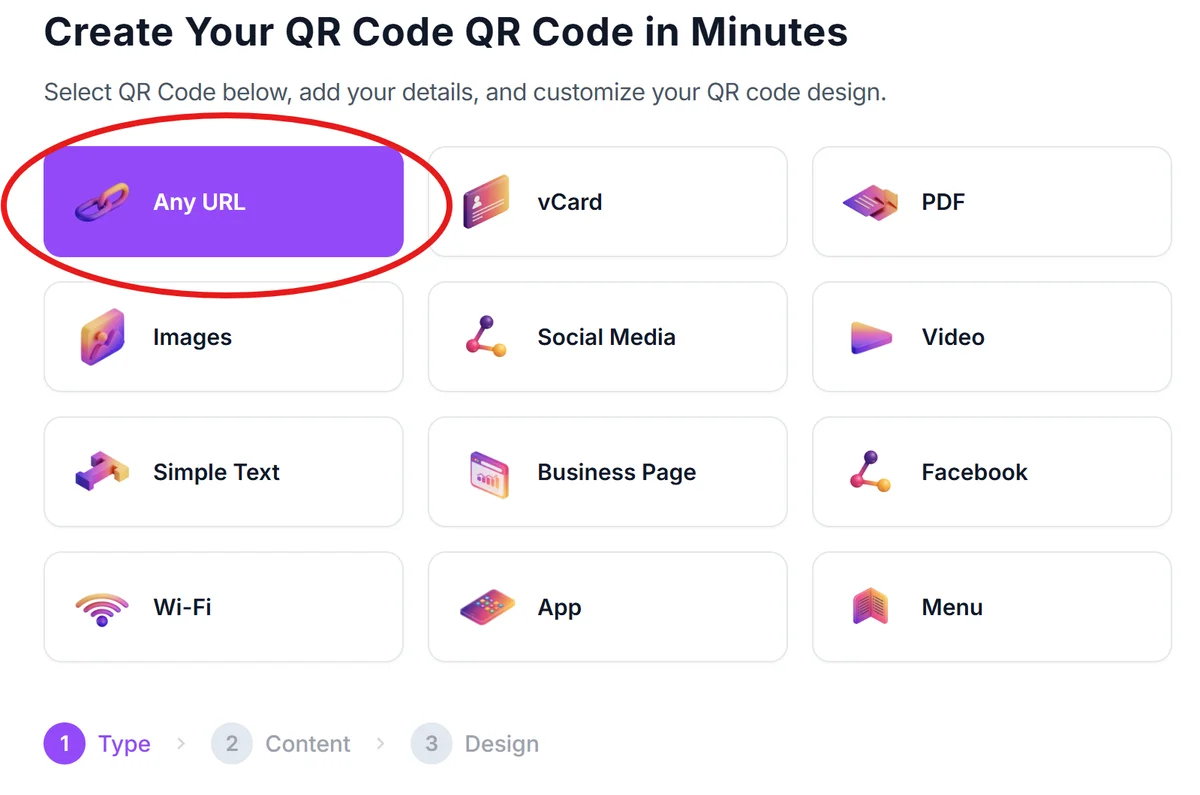
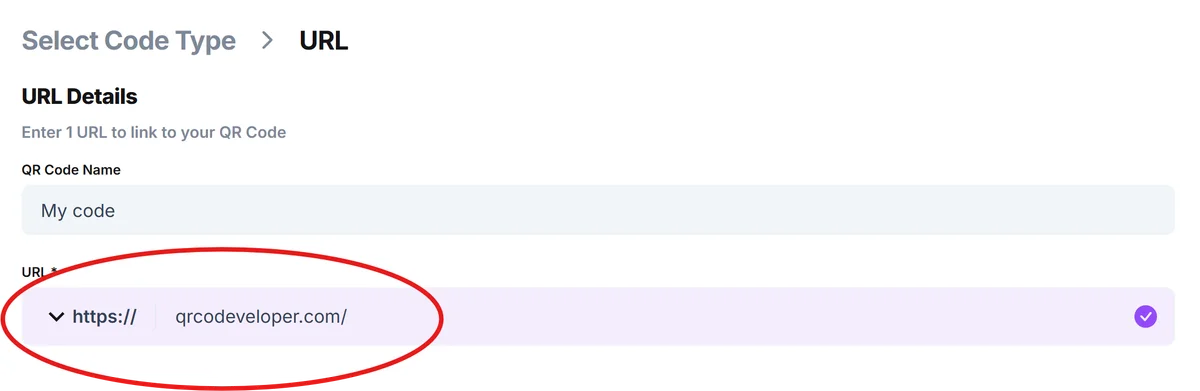
Enter your job posting URL
Paste the direct link to your specific job posting, careers page, or application portal. Use the exact URL where you want candidates to land - avoid redirects that might confuse mobile users.
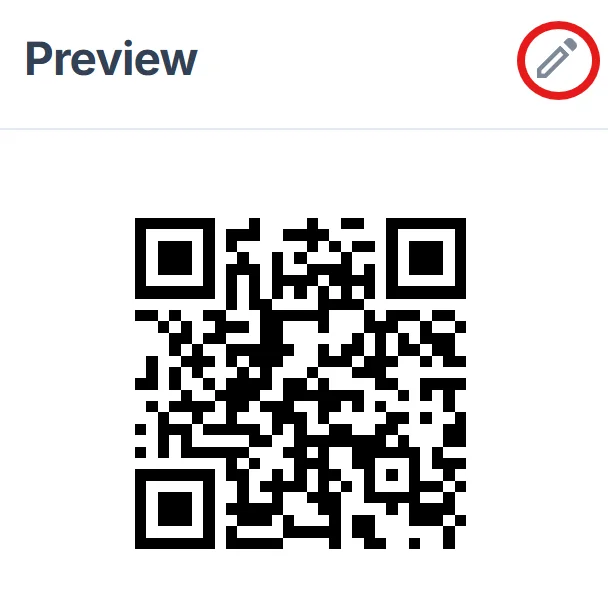
Customize with your brand colors
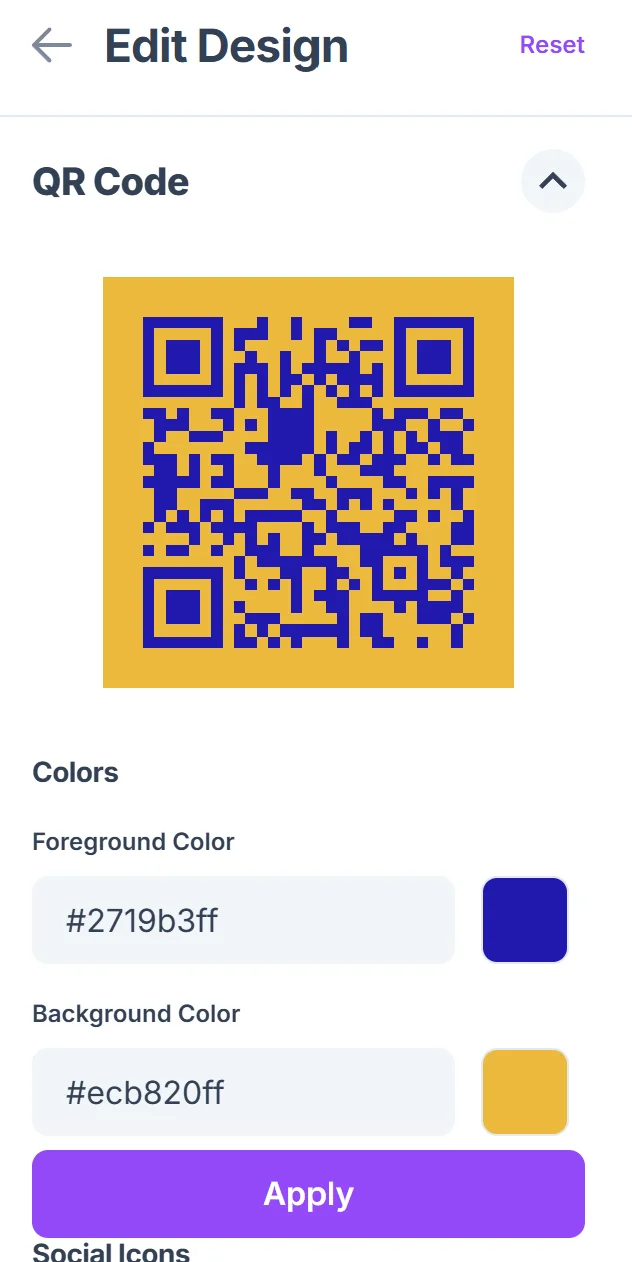
Click on the pencil icon in the Preview window to further customize your code. Match your company's color scheme and add your logo if desired. Keep contrast high for easy scanning in various lighting conditions at events. Follow QR code design best practices to ensure optimal readability.
Test across recruiting materials
Download your QR code and test it on different devices to ensure it works properly. Print test versions at the sizes you'll use on business cards, flyers, and banners.
Add clear scanning instructions
Include brief text like 'Scan to apply now' or 'View open positions' near your QR code so candidates understand what they'll access when scanning.
Best practices for recruiting QR codes
Successful job posting QR codes balance convenience with clear communication about what candidates will find when they scan.
Size your codes appropriately for the viewing distance - career fair banners need larger codes than business cards, and codes on name tags should be easily scannable during handshakes
Link directly to mobile-friendly application pages since most candidates will scan with their phones and expect to complete applications immediately. Consider creating dedicated landing pages optimized for mobile scanning.
Include your company name and a brief action phrase near the QR code so candidates know what they're scanning and who it's from
Track which recruiting events generate the most scans by creating unique QR codes for different locations or materials, helping you focus future recruiting efforts
Frequently Asked Questions
Should I link to a specific job posting or my general careers page?
Link to specific job postings when recruiting for particular roles, or to your careers page when showcasing multiple opportunities. Specific postings work better at targeted events, while careers pages suit general networking.
How can I track which recruiting events generate the most applications?
Create unique QR codes for each event or material type, then monitor the analytics for each code to see which recruiting channels drive the most engagement and applications.
What size should QR codes be on different recruiting materials?
Business cards need at least 0.8 inches, flyers work well with 1-2 inches, and banner displays should use 3+ inches for scanning from several feet away. Always test at actual viewing distances.
Do QR codes work well for entry-level recruiting on college campuses?
Yes, college students are very comfortable with QR codes and appreciate the convenience of instant access to applications. They're particularly effective for quick interactions between classes.
Can I use the same QR code across multiple recruiting materials?
You can, but using unique codes for different materials helps you understand which recruiting strategies work best. The basic QR code generator is free, so creating multiple codes doesn't add cost.
Related Guides
Ready to create your QR code?
Generate custom QR codes in seconds - free and easy to use.
Create Free QR Code →