QR codes for sharing digital artwork and online portfolios

Transform gallery walls and business cards into instant portals to your complete digital art collection and online presence.
Connecting physical and digital art spaces with QR codes
Have you ever visited an art gallery or museum exhibition and found yourself very interested in the works of a particular artist, but found that you couldn't easily view the rest of their work or learn their story? You could try to remember their name and look them up later, but you might forget or even get results for someone else with a similar name. It can be a real problem. But, if you see a QR code near the art or somewhere in the exhibition, then it's likely that you can scan it and use it to get all the information you need right then and there!
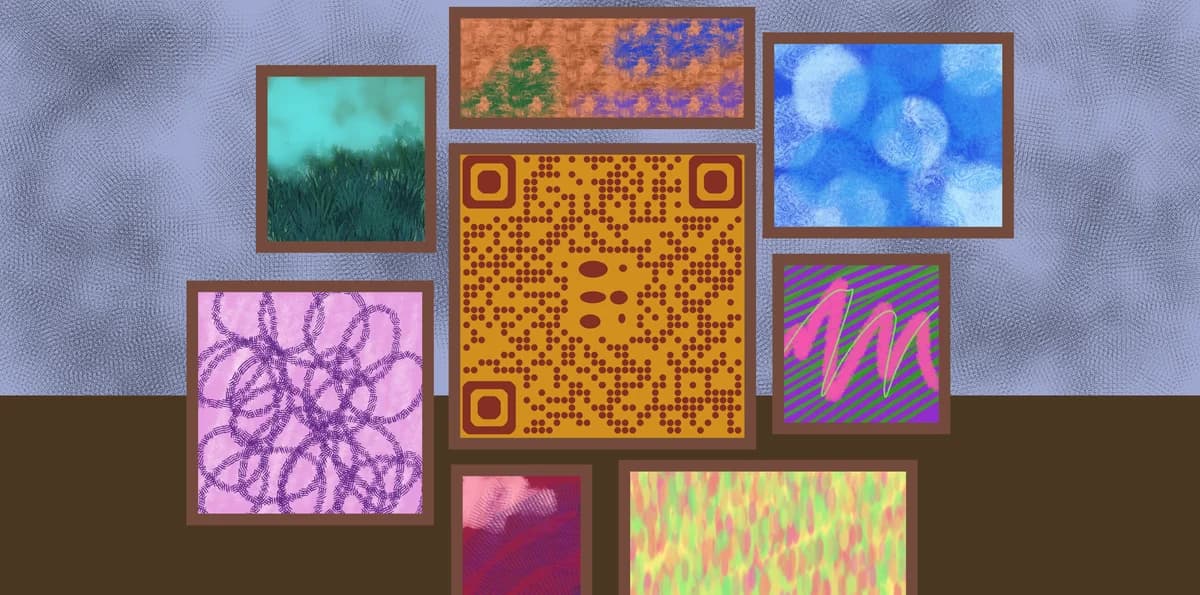
A digital artwork QR code links directly to an online portfolio, specific art pieces, or gallery websites. When someone scans the code with their smartphone, they're immediately taken to an Instagram gallery, personal website, online store, or virtual exhibition space.
Artists are discovering that these small codes dramatically increase engagement with their work. Throughout this guide, I'll show you how to create effective QR codes for your art, from gallery exhibitions to QR code business cards that showcase your complete portfolio. So let's dive right in!
Where artists use QR codes to showcase their work
Artists across different mediums are finding creative ways to use QR codes to expand their reach and connect with audiences. These codes work particularly well when paired with QR code stickers for easy placement on various surfaces.
Gallery exhibitions and art shows
Place QR codes on wall labels or artist statements to link visitors to complete portfolios, artist interviews, or behind-the-scenes content about the featured pieces. Similar to how museums use QR codes to enhance visitor experiences, artists can provide deeper context for their work.
Artist business cards and networking
Include QR codes on business cards that instantly show your best work, making it easy for gallery owners, collectors, and fellow artists to view your portfolio on the spot.
Studio open houses and art walks
Display QR codes in your studio that link to virtual tours, time-lapse videos of your creative process, or online catalogs of available pieces. You can even create YouTube QR codes to share video content about your artistic process.
Art fair booths and pop-up displays
Use QR codes on booth signage to share extensive portfolios when physical space is limited, or to collect visitor contact information for follow-up marketing.
Building QR codes for your digital art portfolio
Creating a QR code for your digital artwork takes just a few minutes, but the right approach ensures maximum engagement with your art.
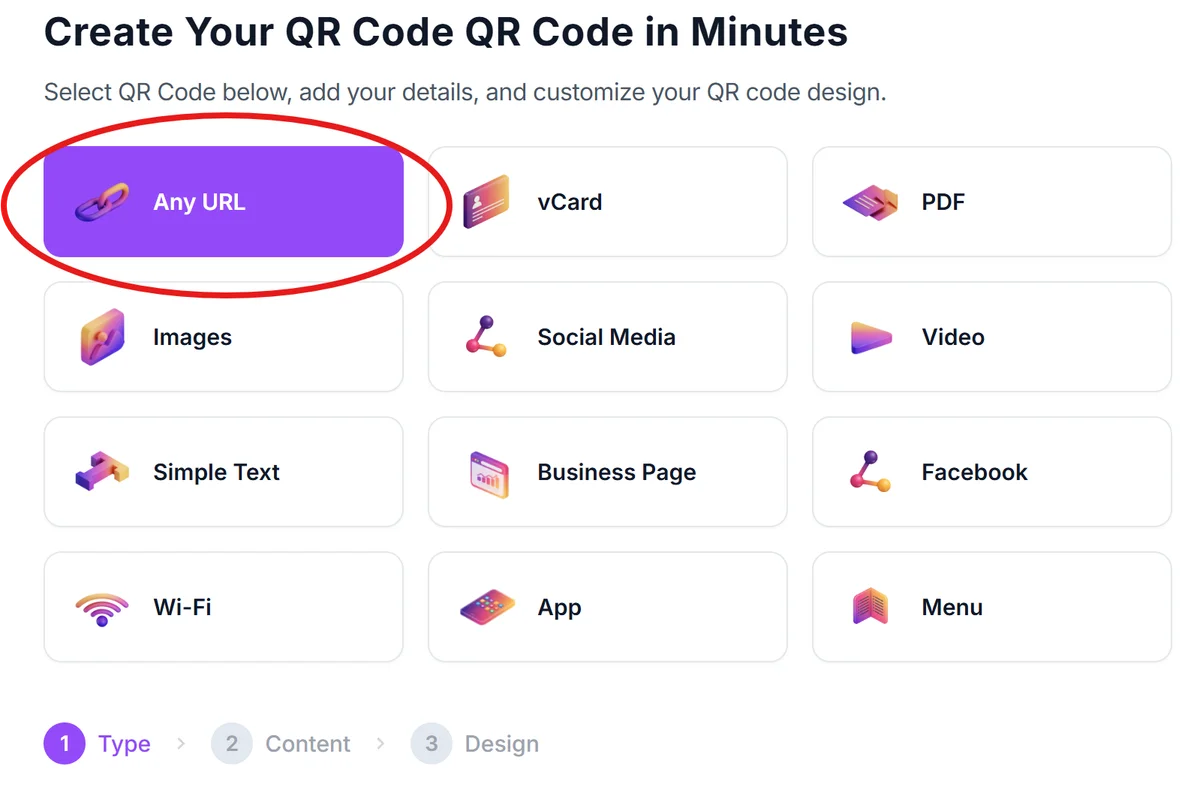
Navigate to the QR generator
Go to qrcodeveloper.com and select the URL option to create a link-based QR code for your digital portfolio.
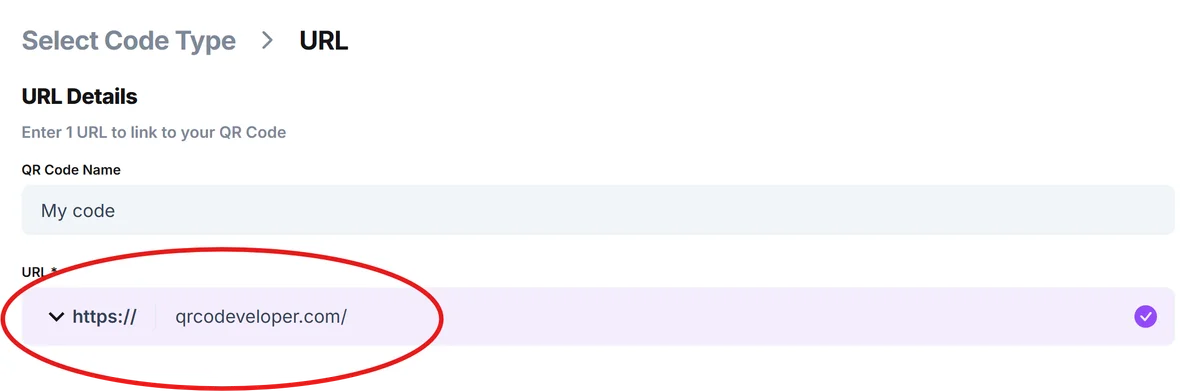
Enter your portfolio destination
Paste the URL of your online portfolio, Instagram profile, website gallery, or specific artwork page that you want viewers to discover.
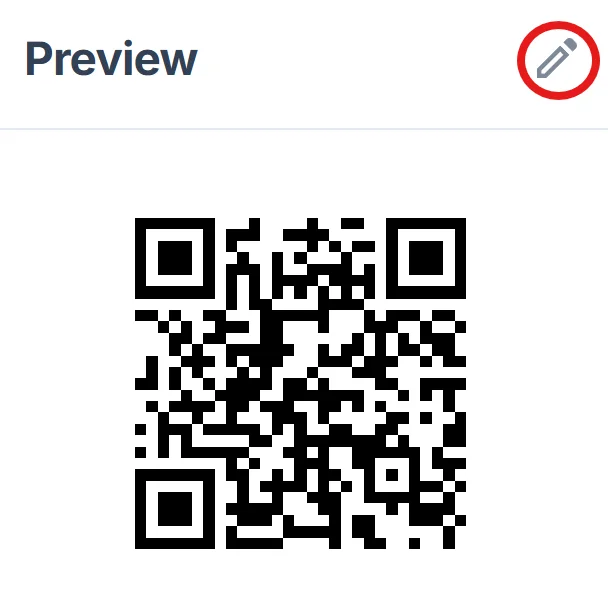
Customize with artistic flair
Click on the pencil icon in the preview window to further customize your code. Choose colors that complement your artwork or match your brand aesthetic. Consider using your signature colors or a monochromatic scheme that works well with your art style. Learn more about effective QR code design principles to create visually appealing codes.
Test across different devices
Scan your QR code with various smartphones to ensure it loads quickly and displays your artwork beautifully on both iOS and Android devices.
Print at appropriate sizes
Generate high-resolution versions for different applications - small for business cards, medium for wall labels, and large for booth displays or studio signage.
Best practices for art-focused QR codes
These strategies help ensure your QR codes effectively showcase your artwork and create meaningful connections with viewers.
Include clear call-to-action text like 'Scan to see more artwork' or 'View complete portfolio' so people understand what they'll discover when scanning your code.
Link to mobile-optimized pages since most people will view your art on their phones. Ensure images load quickly and display beautifully on smaller screens.
Place QR codes at eye level and in good lighting conditions. Gallery lighting can create shadows or glare that make codes difficult to scan, so test placement carefully.
Update your linked content regularly to keep viewers engaged. Fresh artwork, new project updates, or recent exhibition news gives people reasons to scan your codes multiple times.
Frequently Asked Questions
What's the best destination for a digital artwork QR code?
Link to whichever platform best showcases your work - your personal website, Instagram gallery, online store, or portfolio site like Behance. Choose based on where your best content lives and where you want to direct potential buyers or collaborators.
Can I track how many people scan my art QR codes?
Yes, most QR code generators provide basic analytics showing scan counts, locations, and device types. This data helps you understand which pieces generate the most interest and optimize your digital presence accordingly.
Should I customize the QR code design to match my artwork?
Light customization like color changes works well, but avoid heavy modifications that might interfere with scanning reliability. Your QR code should complement your art without becoming the focal point.
How do I handle QR codes for temporary exhibitions?
Use removable materials like vinyl stickers or small stands rather than permanent installation. This protects gallery walls while ensuring your codes remain scannable throughout the exhibition period.
Are QR code generators free for artists?
Basic QR code generation is typically free, including the ability to create codes that link to your portfolio or social media. Premium features like detailed analytics or custom designs may require paid plans.
Related Guides
Ready to create your QR code?
Generate custom QR codes in seconds - free and easy to use.
Create Free QR Code →