What is the best QR code size for different applications?

Size matters when it comes to QR code functionality. Understanding optimal dimensions for print, digital, and mobile applications ensures maximum scanability and user engagement.
Why QR code size affects scanning success
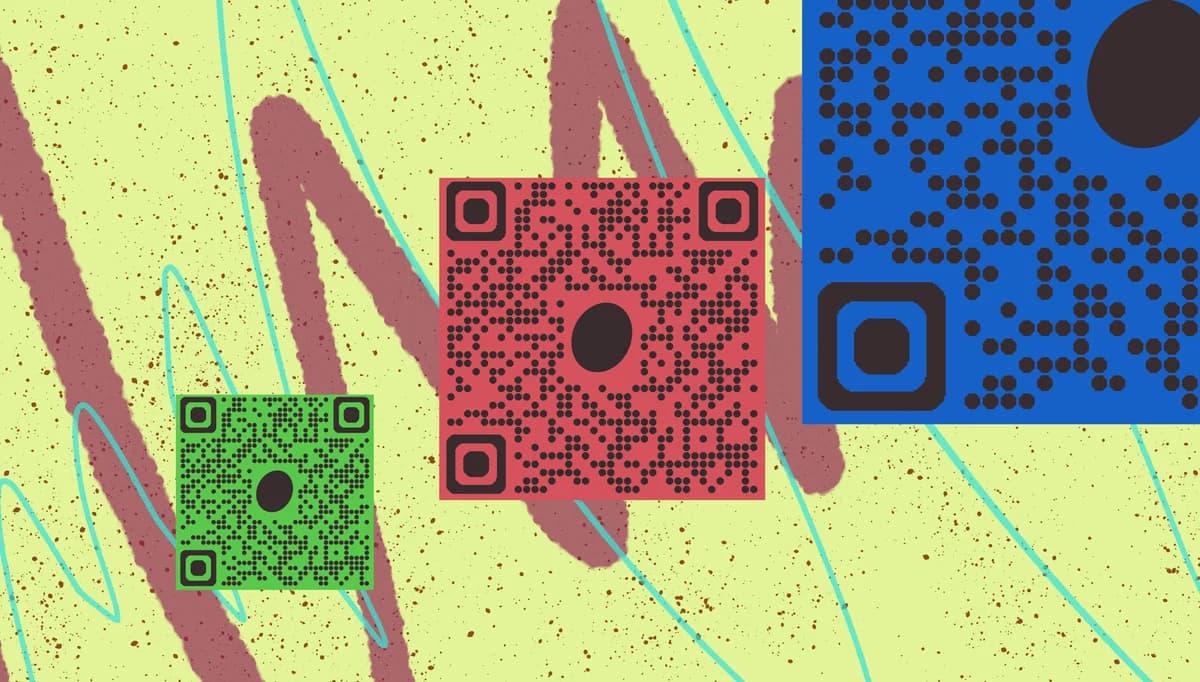
What determines whether someone can successfully scan your QR code from across a room or struggles to capture it even when holding their phone inches away? The answer lies in the relationship between QR code size, scanning distance, and the complexity of the encoded data. This fundamental principle affects everything from QR code business cards to large-scale advertising campaigns.
QR code size directly impacts user experience and scanning reliability. Too small, and users will abandon the attempt. Too large, and you waste valuable space while potentially creating visual clutter. The optimal size depends on several factors including viewing distance, data complexity, and the medium where the code appears.
In this guide I will go over the science behind QR code sizing, providing specific measurements for different applications. From flyer QR codes to digital displays, you'll also learn how to choose dimensions that maximize scanning success rates and improve user engagement. So let's get the lesson started!
Technical specifications and scanning distances
Size recommendations by application type
Understanding What Is The Best Qr Code Size For in context:
Business cards vs digital displays
Business cards work best with 1.5-2cm QR codes for close-range scanning, while digital displays need 3-5cm codes to accommodate varying viewer distances and screen resolution differences. Understanding QR code design principles helps optimize these dimensions further.
Print advertising vs mobile screens
Print materials require larger codes (minimum 2.5cm) due to ink bleeding and paper texture, while mobile screens can display effective QR codes as small as 1cm thanks to pixel-perfect rendering.
Indoor signage vs outdoor billboards
Indoor applications typically use 3-8cm codes for 1-3 meter viewing distances, while outdoor billboards need 30-100cm codes to remain scannable from vehicle distances and highway speeds.
Essential size requirements for QR codes
Here's what you should know:
Minimum viable size is 2 x 2 centimeters
Below this threshold, most smartphone cameras struggle to capture enough detail for reliable scanning, regardless of the QR code's data complexity.
Scanning distance follows the 10:1 ratio rule
For every 1 unit of QR code size, users can scan from approximately 10 units away. A 3cm code works reliably from 30cm distance.
Data complexity affects minimum size requirements
Simple URLs need smaller codes than complex data like WiFi credentials or contact information, which require more modules and larger dimensions.
Print resolution impacts effective size
Low-resolution printing requires larger QR codes to maintain the sharp edges necessary for accurate scanning, especially on textured surfaces.
Mobile screens need different sizing than print
Digital QR codes can be smaller than printed versions because screen resolution is typically higher and viewing distances are shorter.
Practical Applications
Here's how this information applies in practice:
- Restaurant menus benefit from 2.5-3cm QR codes, allowing comfortable scanning from typical dining table distances while remaining legible alongside menu text
- Event tickets and wristbands work best with 1.5-2cm codes, balancing space constraints with the need for reliable scanning at entry points
- Product packaging should use 2-3cm codes positioned away from folds or curves, ensuring the code remains flat and scannable throughout the product's lifecycle
- Social media graphics can use smaller 1-1.5cm codes since users view them on high-resolution mobile screens at close distances
Frequently Asked Questions
What's the smallest QR code size that still works reliably?
How do I calculate the right size for my specific application?
Do QR codes need to be perfectly square?
Can I make QR codes larger than recommended without problems?
How does data complexity affect the size I need?
Related Guides
Ready to create your QR code?
Generate custom QR codes in seconds - free and easy to use.
Create Free QR Code →