Augmented Reality QR codes for immersive experiences

Bridge physical and digital worlds with AR QR codes that trigger 3D models, animations, and interactive content through smartphone cameras.
How AR QR codes transform static content into interactive experiences
Sometimes, you just need to see more than a flat 2D image for a product you're hoping to buy. You need to see it in a physical space, look at the dimensions, how it fits in with everything else, all before you click buy. This all sounds like science fiction, but it's possible with QR codes.
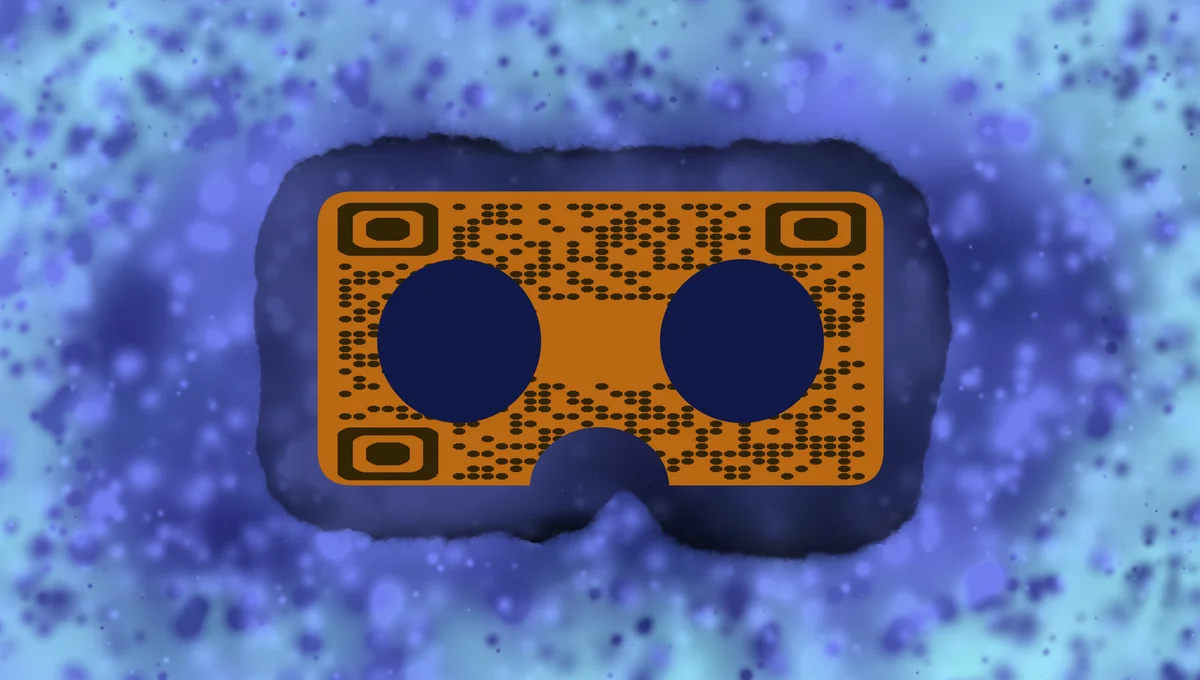
Augmented Reality QR codes connect physical objects to digital AR experiences through smartphone cameras. When scanned, these codes launch AR applications that overlay virtual content onto the real world - from 3D product models floating above business cards to animated characters appearing in retail displays.
In this guide I will cover everything you need to know about creating AR QR codes that captivate audiences and create memorable interactions. I'll also explore practical applications and show you how to build these experiences using QR Code Developer alongside AR platforms. So let's get started!
Real-world applications for Augmented Reality QR codes
AR QR codes solve the challenge of making static marketing materials interactive and engaging. They're particularly effective when you need to showcase products that benefit from 3D visualization or when space constraints limit traditional displays. Many businesses also use them alongside QR code business cards to create memorable networking experiences.
Product demonstrations and retail displays
Furniture stores use AR QR codes to let customers visualize how sofas and tables look in their homes. Electronics retailers showcase 3D product features and assembly instructions.
Educational content and museum exhibits
Museums place AR QR codes next to artifacts to display historical reconstructions, while textbooks use them to bring diagrams and scientific concepts to life through interactive 3D models.
Real estate and property marketing
Real estate agents include AR QR codes on property flyers that show virtual furniture placement, renovation possibilities, or neighborhood information overlaid on property photos.
Entertainment and gaming experiences
Movie studios create AR QR codes for promotional materials that display character animations or behind-the-scenes content, while game developers use them for interactive promotional campaigns.
Building your AR QR code experience step-by-step
Creating AR QR codes requires combining traditional QR code generation with AR content development. The process involves preparing your AR assets and linking them through a scannable code.
Prepare your AR content and hosting platform
Create or source your 3D models, animations, or interactive elements using AR development platforms like 8th Wall, Spark AR, or Unity. Upload your AR experience to a web-based AR platform that provides a shareable URL.
Generate your QR code with the AR experience URL
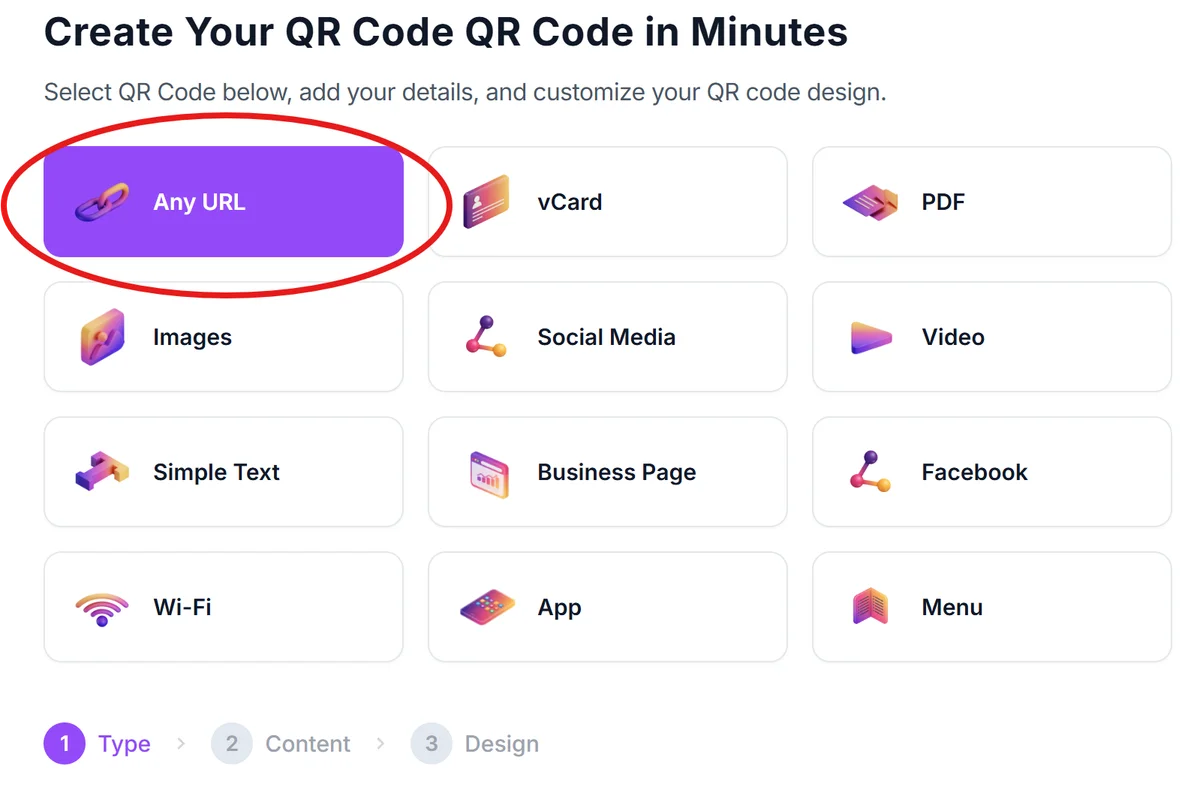
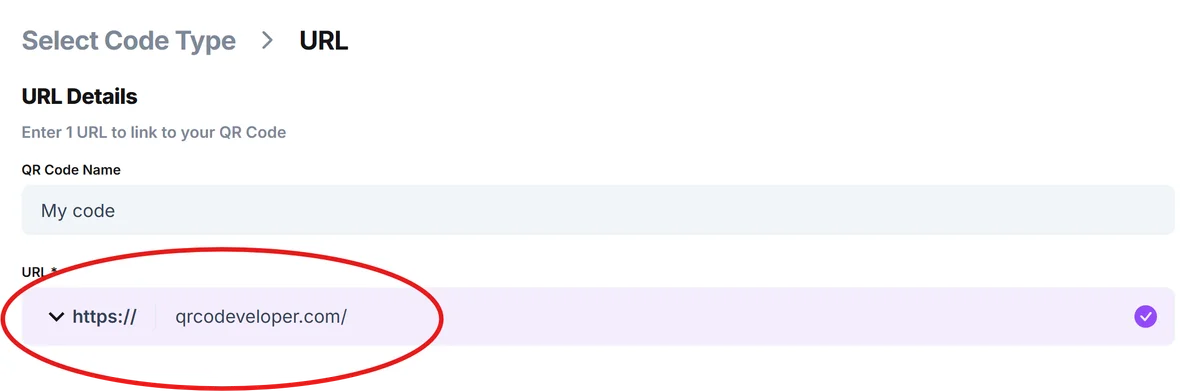
Visit qrcodeveloper.com and select URL QR code. Paste the link to your AR experience - this should be a web URL that launches the AR content when accessed through a mobile browser.
Customize the code for your brand and context
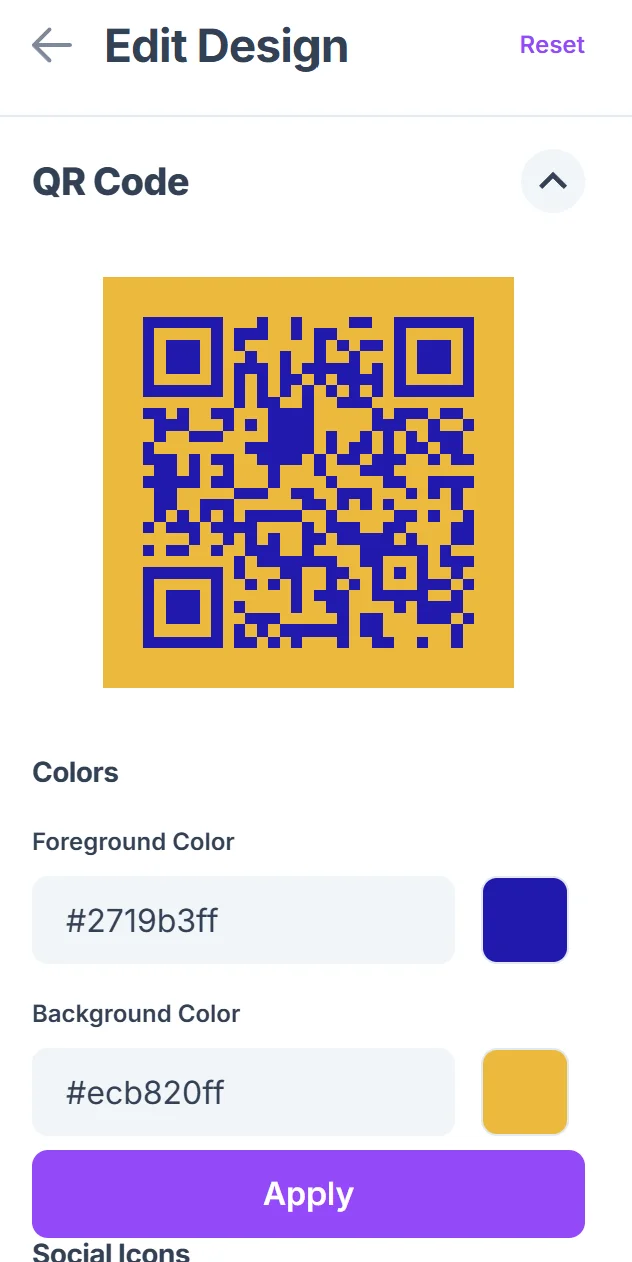
Click on the pencil icon in the Preview window to further customize your code. Design your QR code to match your marketing materials. Consider adding your logo or brand colors using QR code design tips, and ensure the code size works for your intended placement - larger codes work better for AR experiences since users need steady scanning.

Test the AR experience across different devices
Scan your QR code using various smartphones to ensure the AR content loads properly. Test both iOS and Android devices, and verify that the AR tracking works smoothly in different lighting conditions.
Add clear instructions for users
Include text near your QR code explaining that it launches an AR experience. Phrases like "Scan to see in 3D" or "Point your camera to explore" help users understand what to expect and improve engagement rates.
Best practices for AR QR code implementation
Successful AR QR codes require careful attention to both technical performance and user experience design.
Keep AR experiences under 30 seconds for initial interactions - longer experiences should be optional extensions that users can choose to continue exploring
Ensure your AR content works in various lighting conditions since QR codes are often scanned in different environments, from bright retail stores to dimly lit museums
Include fallback content for devices that don't support AR - provide alternative experiences like 360-degree photos or detailed product videos for older smartphones
Place QR codes at comfortable scanning heights and distances - users need stable hand positions to properly experience AR content, so avoid placing codes too high or too low
Frequently Asked Questions
Do users need special apps to view AR QR codes?
Most modern smartphones can access web-based AR experiences directly through their camera apps and browsers without downloading additional software. However, some advanced AR features may require specific apps.
How much does it cost to create AR QR code experiences?
Basic web-based AR experiences can be created affordably using platforms with free tiers, while custom 3D content and advanced interactions typically require higher investment in development and hosting.
Can I track how many people interact with my AR QR codes?
Yes, most AR platforms provide analytics on scans, engagement time, and user interactions. You can also use URL shorteners with tracking capabilities before generating your QR code.
What devices support AR QR code experiences?
iPhones with iOS 11+ and Android phones with ARCore support can handle most web-based AR experiences. This covers the majority of smartphones manufactured after 2017.
How large should AR QR codes be for reliable scanning?
AR QR codes should be at least 1.5 inches square for close-up scanning and 3+ inches for viewing from several feet away, since users need steady positioning for AR experiences to work properly.
Related Guides
Ready to create your QR code?
Generate custom QR codes in seconds - free and easy to use.
Create Free QR Code →