Amazon Wishlist QR Code Generator for easy sharing

Shopping for someone special becomes effortless when they can share their Amazon wishlist through a simple scan, eliminating guesswork and ensuring perfect gift choices every time.
How QR codes simplify Amazon wishlist sharing
Picture this: you're at a family gathering and your aunt asks what you'd like for your birthday. Instead of trying to remember specific product names or sending long Amazon links through text messages, you simply show her a QR code on your phone. One quick scan and she has instant access to your entire wishlist, complete with prices, reviews, and direct purchase links. This approach works similarly to contact information QR codes that instantly share details without manual typing.
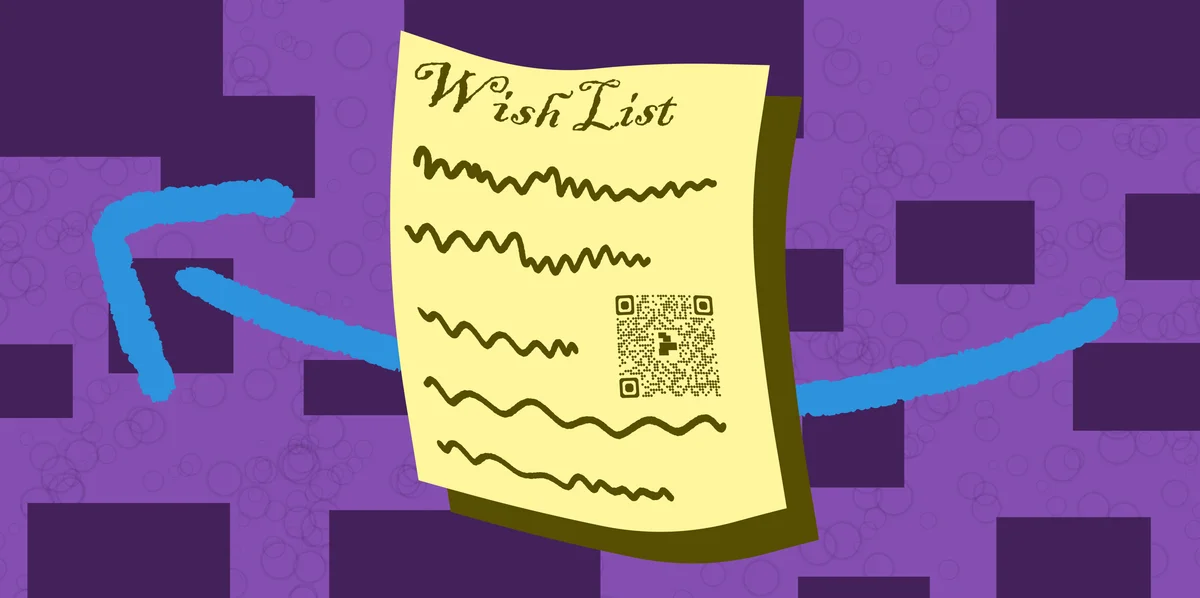
An Amazon wishlist QR code transforms any wishlist URL into a scannable square that opens directly in the Amazon app or mobile browser. When someone scans your code, they're taken straight to your curated list of desired items, making gift-giving decisions simple and accurate. The QR code works with any Amazon wishlist - whether it's for birthdays, holidays, baby showers, or wedding registries.
Throughout this guide, I'll walk you through creating effective wishlist QR codes and share strategies I've learned for making gift exchanges smoother. You can also explore our guide on QR code business cards to see how professionals use similar techniques for networking.
Smart ways to share your Amazon wishlists
Amazon wishlist QR codes solve the common problem of complicated gift coordination. Instead of sending long URLs or trying to describe specific items, these codes create instant access to your carefully curated lists. Learn more about different types of QR codes for various sharing needs.
Holiday gift exchanges
Share your holiday wishlist at family gatherings or office parties. Print the QR code on cards or display it on your phone for instant access to your gift preferences.
Wedding and baby shower registries
Include QR codes on wedding invitations or baby shower announcements. Guests can scan to view your registry without typing long URLs or searching through multiple stores. For wedding planning, you might also consider creating wedding invite QR codes for additional event information.
Birthday party planning
Parents can share their child's wishlist with relatives and friends through QR codes, ensuring age-appropriate gifts that the birthday child actually wants.
Social media sharing
Content creators and influencers use wishlist QR codes in their posts and stories, making it easy for followers to support them through gift purchases or sponsored content.
Creating your Amazon wishlist QR code
Building a wishlist QR code takes just a few minutes once you have your Amazon wishlist ready to share.
Access your wishlist sharing options
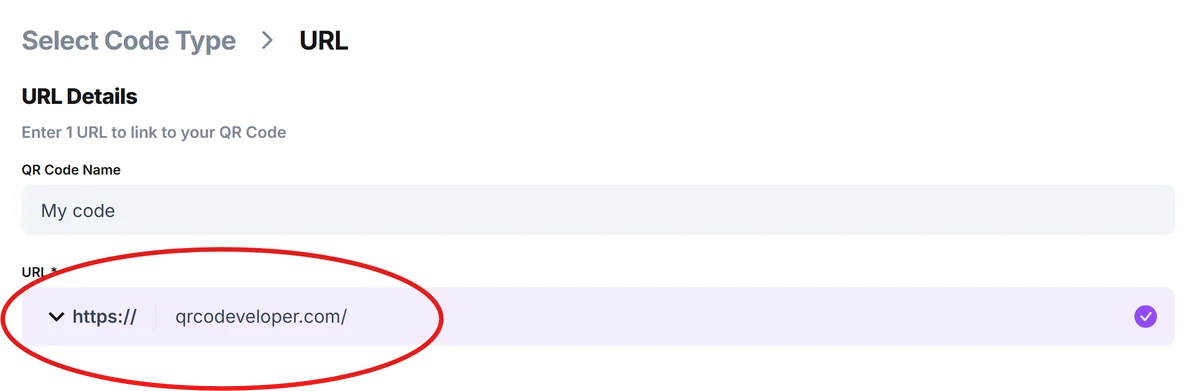
Open your Amazon wishlist and look for the 'Share' or 'Send list to others' button. Copy the shareable link that Amazon provides - this URL will work for anyone who receives it. Visit qrcodeveloper.com to start creating your QR code.
Paste your wishlist URL
Select 'URL' as your QR code type and paste your Amazon wishlist link into the content field. Make sure the entire URL is included, including any tracking parameters that Amazon adds for sharing.
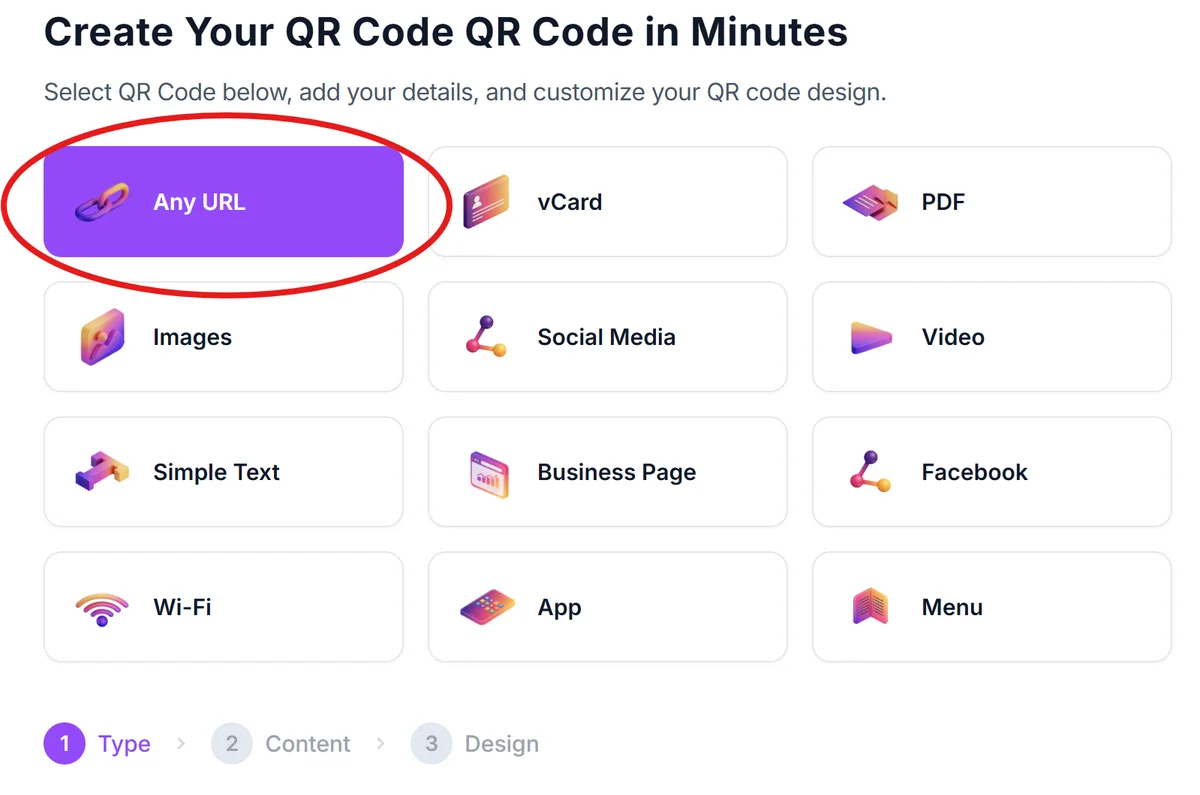
Design for your sharing method
Choose colors and styling that match your event or personal brand. For printed invitations, use high contrast colors. For digital sharing, you can be more creative with colors that match your social media aesthetic. Check out our QR code design tips for creating visually appealing codes.
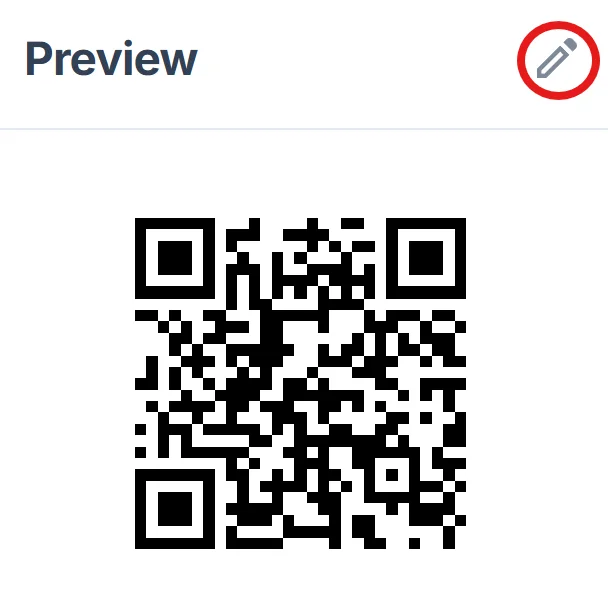
Test with different devices
Scan your QR code with both iPhone and Android devices to ensure it opens correctly in the Amazon app or mobile browser. Test the link to verify it shows your wishlist with proper permissions.
Save multiple formats
Download both high-resolution versions for printing and smaller files for digital sharing. Keep the original file so you can resize it later for different applications without losing quality.
Making your wishlist QR codes more effective
These practical strategies will help you get better results from your Amazon wishlist QR codes and create smoother gift-giving experiences.
Update your wishlist regularly and include items at different price points to give gift-givers options that fit their budgets and preferences. Consider using dynamic QR codes if you plan to update your wishlist frequently without changing the QR code itself
Add clear descriptions and notes to wishlist items explaining why you want them or how you plan to use them, helping gift-givers make confident choices
Set your wishlist privacy to 'Shared' rather than 'Private' and enable the option for others to see purchased items to avoid duplicate gifts
Include a brief explanation with your QR code like 'Scan for my wishlist' so people understand what they're scanning and feel comfortable doing so
Frequently Asked Questions
Can people see what others have already purchased from my wishlist?
Yes, if you enable the 'Show purchased items' setting in your wishlist privacy options. This helps prevent duplicate gifts and lets gift-givers see what's still available to purchase.
Do I need to update my QR code when I add new items to my wishlist?
No, your QR code will always link to your current wishlist. As you add, remove, or modify items, anyone scanning the code will see the updated version automatically.
Can I create separate QR codes for different wishlists?
Absolutely. Amazon allows you to create multiple wishlists for different occasions, and you can generate a unique QR code for each one using their individual sharing links.
Will the QR code work if someone doesn't have the Amazon app installed?
Yes, the QR code will open your wishlist in their mobile browser if they don't have the Amazon app. The browser version provides the same functionality for viewing and purchasing items.
Is it free to create Amazon wishlist QR codes?
Yes, generating QR codes for your Amazon wishlists is completely free. You can create as many codes as you need for different lists or sharing situations without any cost.
Related Guides
Ready to create your QR code?
Generate custom QR codes in seconds - free and easy to use.
Create Free QR Code →