5 Design Tips for QR Codes on Flyers

Key Takeaways
- QR codes can be especially effective on flyers
- Certain design cues should be followed to make sure your codes are understood
Flyers can be a great tool for advertising and sharing information, but they can only do so much on their own. There's only so much space on a single piece of paper, so you have to be sure you only include essential information.
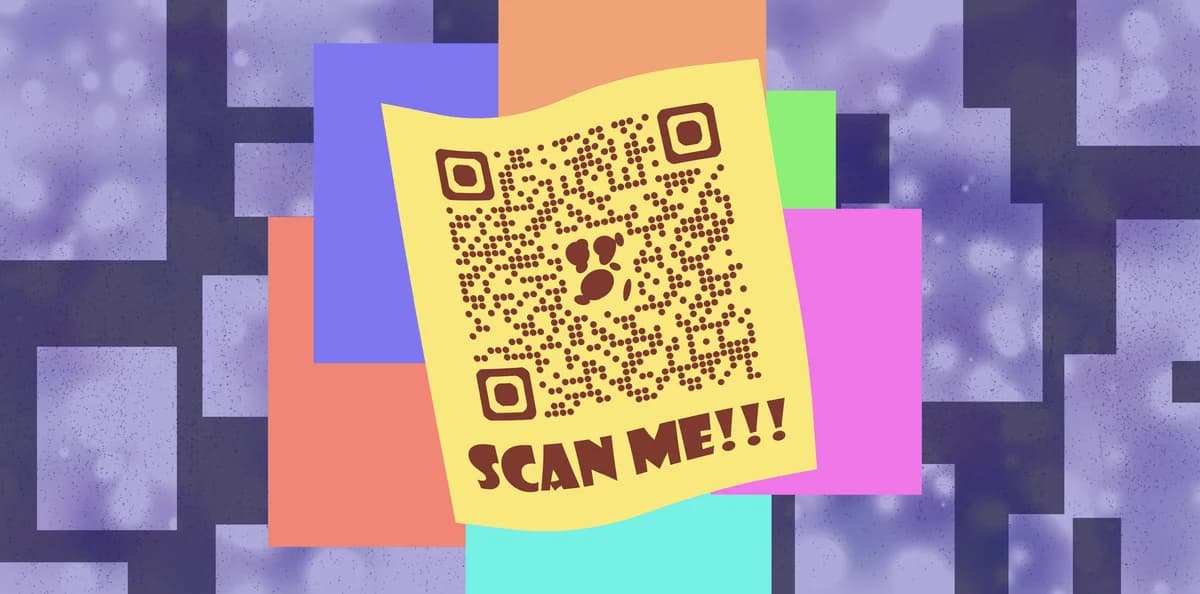
You could also list off links to social media or other websites, but that can take up more space and it's possible that your audience won't want to type all of that into their devices. Luckily, there's a better way!
By adding a QR code onto your flyer you can provide your audience with an easy way to access additional information, like websites and social media pages, while also being able to monitor how and where your codes are scanned.
In this piece I will go over the many different ways you can use QR codes on flyers, as well as how to make your own using QR Code Developer. I'll also share some helpful tips on getting the most out of your codes.
So let's get started!
What is a QR code?
A QR code is a type of encoded image that can be printed just about anywhere and scanned by a smart device, like a phone or a tablet, in order to access a variety of online and digital content. These codes are easy to make through a service like QR code developer and are generally understood by the public.
How to make a QR code for a URL link
• In QR Code Developer, click on Create Code.
• Select the Website option as your code type.
• Name your code and paste the link into the URL bar.
• Click on the pencil icon in the Preview window to further customize the look of your code.
• Click Generate.
• Test your code on multiple devices.
Design tips
For designing a flyer with a QR code, there are a few rules you should follow to ensure that they are understood by your audience. Here are some tips for designing your flyer!
Make your QR code clear: Don't try to hide your code in the corner or within a design. Make sure it's obvious so people know where it is and what it is.
State what the code is for: Make sure your audience knows what will happen when they scan the QR code. This doesn't have to be a full paragraph, just something quick like "Scan to see our website"
Keep your code monochrome: Make sure that your code only uses two colors. Using any more could result in the code being unreadable.
Use high contrast: Going off of the last tip, make sure that the two colors you use for your code are in high contrast to each other, to ensure scannability. We have a piece on good code design here.
Do a test print: Before printing off a batch of flyers with your QR code, make sure you print off one and test it to make sure it works properly. Otherwise, you may end up wasting ink, paper, and money.
Frequently Asked Questions
Can a QR code be added to a flyer?
Yes. QR codes can easily be printed on just about any paper surface, including flyers.
What can I share via QR code?
URL links, images, contact information, certain file types, and more can all be shared via QR codes.
Do I need to hire someone to make my QR codes?
No. QR codes can be made by yourself for free through a service like QR Code Developer.
Do I need to download anything to scan QR codes?
While QR scanner apps are available for mobile devices, they are not necessary. Most modern smart devices are perfectly capable of scanning codes right from the built-in camera app.
What devices can scan QR codes?
Most modern smart devices with both a built-in camera and an internet connection can scan QR codes and access the content within. This includes smart phones, tablets, and even some handheld gaming consoles.
Are QR codes safe?
While there are some risks in using QR codes, they are relatively safe.
Ready to create your QR code?
Generate custom QR codes in seconds - free and easy to use.
Create Free QR Code →