How to create 3D printed QR codes: Complete design guide

Physical QR codes that withstand weather, tampering, and daily wear while maintaining perfect scan reliability through precision 3D printing techniques.
Key Takeaways
- High contrast QR codes with thick borders print most successfully in 3D formats
- Layer height and nozzle size directly impact scan reliability - 0.2mm layers work best
- Material choice affects durability more than color - PETG outperforms PLA for outdoor use
- Test prints at actual size prevent scaling issues that break scanning functionality
Businesses and creators can often struggle with QR code durability outdoors - paper codes can fade, plastic stickers can peel, and weather can flat out destroy most codes. However, 3D printing technology can create QR codes that are far more durable and able to be scanned under a variety of harsh conditions.
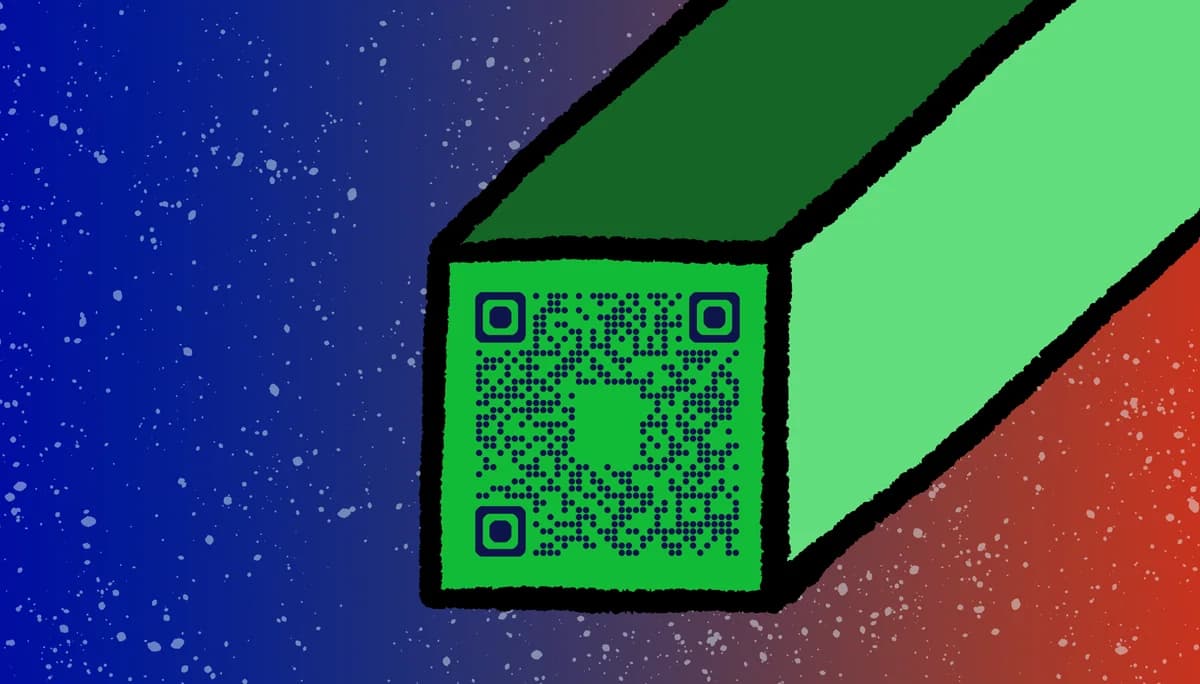
3D printed QR codes solve the permanence problem that has plagued physical marketing. These raised or recessed patterns maintain their scan accuracy through rain, snow, UV exposure, and heavy use while providing a premium tactile experience that flat codes cannot match.
In this guide I will cover everything from initial design considerations to final installation. You'll learn how to prepare QR codes for 3D printing, select appropriate materials and settings, and deploy codes that perform reliably in real-world conditions. We'll also explore how QR Code Developer can generate the high-contrast codes essential for successful 3D printing projects. So let's get started!
Designing QR codes for 3D printing
Successful 3D printed QR codes start with proper digital design. The code must have sufficient contrast, appropriate sizing, and clear module definition to translate effectively into physical layers. Standard QR codes often need modification to work reliably when printed in three dimensions.
The key difference between screen-based and 3D printed QR codes lies in how scanners interpret depth and shadow. What appears as black pixels on screen becomes raised or recessed surfaces that create shadows and highlights affecting scanner recognition.
Generate high-contrast QR codes
Start with a QR code generator that produces clean, high-contrast images. Avoid gradients, complex logos, or detailed graphics within the code. Simple black and white patterns with thick borders translate best to 3D printing. The quiet zone (white border) becomes especially important as it helps scanners identify code boundaries even when shadows are present.
Determine optimal sizing
Size your QR code based on scanning distance and printer capabilities. For handheld scanning, codes should be at least 25mm square. For wall-mounted applications scanned from arm's length, 50-75mm works better. Remember that each module (individual square) needs to be large enough for your printer to reproduce accurately.
Convert to 3D-ready format
Transform your 2D QR code into a 3D model using CAD software or specialized conversion tools. You can create raised patterns where black modules extend upward, recessed patterns where black areas are carved inward, or dual-tone approaches using different colored materials. Each method affects scanning reliability differently, similar to how QR code design choices impact digital scanning performance.
3D printing settings and materials
Material selection and printer settings determine whether your QR code will scan reliably. Different materials reflect light differently, affecting how smartphone cameras interpret the code pattern. Print settings like layer height and infill percentage impact both scan accuracy and structural integrity.
The relationship between material properties and scanning success isn't always intuitive. Glossy materials might seem ideal for contrast but can create glare that interferes with scanning, while matte surfaces provide consistent light reflection that scanners handle better.
Choose appropriate materials
PETG offers the best balance of durability and printability for most QR code applications. It's chemical resistant, UV stable, and produces clean edges essential for scanning accuracy. PLA works for indoor applications but degrades outdoors. ABS provides excellent durability but requires careful temperature control to prevent warping that can distort code geometry. For outdoor installations like QR code stickers, material durability becomes critical.
Configure print settings
Use 0.2mm layer heights for optimal detail reproduction. Smaller layers create smoother surfaces but increase print time significantly. Set infill to 20-30% for adequate strength without excessive material use. Enable supports only when necessary, as support removal can damage fine QR code details.
Implement quality control measures
Print test squares at actual size before committing to full codes. Check that individual modules are clearly defined and that layer adhesion is solid throughout. Poor layer bonding creates weak points where codes can fail over time, especially in outdoor installations. Understanding how QR codes work helps you identify which elements are most critical during testing.
Testing and deployment strategies
Testing 3D printed QR codes requires more than just checking if they scan once. You need to verify performance across different devices, lighting conditions, and scanning angles. Real-world deployment often reveals issues that don't appear in controlled testing environments. Consider testing with photo scanning methods to ensure your codes work reliably in various conditions.
Successful deployment considers mounting methods, environmental factors, and maintenance requirements. A perfectly printed QR code can fail if mounted incorrectly or exposed to conditions that affect its scanning reliability over time.
Conduct comprehensive scanning tests
Test your printed codes with multiple smartphone models and QR scanning apps. iPhone and Android devices sometimes interpret the same code differently due to camera and software variations. Test under various lighting conditions including direct sunlight, shade, and artificial lighting to ensure consistent performance.
Plan strategic mounting approaches
Mount codes at appropriate heights and angles for easy scanning. Avoid locations with strong backlighting or reflective surfaces nearby that can interfere with camera focus. Consider QR code stickers for temporary applications, but 3D printed codes excel in permanent installations where durability matters most.
Establish maintenance protocols
Even durable 3D printed codes need periodic cleaning to maintain scan reliability. Dust, dirt, and weathering can accumulate in recessed areas, reducing contrast. Develop cleaning schedules based on environmental exposure, and consider protective coatings for harsh outdoor conditions.
Professional printing recommendations
These practical insights help you avoid common pitfalls and achieve professional results with your 3D printed QR codes.
Print codes in single colors rather than multi-color patterns - color changes mid-print often create alignment issues that break scanning
Add beveled edges around code borders to reduce chipping and improve professional appearance
Test scan reliability immediately after printing while the code is still warm - thermal expansion can affect dimensions
Keep backup digital files organized by project and date - reprinting becomes necessary when codes are damaged or lost
Document successful print settings for each material type to ensure consistent results across multiple projects
Frequently Asked Questions
What's the minimum size for a reliably scannable 3D printed QR code?
25mm square works for most applications, but 30mm or larger provides better scanning reliability across different smartphone cameras. The key is ensuring each module is at least 1mm wide so your printer can reproduce clean edges.
Can I print QR codes in multiple colors?
Yes, but stick to high-contrast combinations like black and white or dark blue and white. Avoid similar colors that might not provide enough contrast for reliable scanning. Multi-material printing requires precise alignment to prevent scanning failures.
How long do 3D printed QR codes last outdoors?
PETG and ABS codes can last 5-10 years outdoors with proper UV protection. PLA degrades within 1-2 years in direct sunlight. Apply UV-resistant clear coats to extend lifespan further, but test coating compatibility with scanning first.
What should I do if my printed QR code won't scan?
Check module definition first - blurry or merged squares prevent scanning. Verify contrast is sufficient and clean any debris from recessed areas. If the code scans intermittently, the issue is likely dimensional accuracy or surface finish.
Can I embed QR codes into larger 3D printed objects?
Absolutely. QR codes work well as integrated elements in signage, product housings, or architectural features. Just ensure the code area maintains proper contrast and isn't distorted by surrounding geometry during printing.
Related Guides
Ready to create your QR code?
Generate custom QR codes in seconds - free and easy to use.
Create Free QR Code →