Zoho QR Code Generator

Turn any Zoho link — a CRM record, a survey, a Bookings page, a campaign URL — into a scannable QR code that routes mobile visitors straight into your workflows without typing or hunting for the right tab.
What is a Zoho QR code?
Zoho runs more than fifty apps under one roof — CRM, Forms, Bookings, Survey, Campaigns, Desk, Sign, Commerce, and more. Each of them generates public URLs that you can hand to customers, prospects, or teammates. A Zoho QR code is a scannable image that points to one of those URLs, so anyone with a phone camera can reach the destination in two seconds flat.
The QR code itself does not need to be built inside Zoho. You copy the URL from whichever Zoho app you are working in, paste it into a generator, and download a PNG or SVG you can drop onto a flyer, business card, packing slip, trade show banner, or email signature. If you plan to use it on printed materials, our guide on how to add a QR code to your flyer walks through sizing and placement best practices. The link still belongs to Zoho, so every form submission, booking, or contact record continues flowing into the workspace you already use.
If you choose a dynamic QR code, the destination is editable after printing and you get scan analytics — handy when a Zoho Form URL changes between campaign cycles or when you want to compare how a flyer at one location performs versus another. Learn more about the differences in our static vs dynamic QR codes guide.
Use cases across the Zoho suite
Almost any public Zoho URL is fair game. Here are the patterns we see most often from sales, support, and operations teams.
Lead capture with Zoho Forms
Print a Zoho Forms QR code on event signage, demo booths, or product packaging. Scans open the form on mobile, and submissions land in CRM or Sheet exactly as they would from a desktop visitor.
Appointment booking with Zoho Bookings
Add a QR code to a clinic door, a salon mirror, or a consultant's business card. Clients scan, pick a slot, and the calendar entry syncs to the right staff member automatically.
Campaign tracking from Zoho Campaigns
Generate codes for the unique landing page URLs Campaigns produces. Print runs, billboards, and direct mail get the same attribution as your email blasts — no manual UTM hunting later.
Customer support via Zoho Desk
Put a QR code on product manuals, warranty cards, or in-store displays that opens a Desk help center article or ticket form. Cuts call volume and gives shoppers self-service options on the spot.
Surveys with Zoho Survey
Restaurants drop a survey QR on the receipt, hotels place one on the bedside table, and retailers print one near the exit. For hospitality-specific setups, see how others approach check-in QR codes for hotels. Higher response rates than emailing a link the next day.
Document signing with Zoho Sign
Send the signing URL as a QR code on tablets or printed contracts so the customer can switch from paper to a mobile signature flow without re-typing anything.
Storefronts with Zoho Commerce
Tag physical merchandise with QR codes that jump straight to the product page. Useful for pop-ups, market stalls, and showrooms where the inventory you display is a small slice of what you sell online.
How to create a Zoho QR code
The flow is the same whether you start in Forms, CRM, Bookings, or any other Zoho app — grab the URL, paste it into the generator, style it, and download.
Copy the public URL from Zoho
Inside the Zoho app, open the share or publish option for your form, booking page, survey, or campaign link. Copy the full https URL to your clipboard.
Paste it into the generator
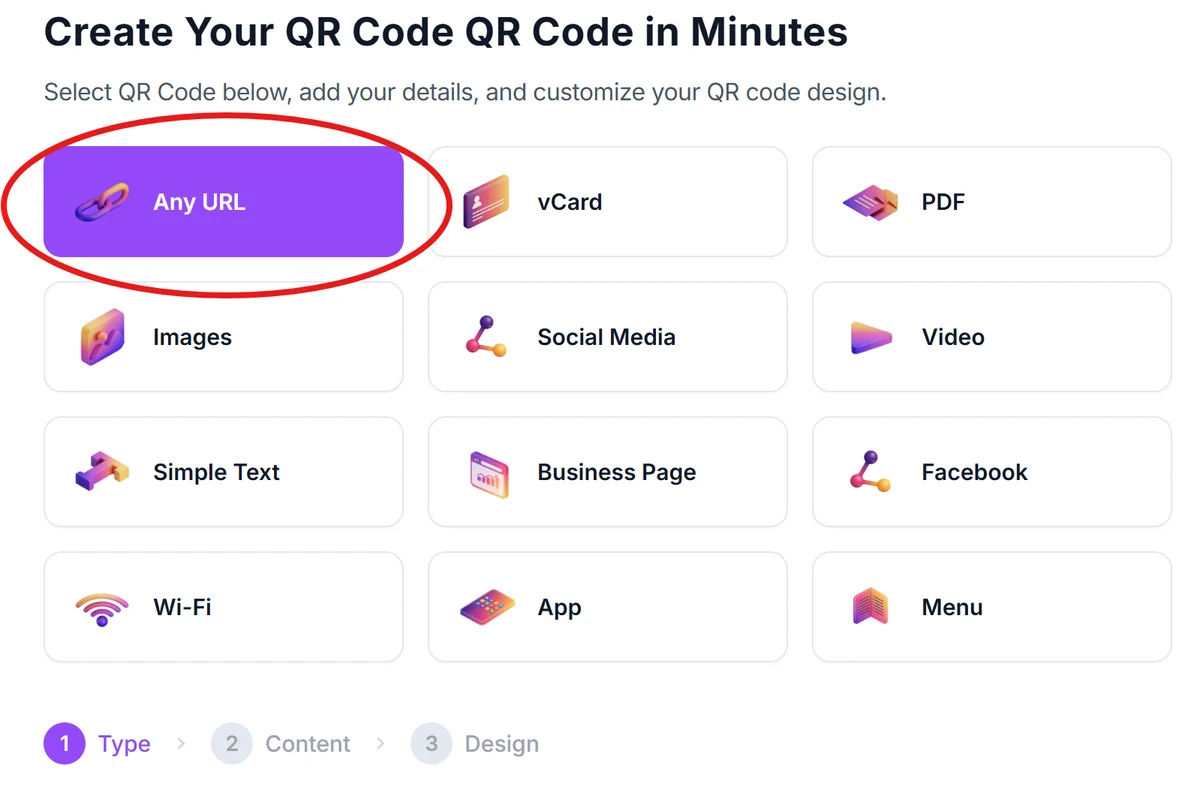
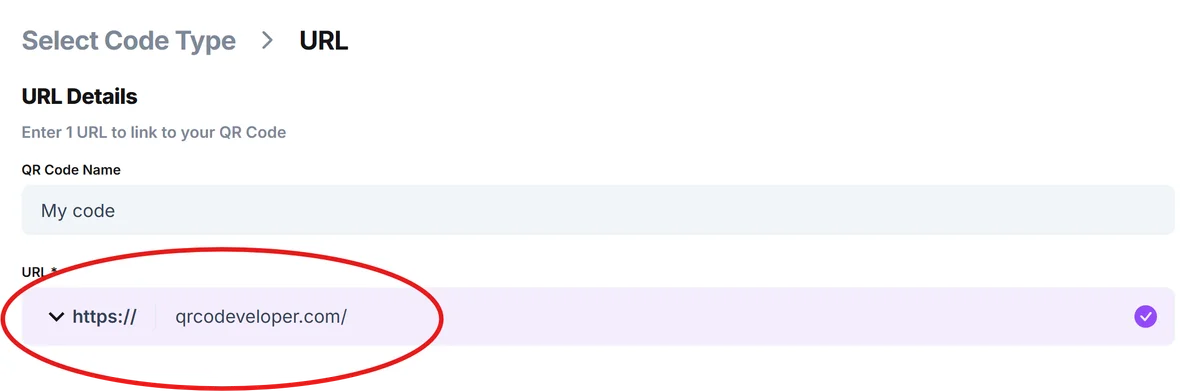
Open the , choose the URL option, and paste the link. The preview updates as you type so you can confirm the destination before downloading.
Pick static or dynamic
Static codes are free and permanent. Dynamic codes let you change the destination later and show scan counts — useful when a Zoho Form gets replaced or you want to A/B test landing pages mid-campaign.
Style and brand it
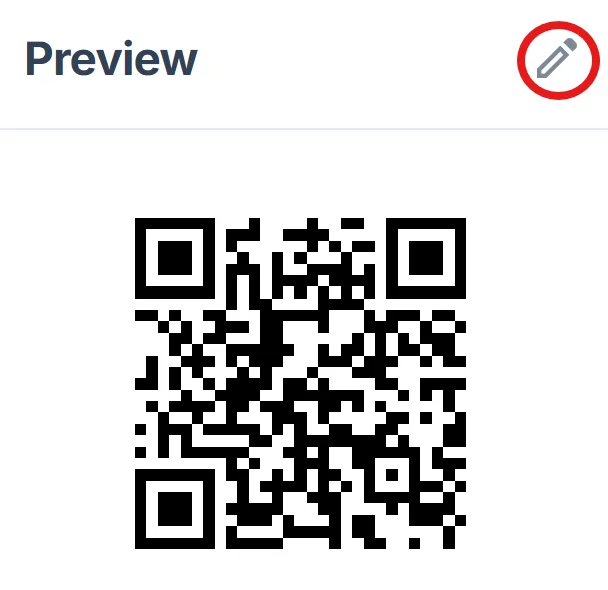
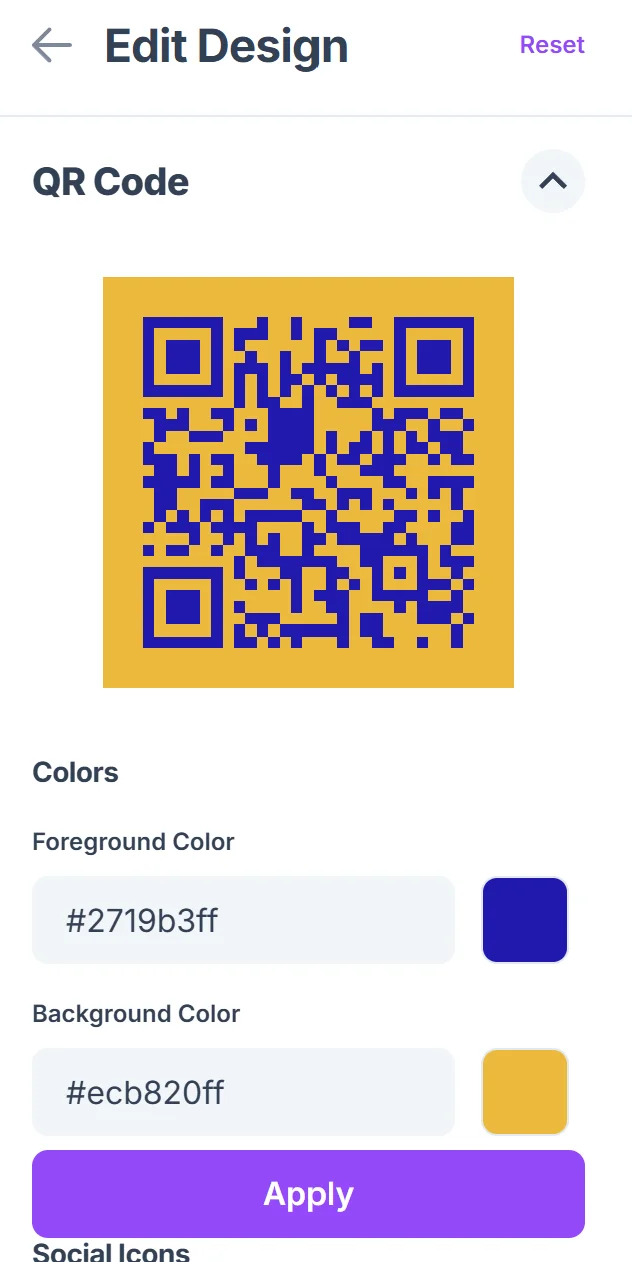
Swap the default black for your brand color, add a logo in the center, and pick a frame with a clear call to action like Scan to book or Scan for menu. Our QR code design tips cover how to balance branding with scannability. Keep contrast high so cameras read it from a distance.
Test before you print
Scan with both iOS and Android phones, and try it under the lighting it will actually live in. Print a small batch first if you are committing to thousands of pieces.
Download and deploy
Export PNG for digital placements and SVG for anything going to a print shop. File names that match the campaign make it easier to audit later — for example zoho-forms-trade-show-q2.svg.
Tips for better results with Zoho
A few small choices separate codes that get scanned from codes that get ignored.
Use the Zoho Forms mobile-friendly theme before generating the QR. Forms that render poorly on phones torch your conversion rate no matter how slick the code looks.
Add a UTM tag to the URL before encoding it. That way Zoho Campaigns, Analytics, or your connected GA4 property can separate QR traffic from direct visits.
For Bookings pages, link directly to a service or staff member rather than the top-level page. One less tap means more completed appointments.
Print at least 2 cm x 2 cm (about 0.8 inch) for handheld scans and at least 20 cm x 20 cm for codes scanned from across a room or street.
Include short, plain-language instructions near the code — Scan with your camera app — for audiences that do not scan QR codes daily.
Keep a record of which Zoho URL each code points to. We cover a simple system in our guide on .
If you are deploying across many locations, generate one code per location and tag the URL accordingly. Comparing scan volume by site is far more useful than one global number.
Frequently Asked Questions
Does Zoho have a built-in QR code generator?
A few Zoho apps include basic QR features — Zoho Inventory generates barcodes for stock, and some templates in Zoho Creator let developers render codes — but there is no general-purpose QR builder across the suite. Most teams use an external generator and paste the resulting image wherever they need it.
Can I track scans on a Zoho Forms QR code?
Yes, in two ways. A dynamic QR code gives you scan counts at the image level. Adding UTM parameters to the form URL before encoding lets you see traffic inside Zoho Analytics or any analytics tool you connect.
Will the QR code still work if I edit my Zoho Form?
Edits to fields, theme, or logic do not break the code because the URL stays the same. If you delete the form or change its share URL, a static QR code will break — that is when a dynamic code is worth the upgrade so you can repoint without reprinting.
Can one QR code open different Zoho apps for different users?
Not directly, but you can point the code at a short landing page that routes visitors — for example, customers to Zoho Desk and partners to a Zoho CRM portal — based on a button choice. Some dynamic QR platforms also offer rule-based redirects by device or location.
What is the best image format for printing a Zoho QR code?
SVG for anything going to professional print, since it scales without blurring. PNG at 300 DPI is fine for office printers and digital placements. Avoid JPG — compression artifacts can hurt scan reliability on small codes.
Are QR codes for Zoho links secure?
The code carries the same URL you would email or post anywhere else, so the security model is identical to the Zoho app itself. Use HTTPS links (Zoho does by default), and if you handle sensitive data, see our notes on .
Related Guides
Ready to create your QR code?
Generate custom QR codes in seconds - free and easy to use.
Create Free QR Code →