What makes BFCM shoppers scan and stay

Black Friday and Cyber Monday shoppers are fast, skeptical, and spoiled for choice. This guide breaks down exactly what gets them to scan your QR code — and what keeps them on the page long enough to buy.
Key Takeaways
- BFCM shoppers need an immediate, specific reward for scanning — a vague "learn more" prompt will lose them in seconds.
- The landing page behind your QR code matters as much as the code itself; it must load fast, look clean on mobile, and lead directly to the offer.
- Dynamic QR codes let you swap destination URLs after printing, so you can update deals without reprinting a single flyer.
- Adding a visible call-to-action near the QR code — not just the code on its own — dramatically increases scan rates in busy retail environments.
- Tracking scan data by location and time of day helps you reallocate budget to the placements that are actually working.
Black Friday and Cyber Monday are far from ordinary shopping days. Attention is shorter, deal fatigue sets in fast, and shoppers have already seen dozens of offers before they ever point their camera at your QR code. That context changes everything about how you should design, place, and link your codes during this period.
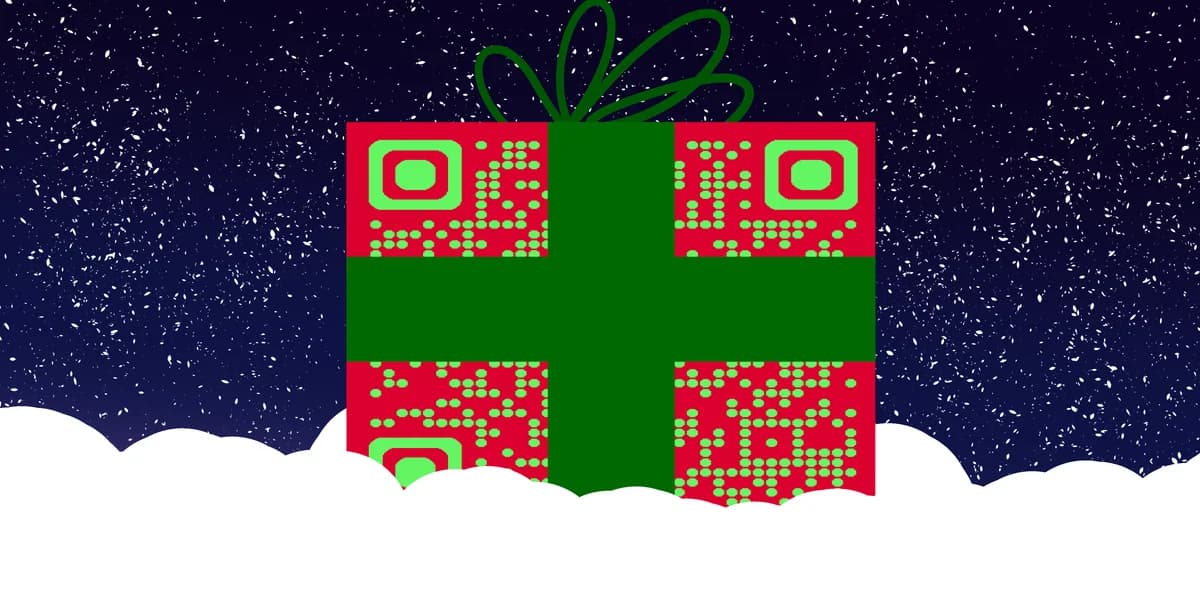
Most brands treat BFCM QR codes like any other marketing asset — they slap a code on a flyer, link it to a homepage, and wonder why conversions are low. The problem is not the QR code itself. The problem is a mismatch between what the shopper expects when they scan and what they actually find. If you are new to putting codes on print materials, adding a QR code to your flyer the right way is a good place to start. Closing that gap is what this guide is all about!
Whether you are running a pop-up store, mailing out physical mailers, or sticking codes on product packaging for a post-purchase upsell, the principles here apply. We will walk through each step of building a scan-ready BFCM campaign, then cover the finishing touches that separate a bounce from a conversion.
Step-by-step: building a QR code that converts during BFCM
Follow these steps before you print a single flyer or schedule a single social post. Getting the setup right at the start saves a lot of scrambling once the sale goes live.
Step 1 — Choose a dynamic QR code, not a static one
Static QR codes encode the destination URL directly into the pattern. Once printed, you cannot change where they point. During BFCM, deals shift by the hour — an item sells out, a discount deepens, a landing page goes live later than planned. A dynamic QR code routes through a short redirect, which you control from a dashboard. You can update the destination any time without touching the physical code. Understanding the difference between static and dynamic QR codes will help you make the right choice before you do anything else in this process.
Step 2 — Link to a dedicated BFCM landing page, not your homepage
The single biggest conversion killer in BFCM QR campaigns is a mismatched destination. A shopper scans a code on a "40% off everything" poster and lands on your homepage, which has a hero banner about your brand story. They leave. Your landing page needs to mirror the exact promise on the physical material — same discount, same products, same urgency. For guidance on building a focused destination, see how QR codes for landing pages should be structured. Keep the page focused: one headline, one offer, one clear button. Strip out the navigation menu if you can. Every extra link is a potential exit.
Step 3 — Write a call-to-action that sits next to the code
A QR code alone tells a shopper almost nothing. "Scan here" is slightly better. "Scan for your exclusive 30% off code" is the version that actually gets cameras pointed at it. The call-to-action text should name the specific benefit, not describe the action. Think about what the shopper gets, not what they have to do. Keep it short enough to read in two seconds — remember, these people are moving through a store or flipping through a mailer quickly.
Step 4 — Test the scan on multiple devices before you go live
Scan your code on an iPhone, on an Android device, and on an older phone with a slower camera. Check that the landing page loads in under three seconds on a mobile connection. Check that images are not oversized. Check that the "Add to cart" button is visible without scrolling. Small technical issues that are invisible on a desktop become deal-breakers on a phone screen in the middle of a crowded store. Fix them before Black Friday, not during it.
Step 5 — Place codes where attention naturally pauses
Placement determines your scan volume more than almost any other factor. In retail settings, the highest-performing spots are near the register (while shoppers wait), on shelf edge labels next to the product, and on fitting room mirrors or doors. For print campaigns, codes on the back of receipts, inside packaging, or on the front panel of a mailer outperform codes buried at the bottom of a page. QR code stickers are a practical option for adding codes to surfaces where printing directly is not possible. Think about where eyes naturally stop moving and put your code there.
Step 6 — Track, compare, and adjust in real time
Dynamic QR codes give you scan analytics — total scans, unique scans, device type, and sometimes geographic data. Check your dashboard on both Black Friday and Cyber Monday morning. If one placement is generating ten times the scans of another, you know where to focus your in-store staff and any last-minute print runs. For a deeper look at reading QR code analytics, see on the QR Code Developer blog.
Pro tips for keeping shoppers engaged after the scan
Getting the scan is only half the job. Here is what keeps a shopper on the page long enough to actually convert, especially during the noise and distraction of BFCM.
Show the deal immediately above the fold — do not make them scroll to find the discount code or the sale price. If they have to hunt, they will bounce.
Add a countdown timer on the landing page tied to when the offer actually expires. Real scarcity (not manufactured) changes behavior. A "Deal ends at midnight" timer on Cyber Monday is credible and effective.
Use a single, large, thumb-friendly CTA button with a color that contrasts with the rest of the page. "Get my 40% off" performs better than "Shop now" because it is specific to the reward they came for.
Pre-fill carts where possible. If the QR code links to a product page, consider linking to a cart with the item already added. Every extra tap is a potential exit point on a mobile screen.
Keep your page copy brief. BFCM shoppers are not reading paragraphs. Use short lines, clear prices, and visible savings amounts (original price crossed out, sale price highlighted). That visual shortcut communicates value faster than any sentence can.
If you are running multiple BFCM offers — say, a doorbusters deal in-store and a different online exclusive — use separate QR codes for each. This keeps your analytics clean and ensures every shopper lands on the right offer. You can read more about managing multiple codes and choosing the right format in our guide to types of QR codes.
Frequently Asked Questions
Do shoppers actually scan QR codes in stores during Black Friday?
Yes, and adoption has grown noticeably over the past few years as smartphone cameras have made scanning faster and more automatic. The key variable is the call-to-action next to the code. Without a clear reason to scan, most shoppers will not bother. Give them a specific, immediate benefit — a discount, a gift, early access to a deal — and scan rates rise considerably.
What is the best size for a QR code on a BFCM flyer or poster?
For a standard letter-sized flyer held at arm's length, a QR code should be at least one inch by one inch. For a poster viewed from three to six feet away, aim for three to four inches. The rule of thumb is that the scanning distance should be roughly ten times the code's width. In noisy, busy BFCM environments, err on the larger side — a code that is easy to scan from a distance will always outperform one that requires the shopper to get close.
Should I use the same QR code for online ads and printed materials?
Ideally, no. Using separate codes for each channel lets you see exactly which placements are driving scans. If you use one code everywhere, your analytics become a blended average that tells you very little about what is actually working. With dynamic QR codes, you can point all codes to the same URL while still distinguishing scan sources in your dashboard by creating separate codes per channel.
What should I do if my BFCM landing page is not ready when the codes go to print?
This is exactly the scenario that dynamic QR codes were made for. Generate and print your dynamic codes before the landing page is live. Point them temporarily to a placeholder or teaser page. Once your BFCM landing page is ready, update the destination URL in your dashboard — no reprinting needed. This also works in reverse: if a product sells out mid-sale, you can redirect the code to an alternative offer instantly.
How long should a BFCM QR code campaign run?
Most brands start pushing BFCM codes one to two weeks before Thanksgiving to capture early-bird shoppers, then maintain them through Cyber Monday. Some extend into Cyber Week, which runs through the following Tuesday or Wednesday. After that, redirecting your dynamic codes to a "back to regular pricing" page or a holiday gift guide is a simple way to keep the asset working without confusing shoppers who scan after the sale ends.
Related Guides
Ready to create your QR code?
Generate custom QR codes in seconds - free and easy to use.
Create Free QR Code →