QR codes for gardening: a step-by-step guide

QR codes turn ordinary plant stakes and garden signs into interactive information hubs, connecting curious visitors and forgetful gardeners to plant care details, harvest logs, and seed sources in seconds.
Key Takeaways
- QR codes on plant labels let you store unlimited care information without increasing the physical size of the label.
- Dynamic QR codes can be updated after printing, so the linked content stays current through every growing season.
- Weatherproof lamination or UV-resistant printing is essential for outdoor use — a code that fades after one rain shower is useless.
- Community gardens, farm stands, school gardens, and nurseries all have practical use cases that go beyond simple plant identification.
- You can create a basic QR code for free in minutes using the .
Walk through any well-tended community garden and you will probably spot small, weathered signs stuck into the soil next to rows of herbs, vegetables, and flowers. Those signs do their best, but they can quickly succumb to the natural elements. A plant name and a watering note are about all you can fit on a two-inch stake. But QR codes can solve that problem without making the garden look cluttered.
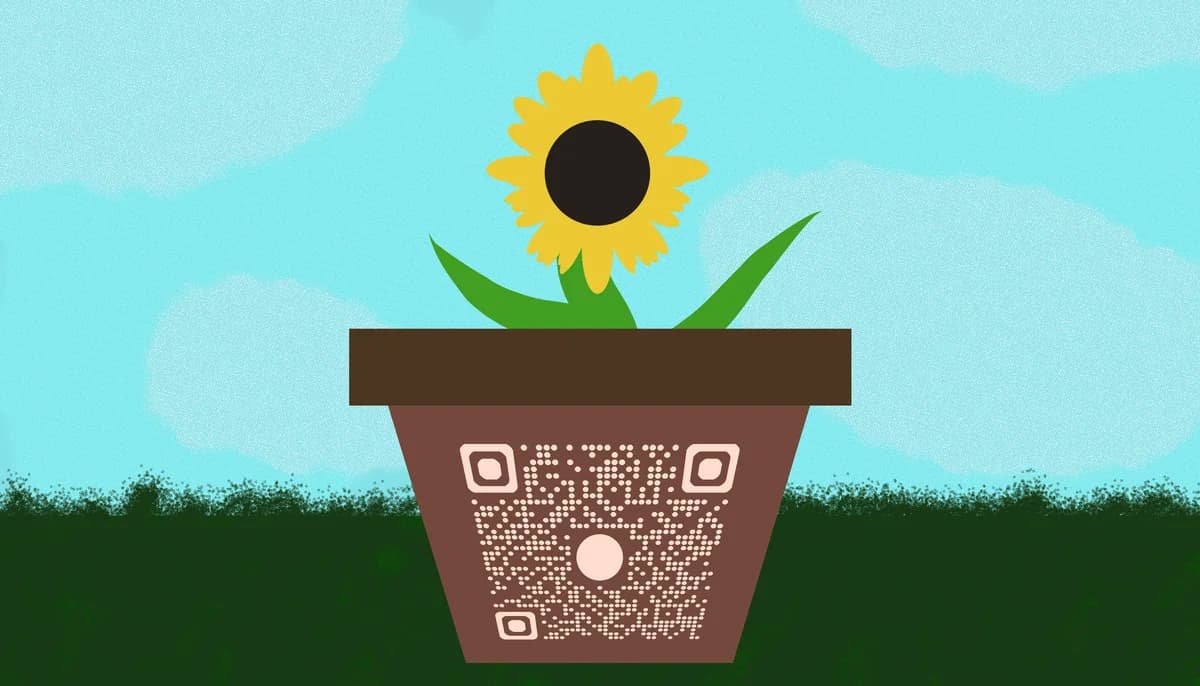
A QR code on a garden label can link to a full care sheet, a video tutorial on pruning, a seed source, a harvest tracking spreadsheet, or even a community forum where fellow gardeners swap tips. Because the code itself is just a small square, it takes up almost no physical space. All the information lives at the destination URL, which you can update any time without printing a new label.
In this guide I will walk you through exactly how to create and use QR codes in a garden setting, whether you tend a small backyard plot, manage a community garden, run a farm stand, or teach horticulture to students.
How to set up QR codes for your garden: step by step
The process is more straightforward than it might sound. You do not need any design experience or technical background. You just need a clear idea of what information you want each code to open, a free QR code generator, and a way to print and protect the finished labels.
Step 1: Decide what each QR code will link to
Before you generate a single code, spend a few minutes mapping out what you actually want people to find. For a home vegetable garden, that might be a Google Doc with your watering schedule and fertilizer notes. For a community garden plot, it could be a shared Google Sheet where multiple gardeners log harvests. For a nursery or farm stand, a product page or care guide PDF makes sense — and if you have detailed growing instructions in document form, you can easily turn your PDF into a QR code for a polished, shareable result. Having a clear destination URL ready before you open the generator keeps the process quick and organized.
Step 2: Choose between a static and a dynamic QR code
Static QR codes encode the URL directly and cannot be changed after printing. Dynamic QR codes store a short redirect link, so you can update the destination page any time from your dashboard. For gardening, dynamic codes are almost always the better choice. Plant care recommendations change with the seasons, harvest logs get updated weekly, and you may want to swap in a new video tutorial without reprinting every label in the bed. If you are unsure which option suits your needs, this guide on static vs dynamic QR codes breaks down the differences in detail. If you are just making a one-time sign for a garden show or event, a static code is perfectly fine.
Step 3: Generate your QR code
Head to the free QR code generator, paste in your destination URL, and choose your settings. You can customize the color to match your garden aesthetic — earthy greens and browns read well against wooden stakes. Download the code as a PNG or SVG file. SVG is the better format if you plan to resize the label, because it stays crisp at any dimension without pixelating.
Step 4: Design your garden label
Open a free design tool like Canva or Google Slides and create a simple label template. Include the plant's common name, its scientific name if you want to be thorough, and the QR code itself. Keep the code at least one inch by one inch so smartphones can read it reliably from a normal scanning distance. For design inspiration and best practices, it is worth reviewing these QR code design tips before finalizing your layout. Leave a small white border around the code — this quiet zone helps the camera lock on faster.
Step 5: Print and weatherproof the labels
Print on cardstock or photo paper for a sturdier base. Once printed, laminate each label with self-adhesive laminating pouches, or apply a coat of clear UV-resistant spray sealant. Lamination is the more reliable option because it creates a physical barrier against rain, mud splashes, and morning dew. If you want a more permanent solution, creating QR code stickers on weatherproof vinyl is another popular approach for outdoor garden labels. For labels that will be stuck directly into soil, mount the laminated label onto a wooden stake or a metal T-post flag using waterproof outdoor tape.
Step 6: Test every code before placing it in the garden
Scan each finished label with your phone before putting it in the ground. Check that the link opens correctly, that the page loads on a mobile screen without requiring a pinch-to-zoom, and that the information is current. If you are using dynamic codes, log into your QR code dashboard and confirm the redirect is active. Catching a broken link in the kitchen beats discovering it after a visitor has already walked away frustrated.
Step 7: Place the labels and maintain them seasonally
Position labels on the north or east side of plant stakes so they spend less time in direct afternoon sun, which is the fastest way to fade printed codes. Check labels at the start of each growing season and replace any that show cracking, peeling, or significant fading. If you use dynamic codes, update the linked content each season — a tomato care page written for June looks odd in October when the focus should be on end-of-season seed saving.
Tips for making garden QR codes last and work well
The mechanics of creating a QR code are simple. Making them hold up through a full outdoor season — heat, rain, soil contact, and curious children — takes a bit more thought. Here are the most important things to keep in mind.
Use high-contrast color combinations. Black on white is still the most reliably scannable pairing. If you want a custom color scheme, keep the foreground dark and the background light, and avoid gradients inside the code itself.
Size matters more outdoors than indoors. A code smaller than one inch square becomes hard to scan once the label gets any dirt on it. Aim for 1.25 to 1.5 inches for labels that will be handled or viewed in bright sunlight.
Link to mobile-optimized pages. Most people will scan with a phone, so the destination should load fast and display cleanly on a small screen. A page that requires horizontal scrolling or loads slowly on cellular data will put people off immediately.
Add a short text prompt below the code. Something like "Scan for care tips" removes any hesitation from visitors who are not sure what the code does. This is especially useful in community gardens and school settings where not everyone is familiar with QR codes.
Keep a backup spreadsheet of every code, its linked URL, and the plant or bed it belongs to. If a label goes missing or a stake gets knocked over by a curious dog, you will know exactly which code to reprint and which URL it should point to.
For an extra layer of durability, consider printing on aluminum or PVC garden tags rather than paper. Several online print services offer weatherproof tag printing at reasonable prices for small batches.
Frequently Asked Questions
Can I use QR codes in a community garden where multiple people manage different plots?
Yes, and this is actually one of the strongest use cases. Each plot or bed can have its own QR code linking to a shared document that all plot managers can edit. Dynamic codes are ideal here because the linked content can be updated by anyone with access to the document, without changing the physical label. You can read more about managing multiple codes efficiently in our guide on .
What is the best material for outdoor QR code labels?
Laminated cardstock works well for most home gardens, especially if you apply a UV-resistant spray on top. For harsher conditions — full sun, frequent rain, or high-traffic community spaces — aluminum plant tags with UV-resistant ink printing are the most durable option. Avoid plain paper labels outdoors; they deteriorate within a single growing season and the QR code becomes unreadable long before that.
Do I need to pay for a QR code generator to use QR codes in my garden?
Not necessarily. Static QR codes are free to generate on most platforms, including the . Dynamic codes, which let you update the linked URL after printing, usually require a paid plan. For a small home garden where the information rarely changes, free static codes are perfectly adequate. For a community garden or nursery where content is updated regularly, the flexibility of a dynamic code is worth the subscription cost.
What kinds of information can I link to from a garden QR code?
The options are wider than most people expect. Watering schedules, companion planting guides, pest identification charts, harvest logs, seed saving instructions, recipe suggestions for edible plants, video tutorials on pruning or dividing perennials, and links to buy seeds or plants online are all solid choices. The key is to make the linked page genuinely useful to whoever is scanning — whether that is you in the morning before coffee or a guest curious about an unfamiliar herb.
Can QR codes work for a farm stand or market garden selling produce directly to customers?
Absolutely. A QR code on a produce display sign can link to a page explaining how the crop was grown, suggested recipes, storage tips, and your farm's social media or newsletter signup. This gives customers a richer experience than a handwritten price tag ever could, and it builds the kind of trust that brings people back week after week. For more ideas on using QR codes for small businesses, check out our post on .
Related Guides
Ready to create your QR code?
Generate custom QR codes in seconds - free and easy to use.
Create Free QR Code →