qr code seating chart

Guests find their table in seconds by scanning one code at the entrance, cutting down on crowded escort card tables and last-minute reprints when seats shift.
Key Takeaways
- A digital seating chart tied to a QR code can be edited minutes before doors open, which a printed board cannot.
- Search-enabled charts let a guest type their name instead of scanning a long alphabetical list, which matters at events over 150 people.
- Use a dynamic QR code so the same printed sign can point to an updated chart if you swap seating software mid-planning.
47% of event professionals now use QR codes to improve operational efficiency and attendee engagement, according to QR Tiger, and seating logistics are one of the clearest places that this pays off. This fits into the broader trend of event QR codes streamlining guest experience, since a printed board with dozens of names in tiny font works fine until a table gets reassigned two days before the wedding, or a corporate gala adds twelve last-minute attendees.
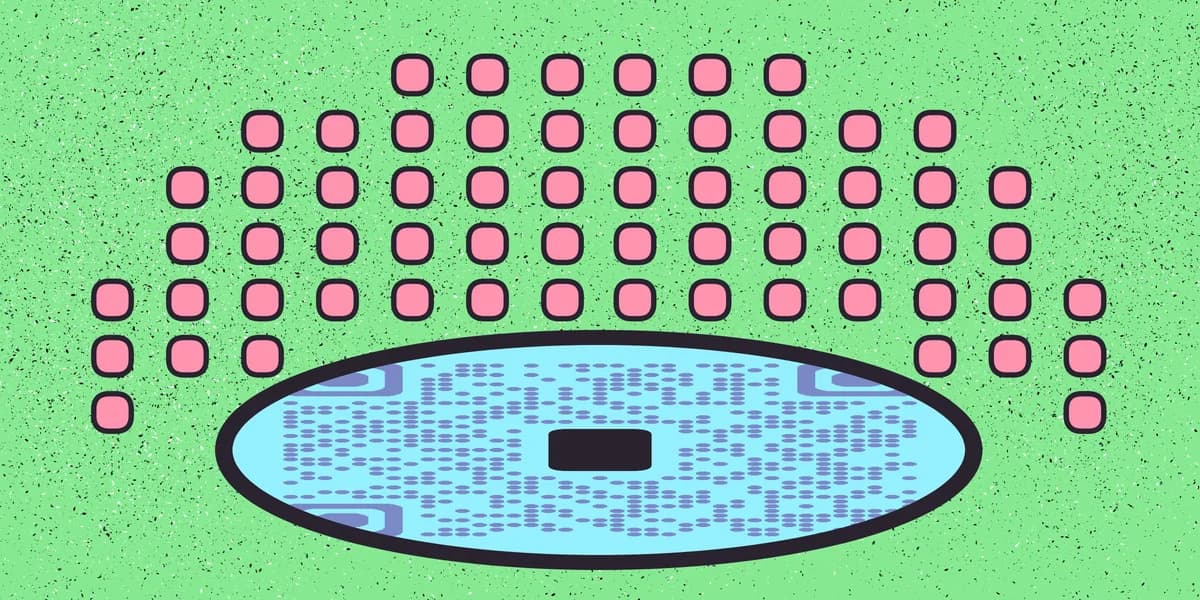
A QR code seating chart replaces (or supplements) that board with a link guests open on their own phone. The chart lives online, so you edit it right up until the event starts, and nobody has to squint at a poster while a line forms behind them.
How to build a QR code seating chart
Building the chart itself takes longer than making the QR code. Once you have a working link, generating the code is the fastest step in the whole process.
Step 1: Choose a seating chart tool
Pick a platform that outputs a shareable web link rather than a static image file. Wedding planning sites, spreadsheet apps with a published-web view, and dedicated event software all work, as long as the result is a URL a browser can open and, ideally, a name search box for guests scanning on a phone.
Step 2: Build the chart and publish the link
Enter table numbers and guest names, group by household or party, and double-check spelling before you publish. Copy the live link once it's public, and open it on your own phone to confirm it loads without a login prompt, since guests won't have credentials for your planning account.
Step 3: Generate the QR code
Paste the link into the free QR code generator and download the image. Choose a dynamic code if your platform lets you, so you can redirect the same printed code to a new link if you ever migrate your chart to different software.
Step 4: Design the sign or table card
Print the code large enough to scan from arm's length, at least two inches across on a standing sign near the entrance. Add a short line above it like "Find your seat" so guests know what to expect before they raise their camera, and consider matching the sign to your event's wedding invite design for a cohesive look.
Step 5: Test before the event
Scan the printed sign with two or three different phone models the day before, not just your own device, since camera apps and lighting vary. Check that the chart loads on a hotel or venue's guest WiFi too, since some venues throttle unfamiliar networks.
Tips for a smooth check-in
A few small adjustments make the difference between a chart guests love and one they abandon after ten seconds of frustration.
Add a name-search field to the chart page itself rather than relying on guests to scroll through an alphabetical list on a small screen.
Set up a backup, either a printed board or a staffed table, for the handful of guests who don't own a smartphone or arrive with a dead battery.
Print two or three identical signs and place them at separate entry points if your venue has more than one door, so lines don't bottleneck at a single code.
Frequently Asked Questions
Do guests need an app to scan a seating chart QR code?
No. Every modern iPhone and Android phone scans QR codes directly through the built-in camera app, so guests just point their camera at the code and tap the link that appears.
Can I update the seating chart after the QR code is printed?
Yes, as long as the code points to a live link rather than a saved image. Update the guest list on your chart platform and the printed code will show the changes the next time someone scans it, no reprinting needed.
What happens if too many guests scan the code at once?
Most seating chart platforms and standard web hosting handle simultaneous traffic without issue for typical event sizes. For very large events, ask your platform provider about traffic limits in advance, or place a few duplicate signs at different entrances to spread out scans.
Is a QR code seating chart appropriate for a wedding?
It works well for weddings, especially larger ones where a printed board gets crowded fast. Pair it with your existing paper details for guests who prefer a traditional look, similar to how many couples combine printed invitations with a QR code for wedding photos.
Related Guides
Ready to create your QR code?
Generate custom QR codes in seconds - free and easy to use.
Create Free QR Code →