qr code on receipt

A receipt scan can replace a paper trail entirely, sending customers to warranty registration, a review page, or a digital copy stored for tax records — no extra printer step required.
Key Takeaways
- A receipt QR code usually points to a digital copy, a review form, or a warranty registration page — decide the destination before you print anything.
- Dynamic codes let you change where the receipt code points without reprinting paper rolls at every register.
- Thermal receipt paper fades and the code area is small, so contrast and error correction matter more here than on a poster or flyer.
Often when A cashier hands over a long paper strip, the customer will fold it into a wallet or bag, and it usually ends up crumpled in a junk drawer or tossed before the return window even closed. That paper copy was the only proof of purchase, so losing it meant losing the ability to return an item, file a warranty claim, or expense the transaction. Retailers are now replacing that friction with a small square code printed at the bottom of the receipt.
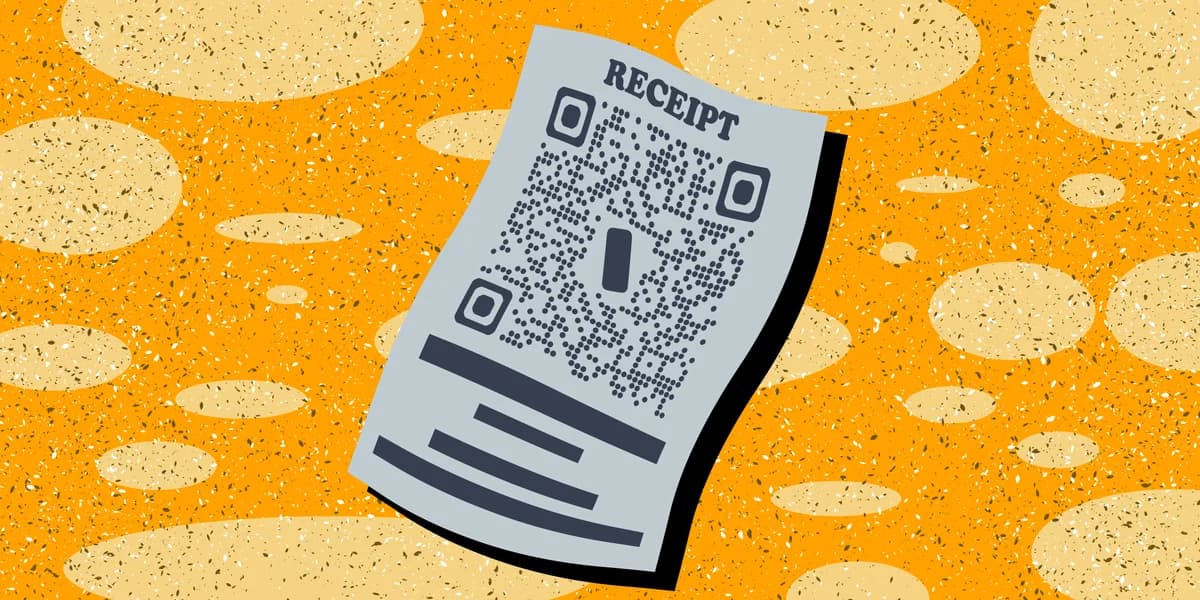
Scanning it can pull up a digital, itemized version of the purchase, send the customer to a short satisfaction survey, open a warranty registration form, or link to a loyalty program signup. The paper receipt still prints in most stores, but the code gives customers a second, more durable copy that lives on their phone instead of in a pocket. It's a small design change with a real environmental angle too — 89% of U.S. consumers say they want retailers to offer a digital receipt option, regardless of which format they end up choosing.
The shift has already shown measurable results. When CVS added a receipt-choice prompt in 2022, letting shoppers pick printed, digital, or no receipt at all, the change saved 87 million yards of receipt paper in just four months. That's the kind of impact one code and one prompt at checkout can have at scale.
How to add a QR code to your receipts
Getting a working code onto a receipt takes more than pasting an image into a POS template. The code has to survive thermal printing, stay small enough to fit the receipt width, and lead somewhere that actually serves the customer.
Step 1: Decide what the code should open
Pick one destination per receipt — a digital copy of the transaction, a Google review request, a warranty form, or a discount code for the next visit. Trying to cram multiple purposes into one code confuses customers and lowers scan rates. If your goal is reviews, the Google Reviews QR code guide walks through building that link correctly.
Step 2: Build the code with a dynamic link
Use the free QR code generator to create a dynamic code rather than a static one. A dynamic code lets you swap the destination URL later — say, changing from a holiday promo to a standard review link — without having to reprogram every POS terminal or reprint receipt rolls. As explained in the static vs dynamic QR codes guide, static codes lock in the link permanently, which works fine for something that never changes, like a fixed digital-copy portal.
Step 3: Test print size and contrast on real receipt paper
Thermal paper has lower contrast than a glossy flyer, and receipts are narrow, so the code needs to be at least 0.8 inches square with a moderate error-correction level to stay scannable after folding, similar to the sizing concerns covered in the QR code design tips. Print a batch, fold them the way customers actually fold receipts, and scan with two or three different phone models before rolling it out chain-wide.
Step 4: Add the code to your POS receipt template
Most point-of-sale systems (Square, Toast, Clover, and similar platforms) support a custom footer image or embedded code field in receipt template settings. Upload the QR code as a static image if the destination won't change, or generate one with the free QR code generator tied to your dynamic short URL. Confirm the receipt still prints within a reasonable length — piling on promotional space pushes up paper cost, which undercuts the sustainability angle of going digital in the first place.
Step 5: Monitor scans and adjust the offer
Dynamic QR platforms track scan counts and rough scan times, which tells you whether customers are scanning at checkout or later at home. If scans are low, test moving the code higher on the receipt, adding a one-line prompt like "Scan for your digital receipt," or swapping the destination to something with a clearer immediate benefit.
Tips for getting more scans
A code on a receipt only earns its space if people actually scan it, so a few adjustments make a real difference in uptake.
Print a one-line reason to scan directly above the code, since a bare square with no context gets ignored on a crowded receipt.
Keep the code away from the perforated tear line so it doesn't get cut off when the receipt is torn from the register roll.
Route business or subscription receipts to a landing page instead of a raw file link — the landing page guide covers how to structure that destination for repeat customers.
Reserve one code per receipt type rather than stacking a review code, a warranty code, and a promo code side by side.
Frequently Asked Questions
Is a QR code on a receipt safe to scan?
A code printed directly by the retailer's own POS system is generally safe, since it comes from a controlled printing process rather than a third-party sticker. Caution applies more to loose stickers placed over an existing code at self-checkout kiosks, which is a known tactic covered in the quishing guide. If a receipt code looks tampered with or leads somewhere unexpected, don't scan it.
Why do some receipts show a QR code instead of asking for an email?
Collecting an email at checkout slows down the line and requires the cashier to key in text correctly. A code lets the customer capture their own digital receipt on their own device in a couple of seconds, without dictating an email address out loud or risking a typo.
Can a receipt QR code replace the paper copy entirely?
Some retailers now default to a digital-only receipt with the code as the only proof of purchase, especially for warranty-heavy items like electronics. Most still print a shortened paper version alongside the code so customers without a phone handy or with a dead battery still leave with something.
What's the difference between a static and dynamic code on a receipt?
A static code has its destination baked in permanently, which is fine for something like a fixed customer service page. A dynamic code routes through a short link you control, so you can redirect it to a new promotion or updated review page later without changing anything on the printed receipt itself. The static vs dynamic comparison breaks down when each makes sense.
Related Guides
Ready to create your QR code?
Generate custom QR codes in seconds - free and easy to use.
Create Free QR Code →