qr code on mirror

Mirrors sit at eye level in gyms, salons, dressing rooms, and bathrooms — spaces where people already pause and look up. A QR code there turns dead time into a quick, useful interaction.
Key Takeaways
Mirrors are one of the most looked-at surfaces in any building, and yet almost nobody puts anything useful on them. Gyms have workout mirrors, salons have styling mirrors, retail stores have fitting room mirrors, and hotels and restaurants have bathroom mirrors. Every one of those is a moment where a person is standing still, facing a reflective surface, with a phone usually within reach.
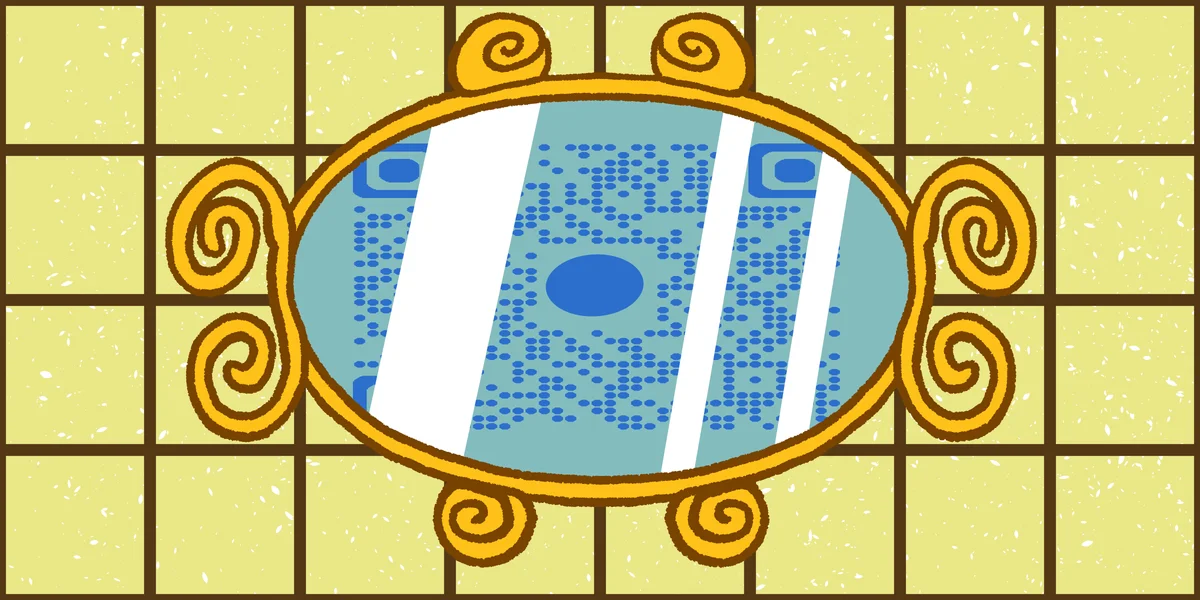
A QR code on a mirror takes advantage of that pause. In a gym, it can link to a workout video demonstrating proper form for the equipment nearby, similar to how a YouTube QR code can direct viewers straight to a video. In a salon, it can point to a booking page or a product list. In a fitting room, it can link to size charts or a way to request a different size without leaving the room. According to , 83% of consumers surveyed across the US, UK, France, Germany, China, and Japan reported having scanned a QR code, so the audience is already comfortable with the format.
This guide walks through how to design, print, and mount a QR code specifically for a mirror surface, including the practical issues that come with reflective glass — glare, adhesive choice, and reversed reflections — that don't come up with paper or fabric applications, and touches on general QR code design tips that apply to any tricky surface.
How to create and apply a QR code to a mirror
Putting a QR code on a mirror is a straightforward process once you know the material considerations. Here's the sequence that works for most spaces, from gyms to retail changing rooms.
Step 1: Decide what the code should link to
Start with the destination, not the design. A gym mirror code might link to a video demo on your . A salon mirror might link to an online booking form or a Google Reviews page so clients can leave feedback while they wait. A retail fitting room mirror could link to a landing page with size guides or a request-for-help form. Whatever you choose, make sure the page loads fast and looks fine on a phone held at arm's length in front of glass.
Step 2: Generate the QR code
Head to the Free QR Code Generator and enter your destination URL. If you expect the link to change — say you rotate workout videos monthly or update salon promotions — choose a dynamic QR code, as explained in our guide to static vs dynamic QR codes, so you can edit the destination later without reprinting the sticker. Pick a high-contrast color combination, since mirrors already reflect ambient light and low-contrast codes are harder for cameras to read against glass.
Step 3: Choose the right material
Paper doesn't hold up on mirrors, especially in gyms or bathrooms where humidity and cleaning sprays are common. Go with a waterproof vinyl sticker, a static-cling decal, or a laminated adhesive label rated for glass surfaces, much like the durable options covered in our guide to creating QR code stickers. Static-cling decals are handy because they can be repositioned or removed without leaving residue, which matters if you rent the space or need to swap codes seasonally.
Step 4: Print and test before mounting
Print a sample and test-scan it against a mirror before committing to a full print run. Glare from overhead lighting can wash out part of the code, so check scanning from a few angles and distances. If the code fails near the edges of the mirror where light bounces most, move the placement toward the center or a corner with less direct reflection.
Step 5: Mount at the right height and position
Place the code where someone naturally looks while standing in front of the mirror — usually chest to eye height, not down near the frame edge. In gyms, that's often at the top corner near equipment instructions. In fitting rooms, center height works well since people already glance at their reflection there. Avoid placing it where a light fixture creates a hot spot of glare directly on the sticker.
Tips for making it work
A few small adjustments make the difference between a code that gets scanned and one that gets ignored.
Frequently Asked Questions
Will a QR code scan properly on a reflective mirror surface?
Yes, as long as the sticker itself is printed on a matte or low-glare material. The QR code doesn't need to interact with the reflective glass behind it — it just needs to be legible to a camera, so a matte-finish decal placed on top of the glass works the same as it would on any wall.
What's the best material for a QR code sticker on a bathroom or gym mirror?
Waterproof vinyl or static-cling decals rated for glass and humidity hold up best. Paper labels tend to peel or wrinkle quickly in steamy bathrooms or sweaty gym environments.
Should I use a static or dynamic QR code for a mirror display?
If the destination link will ever change — new promotions, updated videos, a different booking tool — use a dynamic code so you can edit the link without replacing the sticker. Learn more in our .
Where should the QR code be placed on the mirror?
Place it at eye or chest height where people naturally look while standing in front of the mirror, avoiding spots with direct glare from overhead lighting.
Are QR codes on mirrors actually effective for engagement?
They can be, since mirrors capture attention during natural pauses. Globally, , which suggests most visitors will already know what to do when they see one.
Related Guides
Ready to create your QR code?
Generate custom QR codes in seconds - free and easy to use.
Create Free QR Code →