qr code in elevator

A short guide for property managers, building owners, and marketers on turning idle elevator wall space into a working communication channel with a single printed code.
Key Takeaways
An elevator car is one of the few places where people stand still, look forward, and have nothing to do for anywhere from ten seconds to a couple of minutes. That captive attention is rare, and most buildings waste it on a mirror and a fire safety certificate. A QR code placed at eye level turns that dead time into an opportunity to hand someone a building directory, a leasing page, a maintenance request form, or a tenant satisfaction survey without adding staff or signage clutter.
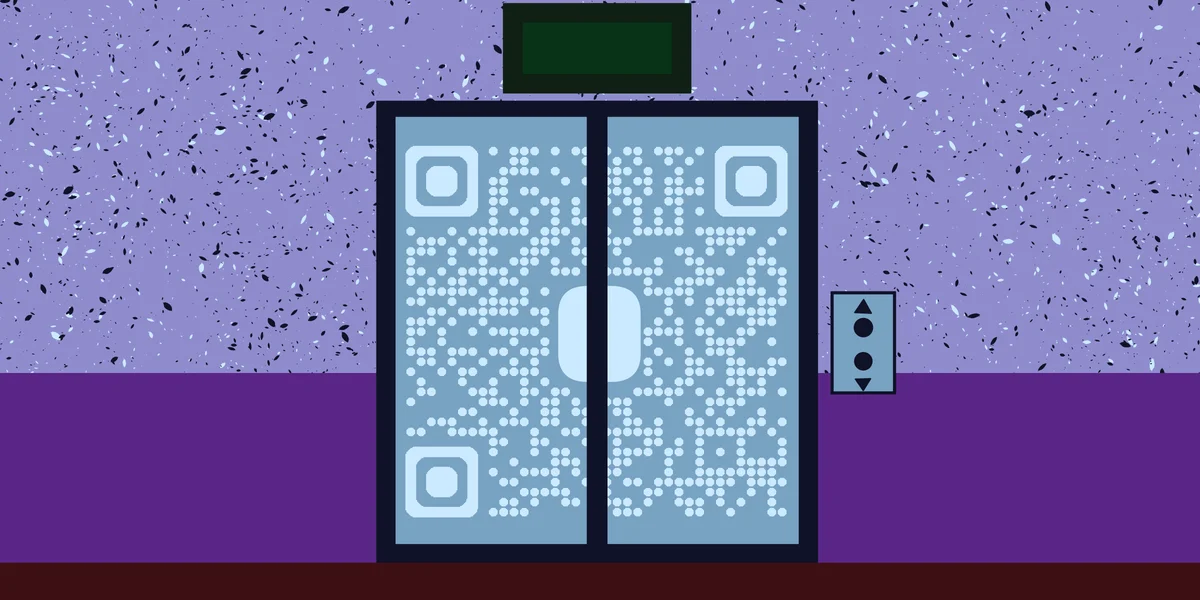
Office towers, apartment buildings, hotels, hospitals, and parking garages all share the same layout problem: people ride the elevator daily but rarely interact with anything printed on its walls. A code changes that dynamic because it's interactive rather than static text nobody reads twice, which is part of the broader appeal covered in understanding QR codes.
How to set up a QR code in an elevator
Setting this up is less about the code itself and more about matching the destination to what someone actually wants while standing in a moving box. Here's a step-by-step approach that works for offices, apartments, and hotels alike.
Step 1: Decide what problem the code solves
Before generating anything, figure out the single task you want riders to complete. A residential building might want a maintenance request form. An office tower might want a directory of tenant businesses. A hotel might link to its check-in page. Pick one primary goal per elevator car rather than cramming multiple links into one code.
Step 2: Build the landing page or destination
The page someone lands on needs to load fast and work on a phone with spotty signal, since elevator shafts are notorious for weak cell reception. Keep it lightweight: a simple landing page with a form, a PDF directory, or a booking link works better than a heavy multimedia site.
Step 3: Generate a dynamic QR code
Use a dynamic code rather than a static one. Buildings change tenants, phone numbers, and web addresses more often than the sign gets reprinted, and a dynamic code lets you redirect the same printed square to a new URL whenever needed. You can create one in a couple of minutes with the free QR code generator.
Step 4: Print, laminate, and mount
Print the code at least 2 by 2 inches for close-range scanning, laminate or use a rigid acrylic mount since elevator interiors get wiped down with cleaning chemicals regularly, and mount it near the panel buttons where people naturally glance while waiting, following the same durability principles found in creating QR code stickers.
Step 5: Test it inside a stationary and moving car
Scan the code standing still and again while the elevator is between floors, since fluorescent lighting and reflective steel panels can create glare that a camera struggles with. Adjust the code's position or add a small light-colored backing if scans fail under certain lighting.
Placement and design tips that actually matter
A few small details separate a QR code people actually scan from one they walk past every day without noticing.
Frequently Asked Questions
Will a QR code even scan if the elevator has no cell signal?
Yes, as long as the phone has WiFi or the camera app can decode the code itself. The scan just opens a browser prompt; the actual page won't load until the phone reconnects to a network, usually within a second or two once the doors open.
What's the best size for a QR code sticker in an elevator?
At least 2 by 2 inches for a car where people stand a foot or two away. Larger cars or codes mounted farther from where people stand should scale up proportionally, roughly one inch of code size per ten inches of scanning distance.
Should the code link to a website or a PDF?
A simple mobile-friendly webpage usually works better than a raw PDF, since PDFs can be slow to render on phones with weak signal. If a directory or floor plan is unavoidable as a PDF, see this guide on for a smoother setup.
How do I know if people are actually scanning it?
Use a dynamic QR code with built-in analytics, which logs scan counts and timestamps without requiring anything from the person scanning. Reviewing that data monthly tells you whether the placement and messaging are working or need adjustment.
Is it safe for tenants to scan a code posted in a shared elevator?
Generally yes, as long as the code was placed by building management and links to a known destination. For a broader look at how to judge any public QR code before scanning it, check out this .
Related Guides
Ready to create your QR code?
Generate custom QR codes in seconds - free and easy to use.
Create Free QR Code →