consumer journey with qr codes

Marketers who map every touchpoint from shelf to checkout to post-purchase support gain a repeatable framework for placing codes where shoppers actually stop, look, and act.
Key Takeaways
- Each stage of the journey needs a different landing destination — a product video for awareness, a comparison chart for consideration, a checkout link for purchase.
- Dynamic codes let you swap the destination URL as a campaign matures without reprinting a single tag, shelf sign, or box.
- The biggest mistake brands make is pointing every code at the homepage instead of the specific page that matches where the shopper is standing.
Traditionally, shoppers would have to hit f a few different barriers before buying something new: a cluttered shelf tag, a salesperson who didn't know the product , a long checkout line, a confusing buying process, and a support lines that made returns painful. With each barrier, a percentage of buyers simply gave up.
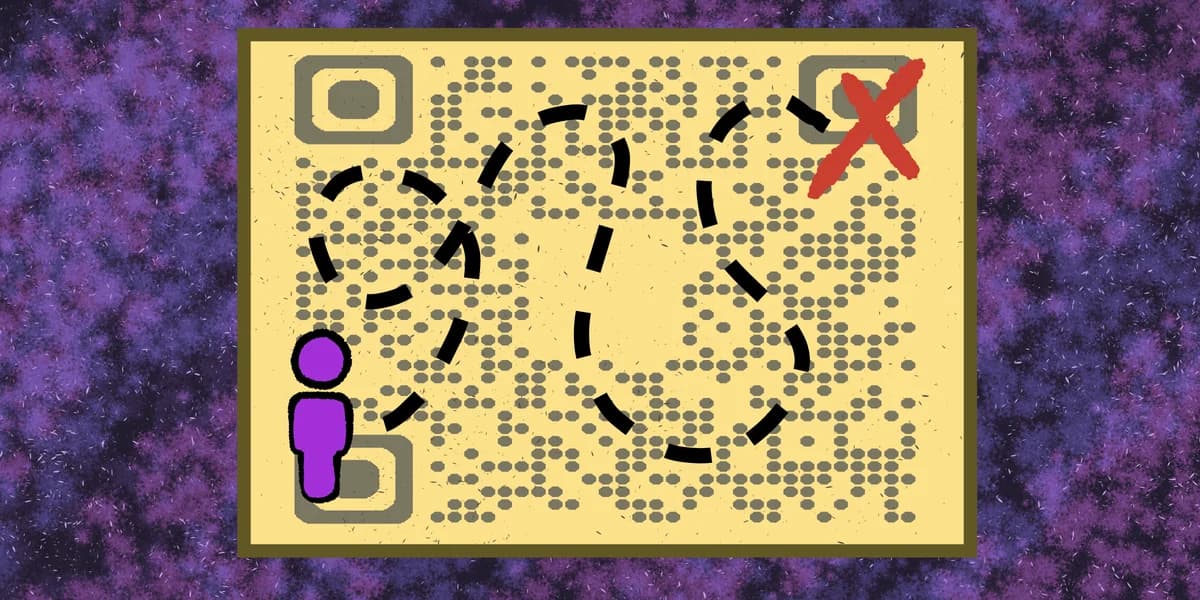
QR codes now sit at nearly every point in a consumer's journey. 79% of shoppers say they're more likely to buy a product that offers a scannable code with extra information, and 64% have already scanned one in a physical store. It's not a mere novelty anymore — it's an expected part of how people research before they commit to a purchase.
This guide walks through the consumer journey stage by stage — awareness, consideration, purchase, and retention — and shows where a QR code actually changes behavior versus where it's just decoration. We'll also cover the tracking side, since a code that no one measures is a missed opportunity to learn what's working toward specific QR code goals.
Mapping QR codes to each stage of the journey
Treat the journey as four distinct moments, not one continuous blur. A shopper scanning a code on an Instagram ad is in a completely different headspace than one scanning a code at the register. Matching the destination to the moment is what separates a code that converts from one that gets ignored.
Awareness: getting noticed before intent exists
At this stage, people aren't ready to buy — they're deciding whether your brand deserves attention. Codes on out-of-home ads, packaging inserts, or social posts should link to short video content, a brand story, or a landing page built for first impressions rather than a full catalog. A code on a flyer, for example, works best when it drops shoppers straight into a focused offer rather than a generic site map — see this flyer QR code guide for placement specifics.
Consideration: answering the questions that stall a decision
Once someone is comparing options, the code needs to do heavier lifting: spec sheets, reviews, sizing guides, or ingredient lists, much like the details shoppers look for in QR codes on food packaging. This is where the GS1 finding matters most — shoppers who scan for extra product information are measurably more likely to convert, because the code removes a specific objection instead of just repeating the packaging copy.
Purchase: removing friction at the register or checkout
A code near the point of sale should shorten the path to buying, not lengthen it. Linking to a mobile checkout, a loyalty sign-up, or a digital coupon works better than linking to a general product page the shopper has already seen. Restaurants and retail counters have proven this out — a well-placed code, like the ones used in a QR code menu, cuts the number of steps between interest and order.
Retention: turning a single purchase into a relationship
After the sale, codes on receipts, packing slips, or product inserts can drive review requests, warranty registration, or reorder links. A code that routes to a Google Reviews page right after delivery catches customers while satisfaction is still fresh, which produces far better response rates than a follow-up email sent days later.
Tips for smoother handoffs between stages
Small adjustments in how codes are built and placed make a measurable difference in how far shoppers travel down the funnel.
Use a dynamic QR code for anything tied to a live campaign, since a static code baked into a product's box locks you into one URL forever.
Keep the destination page mobile-first and load fast — a shopper standing in a store aisle won't wait more than a few seconds for a page to render.
Label the code with a short action phrase like "See sizing" or "Watch it in use" instead of a generic "Scan me," so the shopper knows what stage they're stepping into.
Run separate codes for in-store versus packaging placements even if they lead to the same page, so scan data tells you which physical location actually drives engagement, a tactic worth combining with clear QR code design choices for each context.
Frequently Asked Questions
Where in the consumer journey do QR codes perform best?
Consideration and purchase tend to show the strongest results, since shoppers who scan at those stages already have some intent and just need the last piece of information or the fastest path to checkout.
Should every touchpoint use the same QR code?
No. Using separate codes per touchpoint, even when they point to related content, lets you see exactly which shelf tag, ad, or package insert is generating scans, which is far more useful than one code covering everything.
How do I update a QR code campaign after launch?
Build the code as a dynamic type from the start using a tool like the free QR code generator, which lets you redirect the underlying URL without reprinting the physical code.
Do QR codes work the same way across age groups?
Adoption skews younger — Gen Z and Millennials scan at notably higher rates than older generations — so brands targeting broader demographics should pair codes with a clear printed instruction rather than assuming every shopper knows what to do.
Related Guides
Ready to create your QR code?
Generate custom QR codes in seconds - free and easy to use.
Create Free QR Code →