QR Code Generator for Behance portfolios and creative projects

Share your Behance portfolio instantly with scannable QR codes that connect viewers to your creative work in seconds.
How Behance QR codes connect audiences to creative portfolios
Handing someone a business card at a design conference used to mean hoping they'd remember to visit your portfolio later, but not anymore! Now creative professionals scan a QR code and land directly on your Behance profile while you're still talking, giving them immediate access to your latest projects and creative process.
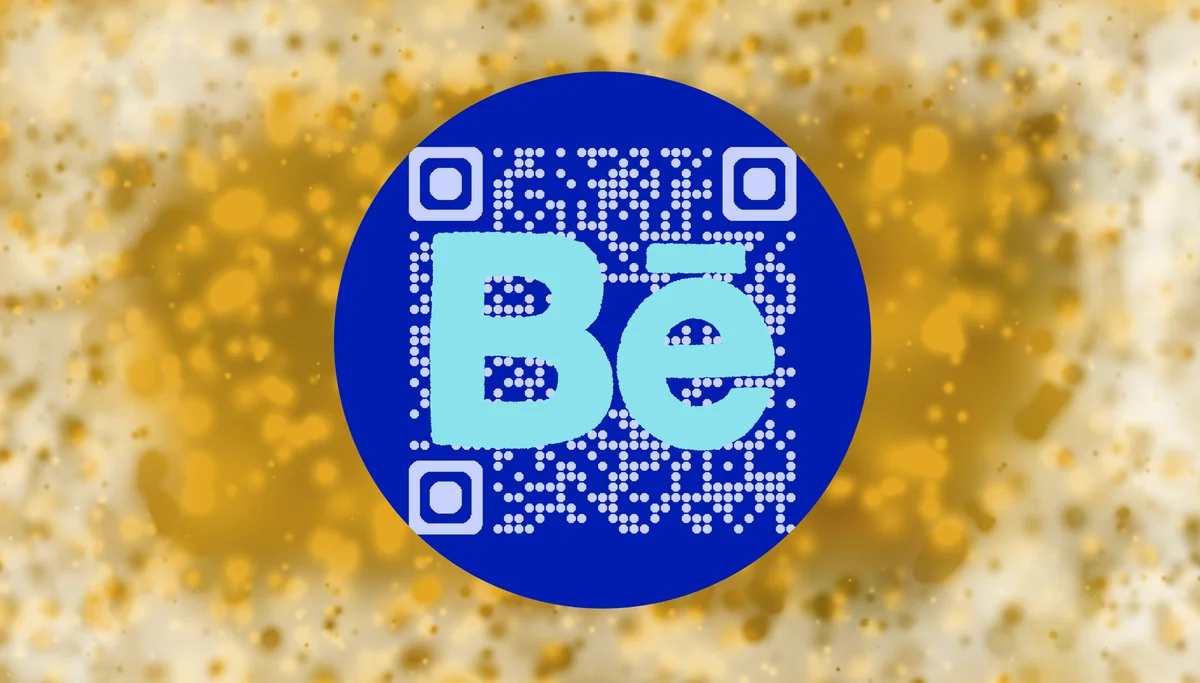
A Behance QR code transforms any physical touchpoint into a direct gateway to your creative portfolio. When someone scans your code, they're taken straight to your Behance profile, specific project, or curated collection where they can see your work in full detail, read your process descriptions, and connect with you professionally.
Whether you're a freelance designer, photographer, or creative agency, these codes bridge the gap between offline networking and your digital portfolio. In this guide I'll show you how to create effective Behance QR codes using QR Code Developer and share strategies that help creative professionals get more eyes on their work. So let's dive right in!
Creative ways to share your Behance portfolio with QR codes
Creative professionals use Behance QR codes to make their portfolios accessible in moments when typing URLs isn't practical. These codes work particularly well when you want to showcase QR code business cards or create memorable touchpoints at creative events.
Business cards and networking materials
Replace long URLs with scannable codes on business cards, allowing contacts to view your portfolio immediately during networking events and creative meetups.
Portfolio presentations and client meetings
Include QR codes in presentation slides or printed materials so clients can explore your full Behance portfolio while you're discussing specific projects.
Art shows and exhibition displays
Add QR codes to gallery wall labels or artist statements, letting visitors dive deeper into your creative process and see related work on your Behance profile.
Creative workspace and studio tours
Display QR codes in your studio or workspace so visitors can instantly access your portfolio and see the finished versions of works-in-progress they're viewing.
Building QR codes for your Behance profile and projects
Creating a Behance QR code takes just a few minutes and gives you a professional way to share your creative work across any medium.
Navigate to the QR code generator
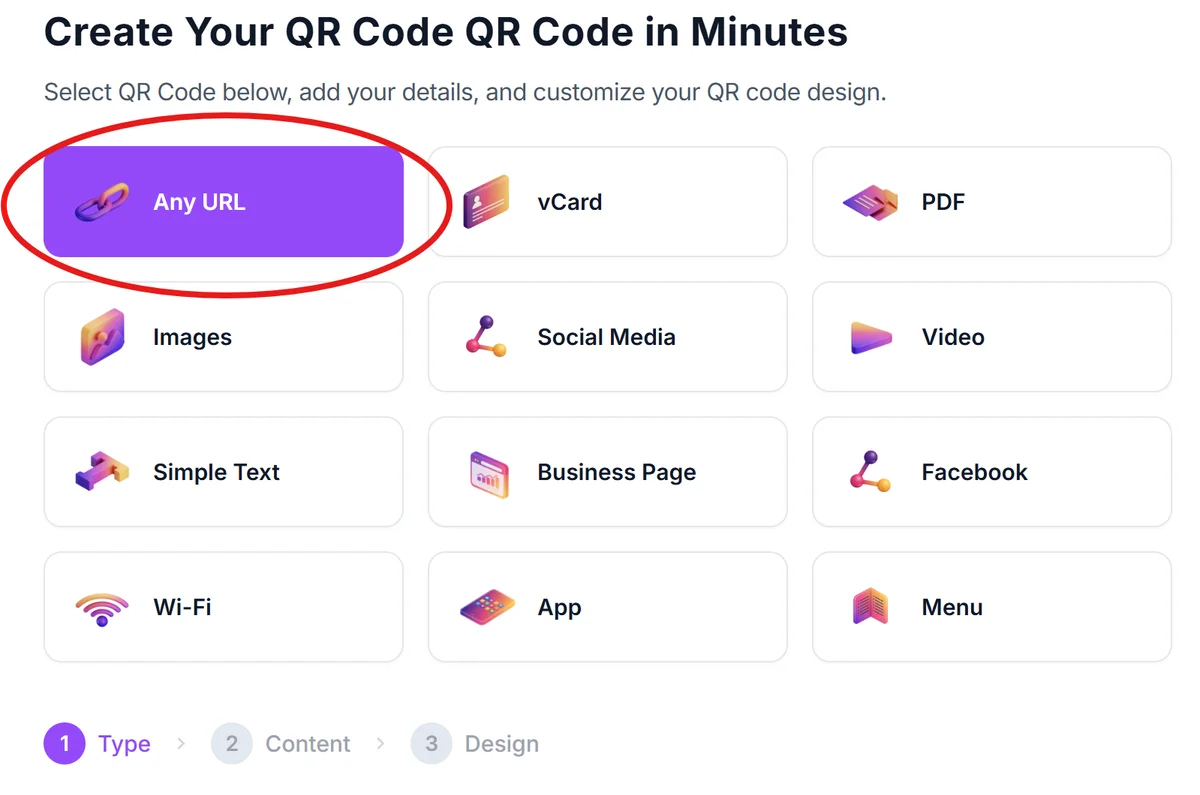
Visit qrcodeveloper.com and select 'URL' as your QR code type since you'll be linking to your Behance profile or project page.
Copy your Behance portfolio URL
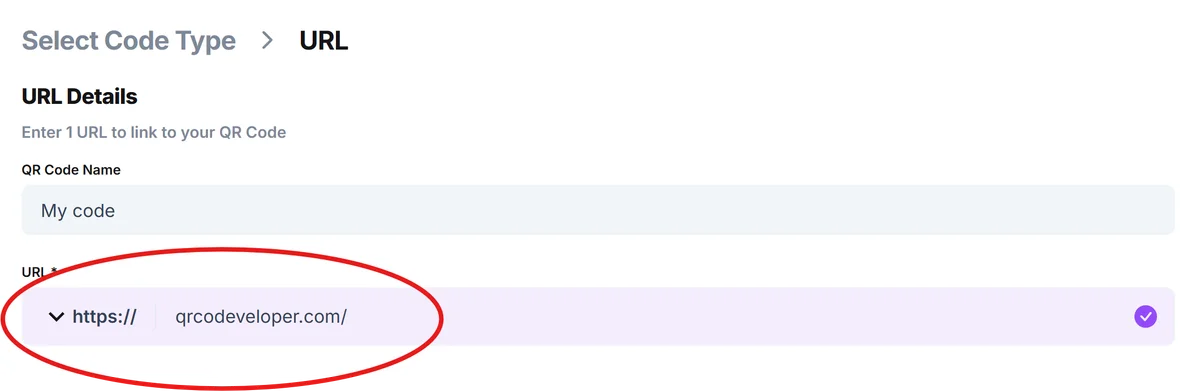
Go to your Behance profile and copy the full URL. You can link to your main portfolio (behance.net/yourname) or to a specific project page for targeted sharing. Paste this link in the URL bar.
Customize your QR code design
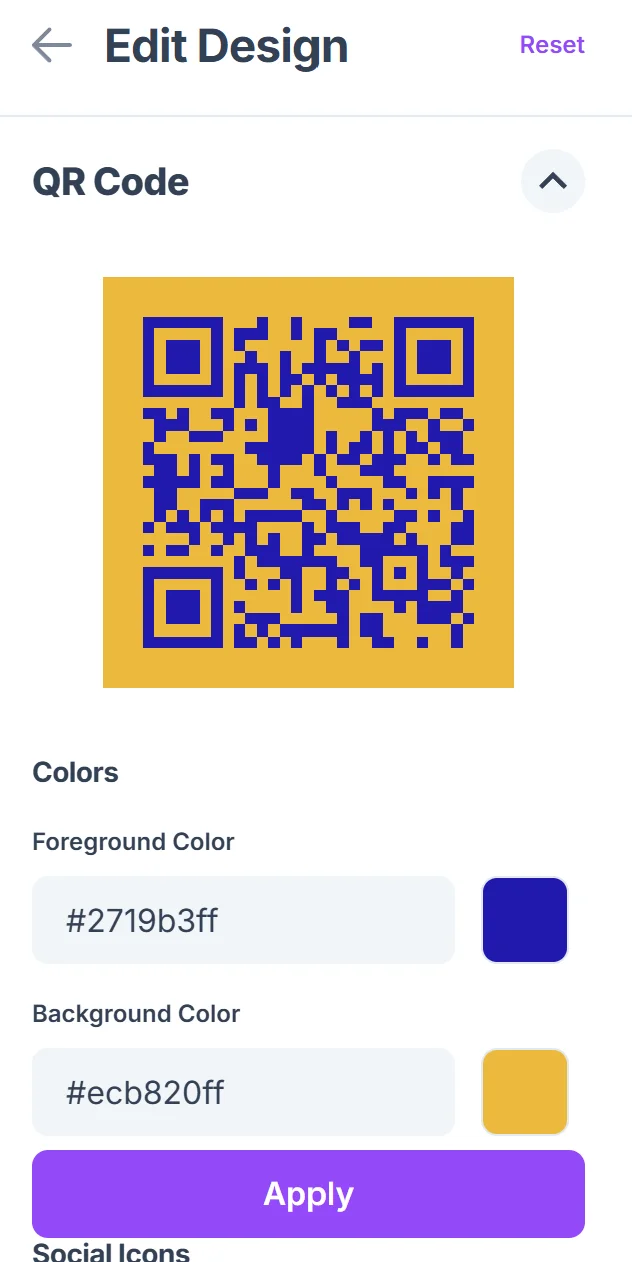
Click on the pencil icon in the Preview window to further customize your code. Choose colors that match your brand or the project you're promoting. Consider using your brand colors or complementary colors that will stand out on your marketing materials, following QR code design best practices.

Test the code before printing
Download your QR code and test it with multiple devices to ensure it opens your Behance portfolio correctly. Check that it works on both iOS and Android devices.
Add context for your audience
Include a brief call-to-action near your QR code like 'Scan to view my portfolio' or 'See more projects' so people understand what they'll find when they scan.
Design strategies for creative portfolio QR codes
Since you're a creative professional, your QR code should reflect the same attention to design quality as your portfolio work.
Choose QR code colors that complement your brand palette while maintaining sufficient contrast for reliable scanning - dark colors on light backgrounds work best
Size your QR codes appropriately for the medium: at least 1 inch square for business cards, larger for posters or exhibition materials where people will scan from a distance
Create project-specific QR codes for different contexts - link to your main portfolio for general networking, but create codes for specific projects when presenting targeted work
Update your QR codes if you reorganize your Behance profile or want to highlight different projects, and keep a record of where you've distributed each code for easy updates
Frequently Asked Questions
Can I create QR codes for specific Behance projects instead of my main profile?
Yes, you can create QR codes for individual project pages on Behance. Just copy the URL of the specific project and use that when generating your QR code.
Will my QR code still work if I update my Behance portfolio?
As long as your profile URL stays the same, your QR code will continue working even when you add new projects or update existing ones. The code links to your live portfolio.
What's the best way to include QR codes on creative business cards?
Place the QR code on the back of your business card with a clear call-to-action. Make sure it's large enough to scan easily - at least 1 inch square works well for most business card formats.
Do QR codes work well at art shows and creative events?
QR codes are excellent for creative events because they let people explore your full portfolio without interrupting conversations. Place them on display materials where they're easy to notice and scan.
Can I track how many people scan my Behance QR code?
Basic QR codes don't provide scan tracking, but you can use URL shortening services with analytics or create dynamic QR codes through paid services to track engagement with your portfolio.
Related Guides
Ready to create your QR code?
Generate custom QR codes in seconds - free and easy to use.
Create Free QR Code →