Top industries using ADA compliant QR codes

Accessible QR deployments cut confusion for visitors with disabilities, reduce staff workload answering repeat questions, and keep organizations aligned with ADA digital accessibility expectations across physical locations.
Key Takeaways
- Healthcare, education, retail, hospitality, and government are the five industries with the most mature ADA compliant QR code programs.
- Compliance depends on where the QR code leads, not the code itself — the destination page needs alt text, keyboard navigation, and screen-reader-friendly structure.
- A common mistake is placing accessible QR codes too high, too small, or in low-contrast colors, which defeats the purpose for low-vision users before they even scan.
Roughly 40% of individuals with visual impairments find QR codes beneficial for accessing information autonomously, which puts pressure on public-facing organizations to build codes that actually work with screen readers and assistive tech, not just codes that look good on a poster.
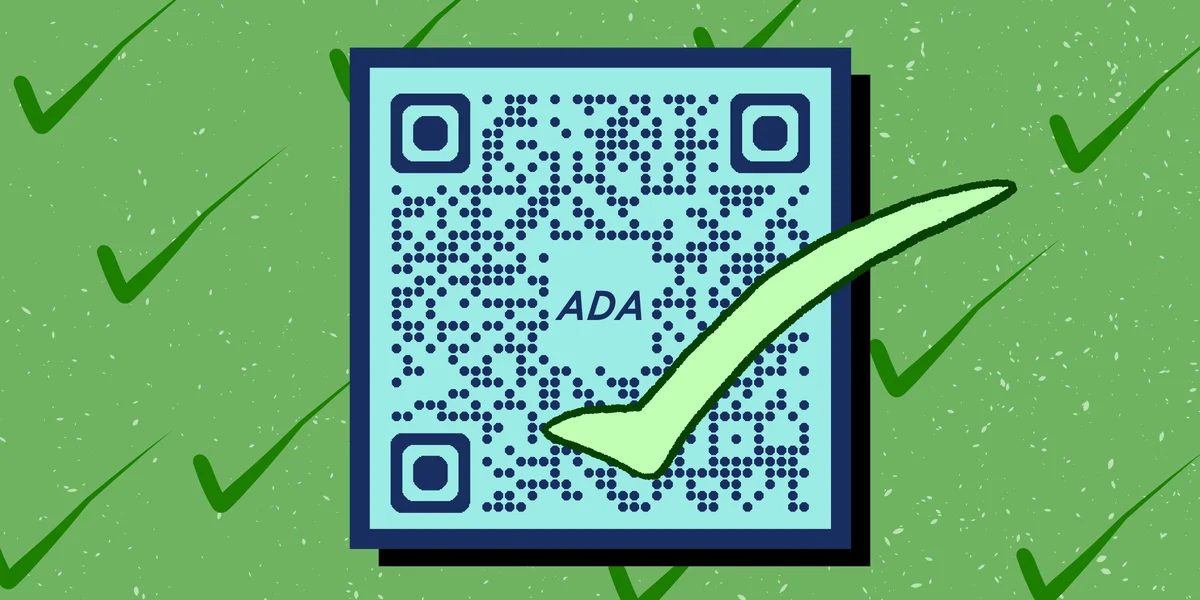
ADA compliant QR codes aren't a separate technology. They're regular QR codes paired with accessible landing pages, proper alt text, sufficient contrast, and placement that accounts for how people with mobility, vision, or cognitive differences actually navigate physical spaces. The industries that get this right tend to share a few habits: they test with real users, they link to pages built for screen readers, and they never rely on the QR code as the only way to get information.
Below is a look at which sectors are pushing this forward, what they're using QR codes for, and how you can borrow their playbook regardless of your industry.
Industries leading the way
Some sectors face more legal exposure or public accountability around accessibility, which explains why they've moved fastest on ADA compliant QR codes. Others have simply found that accessible design improves the experience for every visitor, not just those with disabilities.
Healthcare
Hospitals and clinics use QR codes at check-in kiosks, exam rooms, and pharmacy counters to link patients to accessible intake forms, medication instructions, and interpreter services. Because patients often arrive with temporary or permanent disabilities, healthcare providers tend to pair codes with large-print signage and audio descriptions on the linked page, reducing dependence on staff for basic navigation.
Education
Schools and universities have moved quickly here — nearly 70% of educational institutions have adopted QR codes to enhance accessibility and communication with students requiring additional support, according to EdTech Magazine. Campuses use codes on classroom doors, library shelves, and building directories to link to captioned videos, text transcripts, and campus accessibility maps.
Retail and hospitality
Stores and hotels use QR codes for accessible menus, product information, and self-guided checkout, similar to how restaurants already use QR code menus to speed up service. Hotels also apply this to check-in processes, giving guests with hearing or speech difficulties a way to complete registration without relying on a verbal exchange at the front desk, echoing the approach covered in our guide to check-in QR codes for hotels.
Government and public transit
Transit agencies and municipal buildings use QR codes on signage, ticket machines, and accessible parking placards to connect riders with real-time schedules, route changes, and complaint filing tools formatted for screen readers. This matters because public infrastructure carries some of the strictest ADA obligations, and digital signage failures draw legal scrutiny faster than in other sectors.
Museums and cultural venues
Galleries and museums were early adopters of QR-based accessibility, using codes next to exhibits to offer audio guides, tactile description scripts, and sign-language video links. This builds on the broader trend covered in our piece on QR codes and museums, where visitor engagement and accessibility goals often overlap.
Tips for building ADA compliant QR codes
Getting the code right is only half the job. The other half is making sure everything downstream actually serves people using assistive technology.
Link to pages with proper heading structure and alt text rather than image-heavy PDFs — see our guide on how to turn a PDF into a QR code for context — since screen readers struggle with scanned documents more than live HTML.
Print codes at a minimum of 1 inch square with strong contrast (dark code on light background) so low-vision users relying on device zoom can still scan reliably.
Add a short audio or text description near the code explaining what it links to, since some assistive tech users prefer to know the destination before scanning.
Test every accessible QR landing page with an actual screen reader like VoiceOver or NVDA before launch, not just a visual browser check, and review our broader guide to checking if a QR code is safe as part of your testing process.
Choose a free QR code generator that supports dynamic links, so you can update the destination page without reprinting signage if accessibility standards change.
Frequently Asked Questions
What makes a QR code "ADA compliant"?
The code itself is just a pattern of black and white squares — compliance comes from the destination page and physical placement. That means the linked content needs alt text, readable contrast, keyboard navigation, and compatibility with screen readers, plus the printed code needs to be large enough and positioned where someone using a wheelchair or magnifier can reach and scan it.
Which industries face the most legal risk for inaccessible QR codes?
Government agencies, healthcare providers, and educational institutions carry the highest exposure because they're bound by both ADA Title II/III requirements and, in many cases, Section 508 standards for digital content. Retail and hospitality face fewer mandates but growing customer expectations and occasional lawsuits tied to inaccessible digital menus or check-in systems.
Do QR codes help or hurt accessibility compared to traditional signage?
They can go either way. A well-built QR code that links to an accessible, screen-reader-friendly page gives users more control than static signage. A poorly built one — small, low contrast, or linking to an inaccessible PDF — creates a barrier that didn't exist before. The technology itself is neutral; execution decides the outcome.
Can a QR code replace other accessibility accommodations entirely?
No. QR codes should supplement existing accommodations like braille signage, staff assistance, and audio announcements, not replace them. Relying on a single digital pathway excludes people without smartphones or reliable data access, so most compliant deployments keep alternative options available alongside the code.
Related Guides
Ready to create your QR code?
Generate custom QR codes in seconds - free and easy to use.
Create Free QR Code →