QR-Cade! How to use QR codes in Arcades

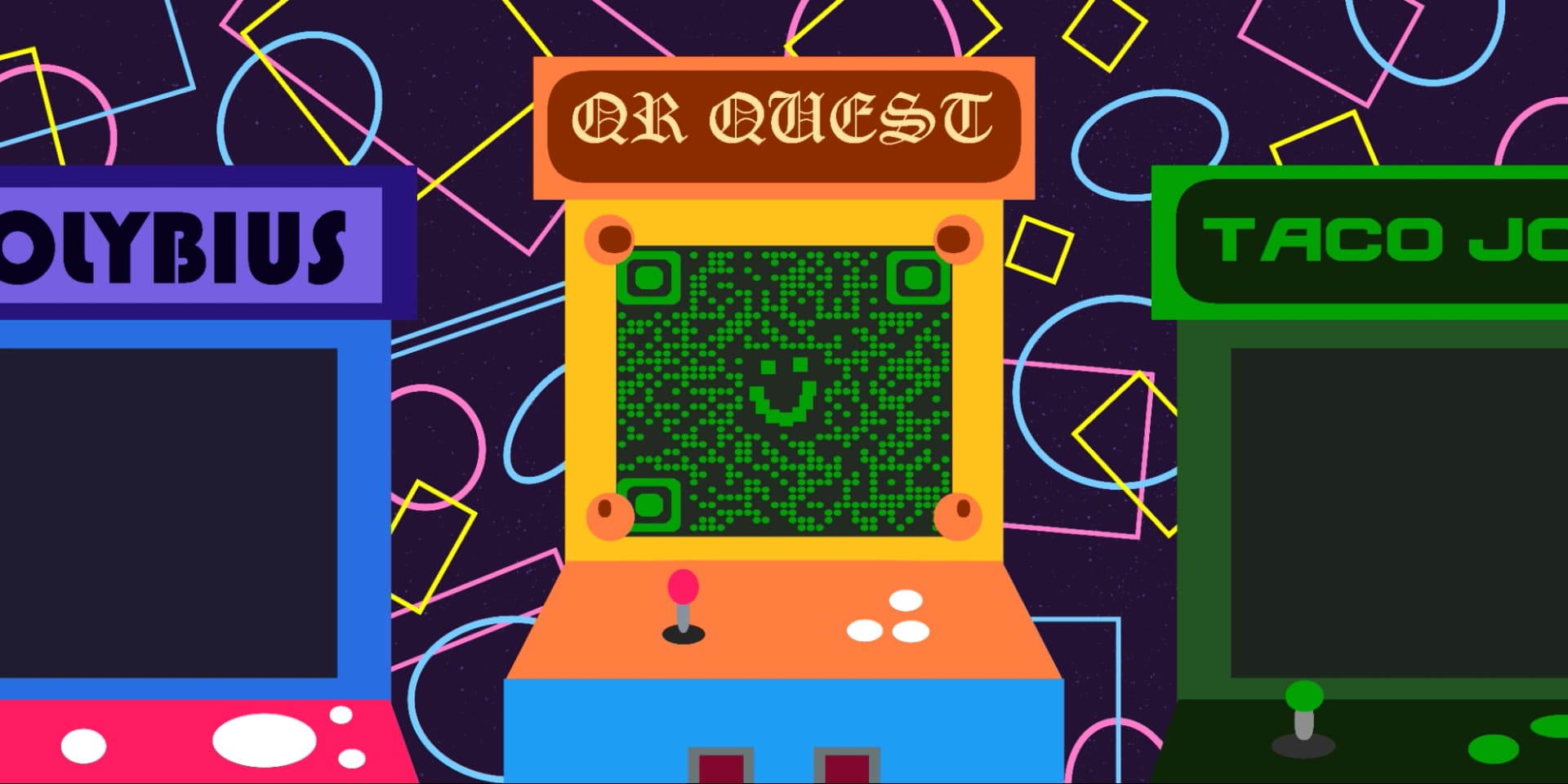
The glow of the screens, the hum from the cabinets, the bright rays cast by neon signs that fell upon a uniquely patterned carpet. Whether it be the old local mom and pop run place from the 80s or the family fun center of today, arcades truly offer an experience unlike any you can get elsewhere.
However, the market has changed over the years. With more and more video game experiences available via home consoles and mobile devices, arcade owners have needed to adapt with the times and modernize their locations to serve a new audience.
One way owners can provide new experiences and convenience to their locations is through the use of QR codes. In this piece I will go through the many ways arcades can and have used QR codes in order to improve the guest experience. Make sure you have plenty of quarters and a place to keep your tickets, and let’s get started!
What are QR codes?
QR codes are coded images that can be scanned by a variety of devices, such as phones and tablets, in order to access content, information, images, or most commonly, URL links. These codes appear as square blocks with smaller squares inside that make up their code.
QR codes work similarly to traditional barcodes, like the ones you see on store products, though they store far more information. While these codes were originally invented to keep track of automotive parts being shipped overseas, they are used now everywhere as a simple and easy way to distribute and access content.
How arcades have changed
Contrary to popular belief, arcades are far from dead. They have merely evolved into family fun centers, bar-arcade combos, and indoor entertainment facilities. While you can still find classics like Pac Man, Donkey Kong, Polybius, and Space Invaders in modern arcades, you can also find new experiences similar to what you would find at a theme park, like mini golf, laser tag, go karts, VR booths, and more.
Chains like Round 1 Entertainment, Main Event, and Dave and Busters are prime examples of the modern arcade, though smaller independently run businesses are also prevalent, mainly bars that also offer arcade games and pinball machines.How to use QR codes in arcades
How you use QR codes in an arcade really depends on the type of services you provide at your location. Using a code for easy access to wifi is always a good idea, since it doesn’t require the customer to remember or type in a long password. If your location also offers food and drinks, you could use a code to access the menu or order ahead.
Other ways you can use QR codes in arcades include:
- Official website
- Social media
- Events and booking
- Game library
- Reviews and feedback
- Check in for certain activities
- Prize offerings
- Schedule
And more!
General tips
- Know your audience: If you’re certain that most of your patrons don’t know how to use QR codes or just don’t like them, then don’t use them. Most arcade and family center attendees skew younger, about 10-40 years old, so most should be familiar with the idea of QR codes.
- Keep instructions clear: Provide clear instructions on how to use and scan QR codes as well as where the codes will redirect to.
- Place codes on a flat surface: To make sure that codes are still scannable, only put them on flat surfaces, like walls, tables, posters, or fliers.
- Use high contrast: If using custom colors on a code, make sure that the colors are distinct enough from each other to be read as a QR code.
- Make sure codes are visible: Don’t place codes where patrons are unlikely to see them. If your location is dimly lit, make sure codes are still visible via high contrast or an external light source.
- Only use codes when necessary: If an alternative exists that’s easier for all parties involved, use that.
- Test on multiple devices:
Monitoring code usage
With the tools available on QR Code Developer, as well as other code generators, you can monitor the usage of any code you create. This can include how many times a code has been scanned, where it has been scanned, on what device, using what browser, and more. With these tools, you can figure out which codes are reaching the most people and where to focus any advertising efforts.
With QRCodeveloper you can monitor:
- Number of scans
- Number of scans by operating system
- Scans by browser
- Scans by country
- Scans by city
- Scans by language
- Unique scans
Conclusion
Since their inception, arcades have been home to unique experiences and unforgettable memories that span generations. While the video gaming industry has changed, with more focus being put on home console and mobile gaming, arcades are still prevalent and run by those who know how to adapt a business with the times.
By adding QR codes to the arcade experience, you can offer a convenience factor unheard of in the days of Pole Position and Tempest. With QR Code Developer, you can even make codes yourself to use on for a variety of purposes in an arcade or family fun center. Get started for free today and see just how easy it is!
Ready to create your QR code?
Generate custom QR codes in seconds - free and easy to use.
Create Free QR Code →